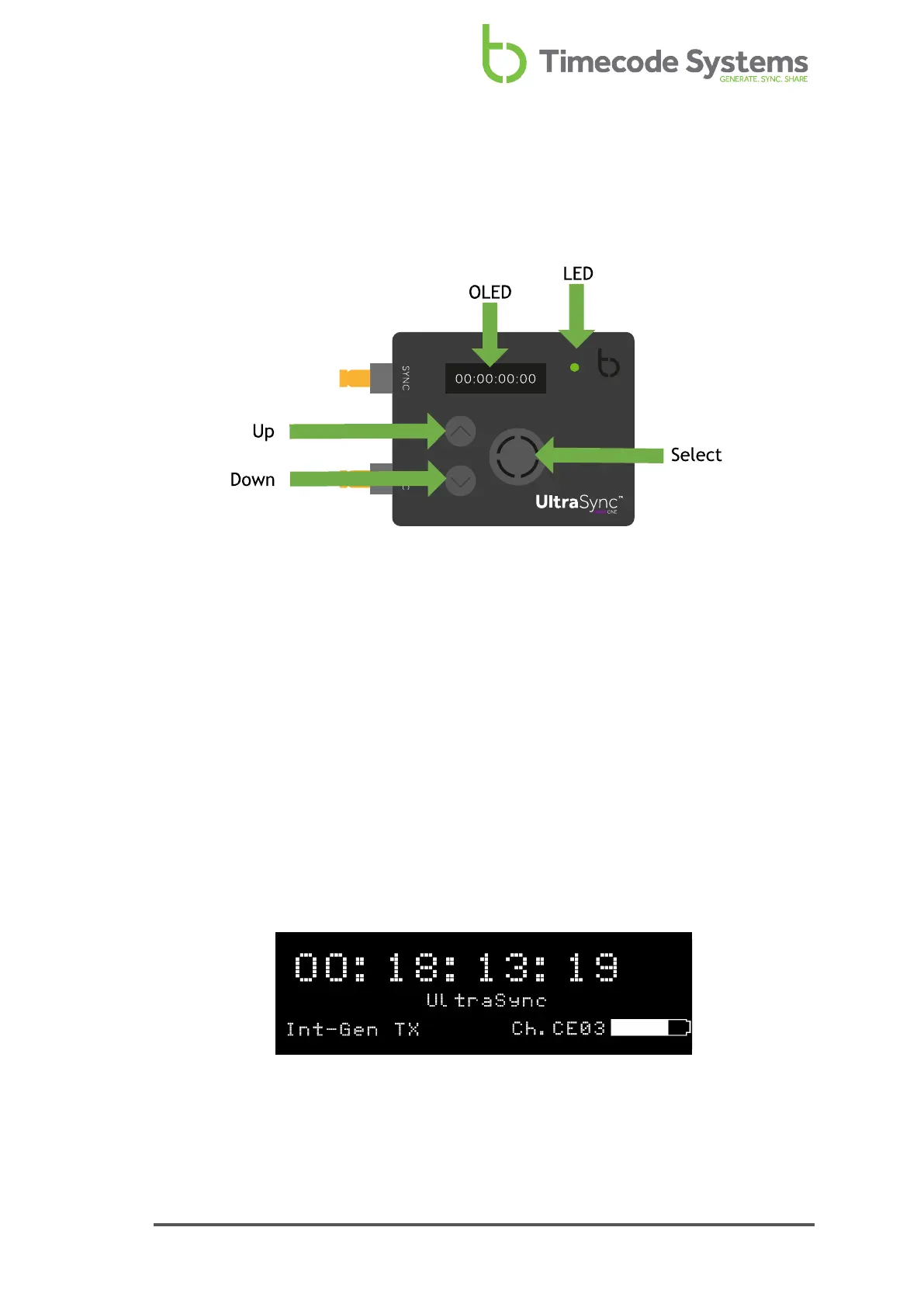
Display and Controls
Your UltraSync ONE is easy to set up and use. It has a simple menu system for
applying the device's settings.
l OLED (see page 13)
l Status Indicator LED (see page 14)
l Up and Down (see page 15)
l Select (see page 15)
To learn about connecting other devices to your UltraSync ONE, see Ports on page
16.
OLED
When you switch on your UltraSync ONE, the OLED lights up and presents you with
status information. The OLED is also where you will get to see messages, other
status information, and the menus and options you will use to set up your UltraSync
ONE.
To learn about the various status displays, including the 'Main' screen shown above,
see Main Screen on page 86.
UltraSync ONE User Guide 13



 To Next Page