Master TX
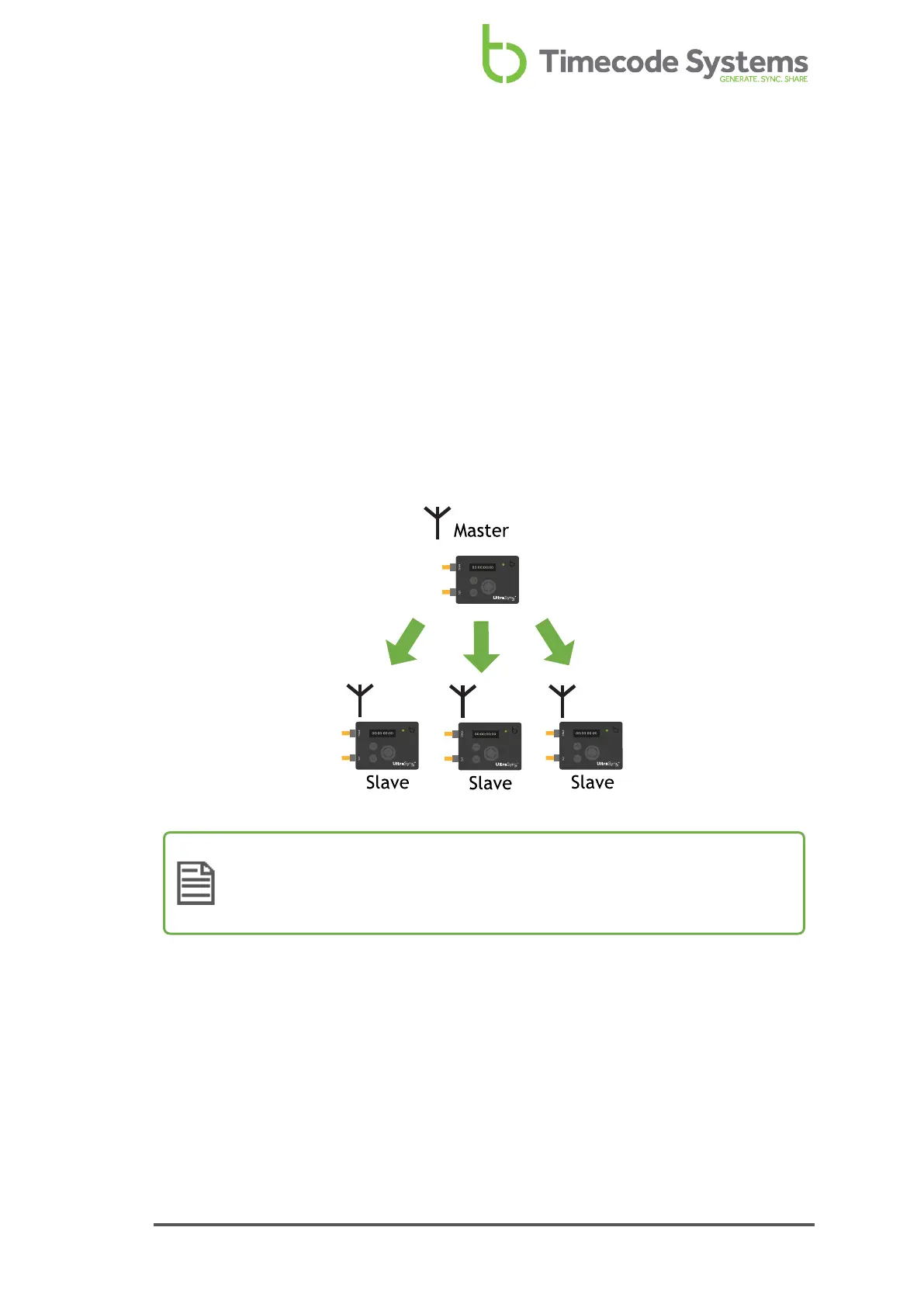
You can set your UltraSync ONE to run in Master TX mode, where it acts as a master
in an What is an RF Network? (see page 29). You should use the Master TX mode if:
l You want to use your UltraSync ONE independently. Your UltraSync ONE will
provide timecode to a connected device, but will not synchronise with other
Timecode Systems products.
l You have multiple Timecode Systems devices and you want them to
synchronise with an UltraSync ONE.
As the master, your UltraSync ONE will send its timecode, frames-per-second, and
user bits to all of the slave devices (that are in range and communicating on the
same RF channel).
Note: If you want your UltraSync ONE to receive timecode from a device
that is connected to the LTC port, use EXT LTC Input mode instead (see
EXT LTC Input on page 36).
UltraSync ONE User Guide 33



 To Next Page