Remote Settings using BLINK Hub
Did you know that you can change some of your UltraSync ONE's settings remotely,
via a tablet, smartphone, or desktop computer? All you need is:
l A Timecode Systems :pulse or :wave as the master in your network
l The free BLINK Hub application.
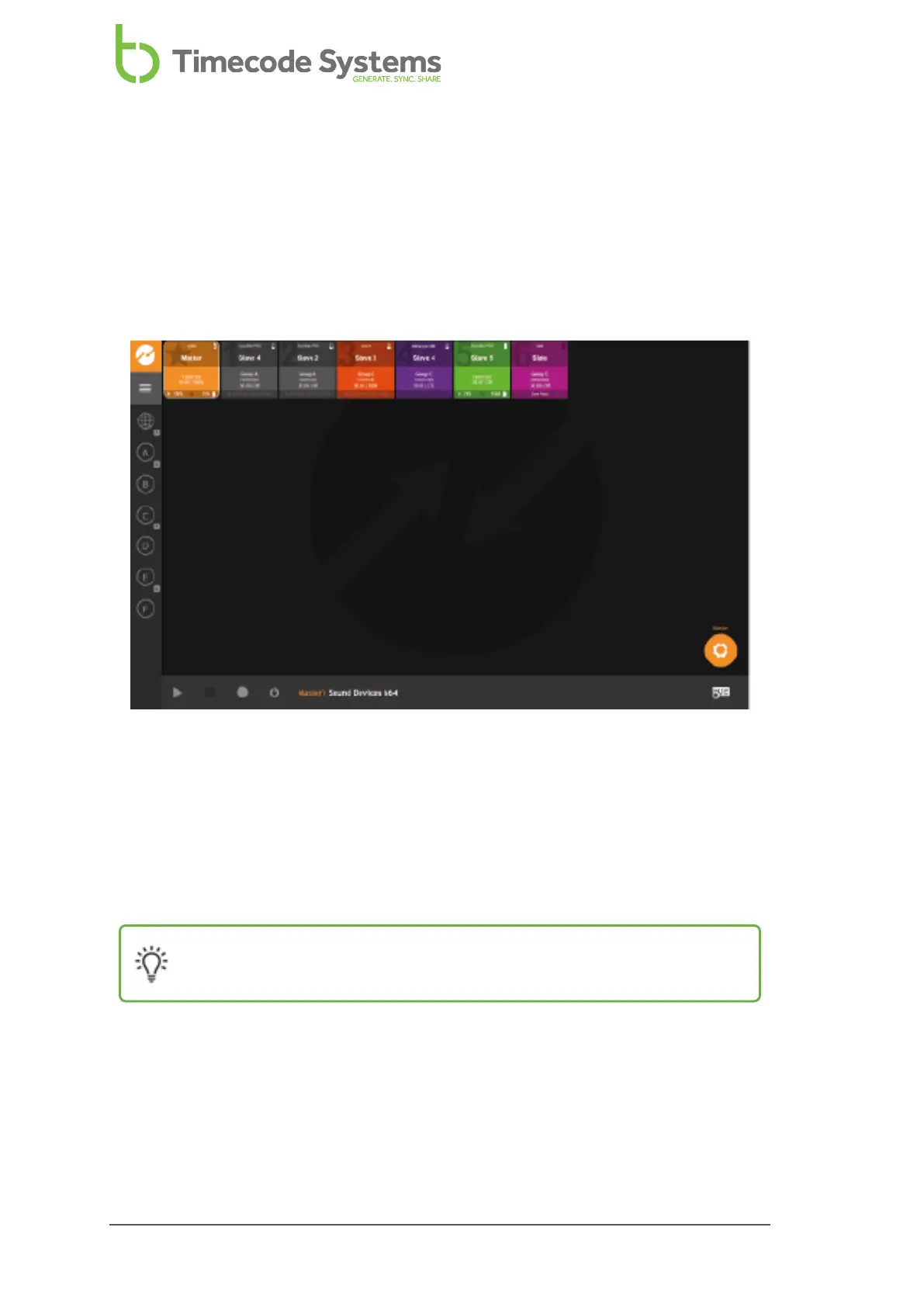
In BLINK Hub, each device in the BLINK network, including your UltraSync ONE, has
its own status panel, which provides information about the device.
You can also use BLINK Hub to change some of the UltraSync ONE settings, including:
l Name
l User bits
l Brightness.
Tip: Visit www.timecodesystems.com or contact your local stockist for
more information on :pulse and :wave mini base stations.
94 UltraSync ONE User Guide



 To Next Page