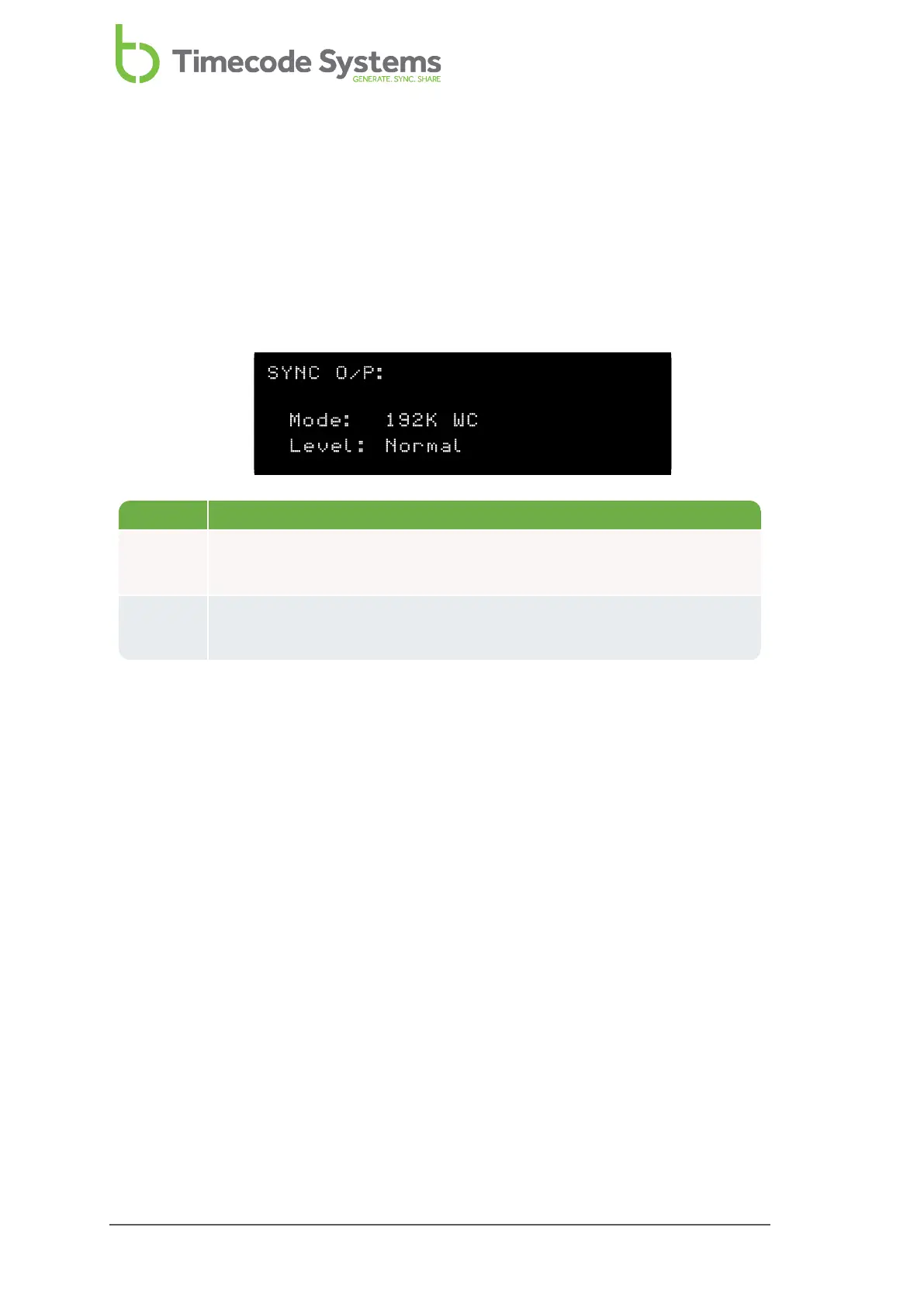
SYNC Output Status
You can use the SYNC O/P status screen to see what mode and level your UltraSync
ONE is using for the SYNC output port.
1. Display the Main Screen on page 86.
2. Use the Up and Down buttons to scroll to the screen that shows SYNC O/P at
the top.
Status Description
Mode The type of signal that your UltraSync ONE is currently set to output
via the SYNC port (see Set the SYNC Output on page 76
Level The voltage level of the SYNC output (see Set the SYNC Output on
page 76).
90 UltraSync ONE User Guide



 To Next Page