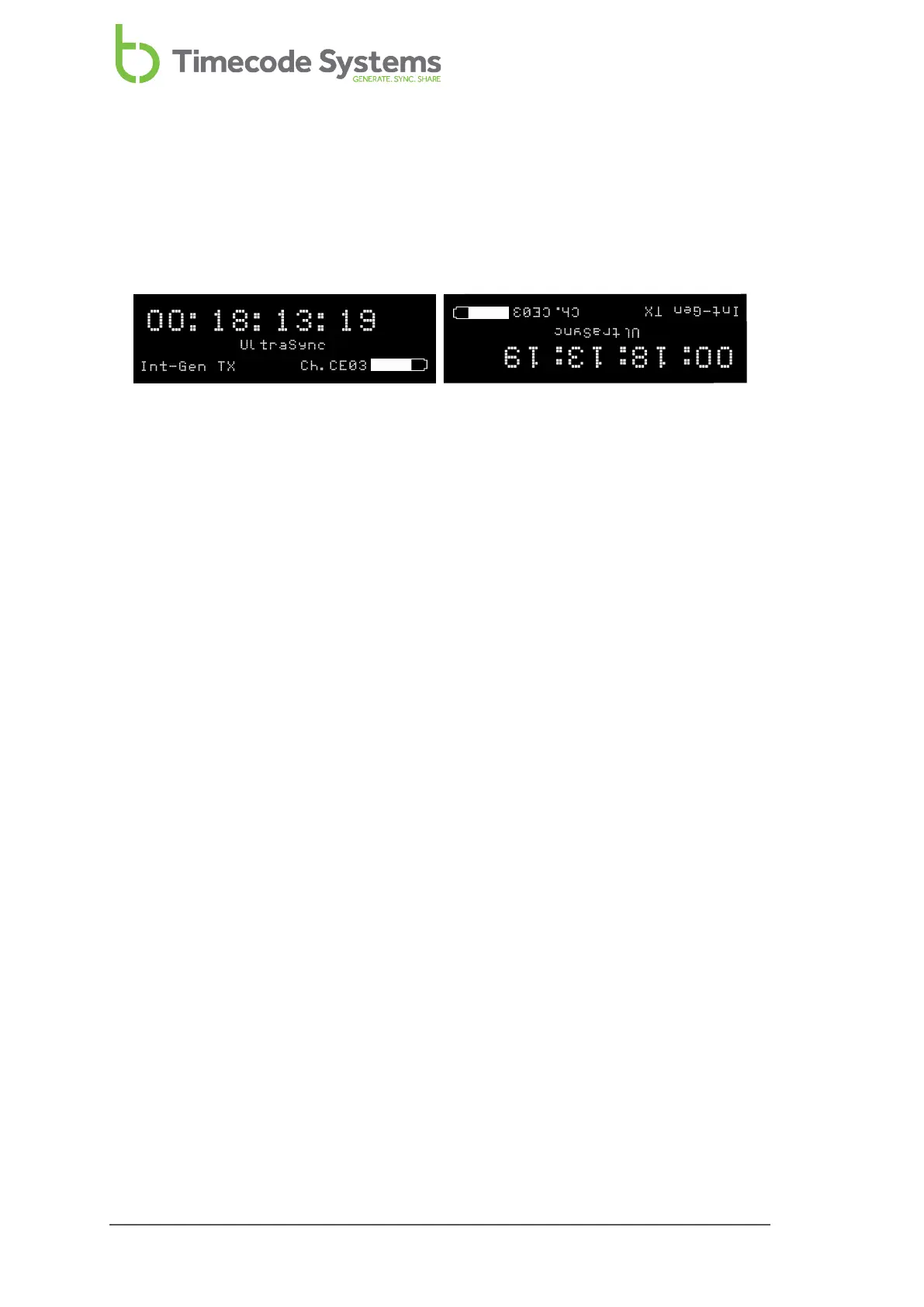
Flip the Display
In some situations, you may need to mount the UltraSync ONE so that it hangs
upside-down. To make it easier to look at the UltraSync ONE display, you can set
the screen to flip by 180°.
To flip the display:
1. Make sure your UltraSync ONE is switched on (see Switch UltraSync ONE On
and Off on page 11).
2. Press the Select button.
3. Use the Up and Down buttons to scroll to Display Settings.
4. Press the Select button.
5. Use the Up and Down buttons to scroll to the Flip Display option.
6. Press the Select button to confirm.
7. Repeat steps 2-6 inclusive to rotate the screen display to its previous
orientation.
82 UltraSync ONE User Guide



 To Next Page