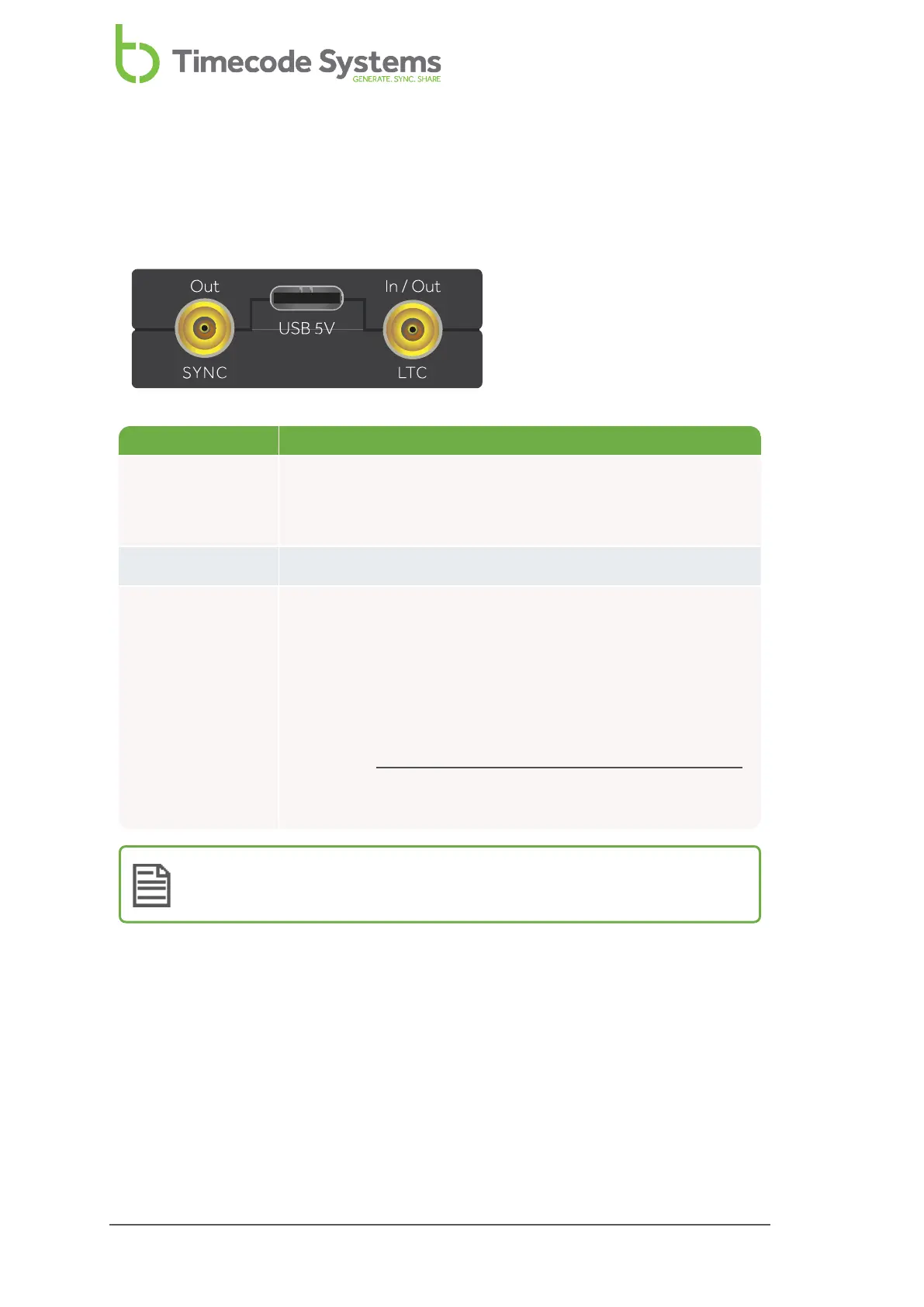
Ports
Your UltraSync ONE has three ports, which you can use to connect to an external
device (LTC or SYNC output) and a USB-C charger.
Port Description
SYNC Use to output genlock to a camera, word clock to a sound
mixer/recorder, or Linear Time Code (LTC) to any
compatible device.
LTC Use to send or receive Linear Time Code (LTC).
USB-C Use to charge your UltraSync ONE, by connecting it to a
power source. For more details, see
Charging your UltraSync ONE on page 18.
You can also use the USB-C port to connect to a computer for
downloading updates.
Please visit www.timecodesystems.com/support/firmware
for instructions on how to update the firmware of your
UltraSync ONE.
Note: For best operation and access to the latest features, keep your
UltraSync ONE up-to-date with the latest firmware.
16 UltraSync ONE User Guide



 To Next Page