Charging your UltraSync ONE
UltraSync ONE has a built-in battery and it should provide a minimum of 25 hours
life from a single charge. We calculated the 25 hour life based on your UltraSync
ONE being used with RF, genlock/word clock, and the OLED screen all being used at
full capacity. You can make the battery charge last even longer by not using these
features or by dimming the OLED brightness.
Note: Battery life may be reduced if your UltraSync ONE is used in
extreme temperatures. Very hot and very cold conditions can affect
battery performance.
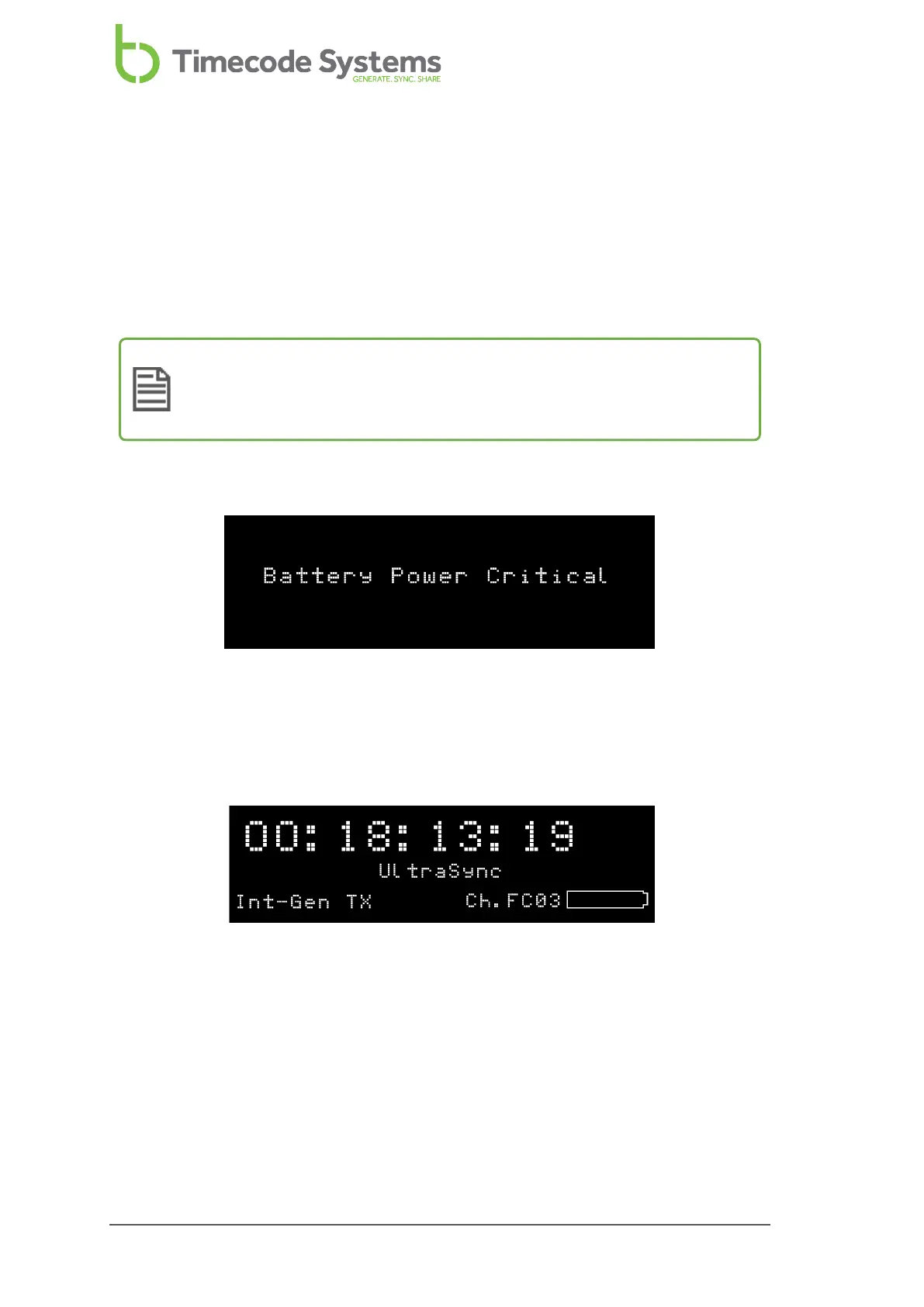
If the battery in your UltraSync ONE is running out of power, the LED flashes red and
the following message is displayed on screen:
The low battery power is also indicated on the battery icon in the bottom-right of
the main screen, next to the channel number. The amount of white in the inner of
the battery icon represents the amount of charge left in the battery. In the image
below, the inner of the battery icon is black, which means there is very little power
left in the battery.
It is also shown on the battery status screen (see Power and Battery Status on page
88).
To recharge the battery, you will need the USB-C to USB cable that is supplied with
your UltraSync ONE and a compatible charger socket (not supplied). Connect the
USB-C to USB cable to the power source and to the USB-C port on the left-hand
edge of the UltraSync ONE (see Ports on page 16).
18 UltraSync ONE User Guide



 To Next Page