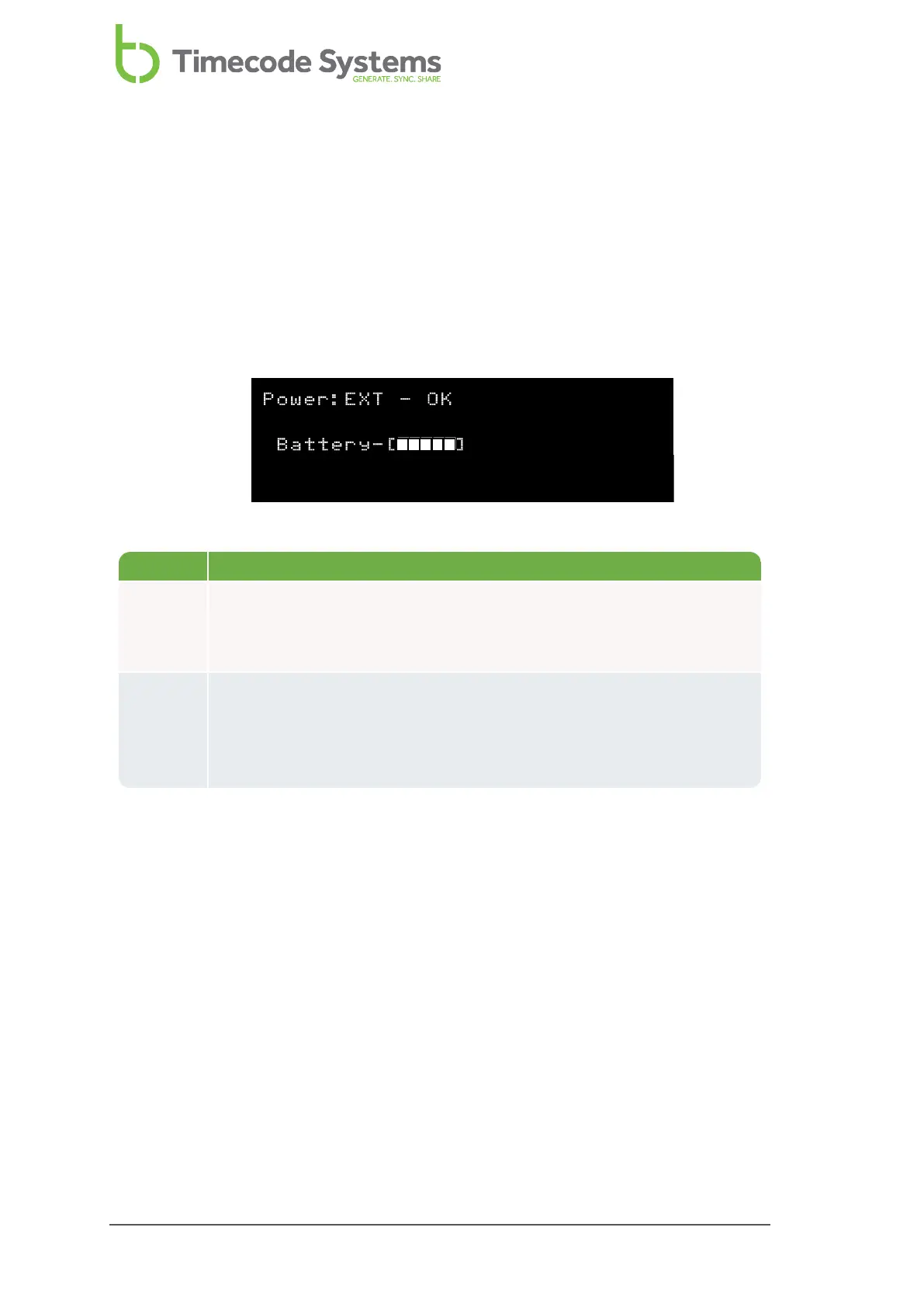
Power and Battery Status
You can view the amount of charge remaining in the battery on the Main screen or
on the dedicated Power and Battery screen. The Power and Battery screen also
provides information about any external power source, such as a mains charger.
1. Main Screen on page 86
2. Use the Up and Down buttons to scroll to the screen that shows Power at the
top.
Status Description
Power The status of any external power supply. EXT-OFF means there is no
external power supply, EXT-OK means there is an external power
supply.
Battery The battery is a five bar icon that shows an estimate of the remaining
battery charge (1 bar is low charge, 5 bar is full charge). This is based
on the UltraSync ONE's current settings, and can increase if unused
features are turned off.
88 UltraSync ONE User Guide



 To Next Page