Button Lock
In some situations, you may find that your UltraSync ONE's control buttons are
pressed accidentally, which can affect the settings. To prevent these accidental
button presses from affecting your UltraSync ONE, you can turn on the Button
Lock.
Once button lock is enabled, you cannot get into the menus unless you first
deactivate the lock.
1. Make sure your UltraSync ONE is switched on (see Switch UltraSync ONE On
and Off on page 11).
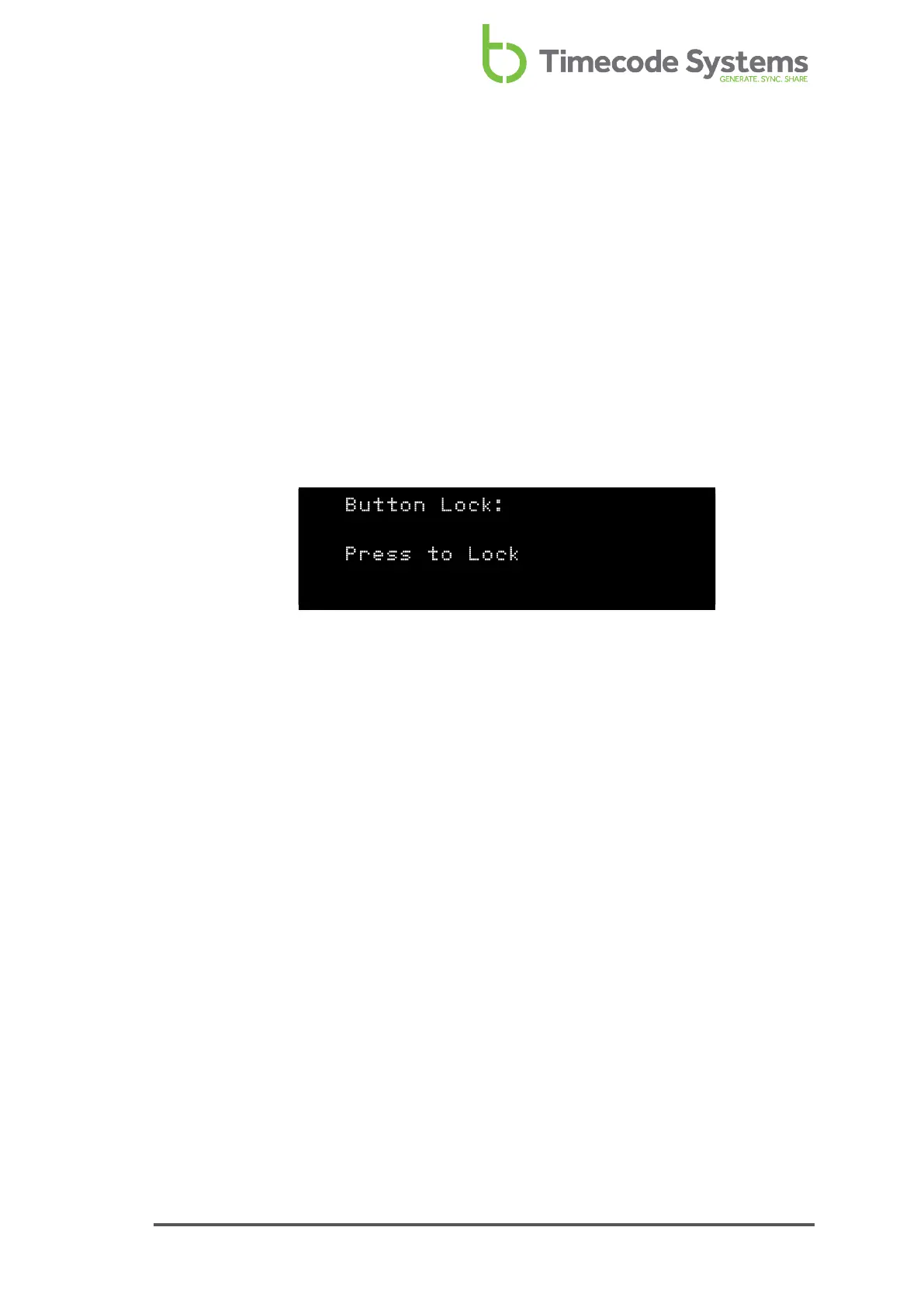
2. Use the Up and Down buttons to scroll to the screen that shows Button Lock:
at the top.
The Button Lock screen presents you with one of two messages:
l Press to Lock - This message is shown if button lock is currently
disabled. If you press the Select button, button lock is enabled.
UltraSync ONE will not allow you to access the menu options again until
the button lock has been disabled.
l Press to Un-Lock - This message is only shown if button lock is currently
enabled. If you press the Select button, button lock is disabled. You will
be able to access the menus again by pressing the Select button.
3. Press the Select button to confirm.
UltraSync ONE User Guide 83



 To Next Page