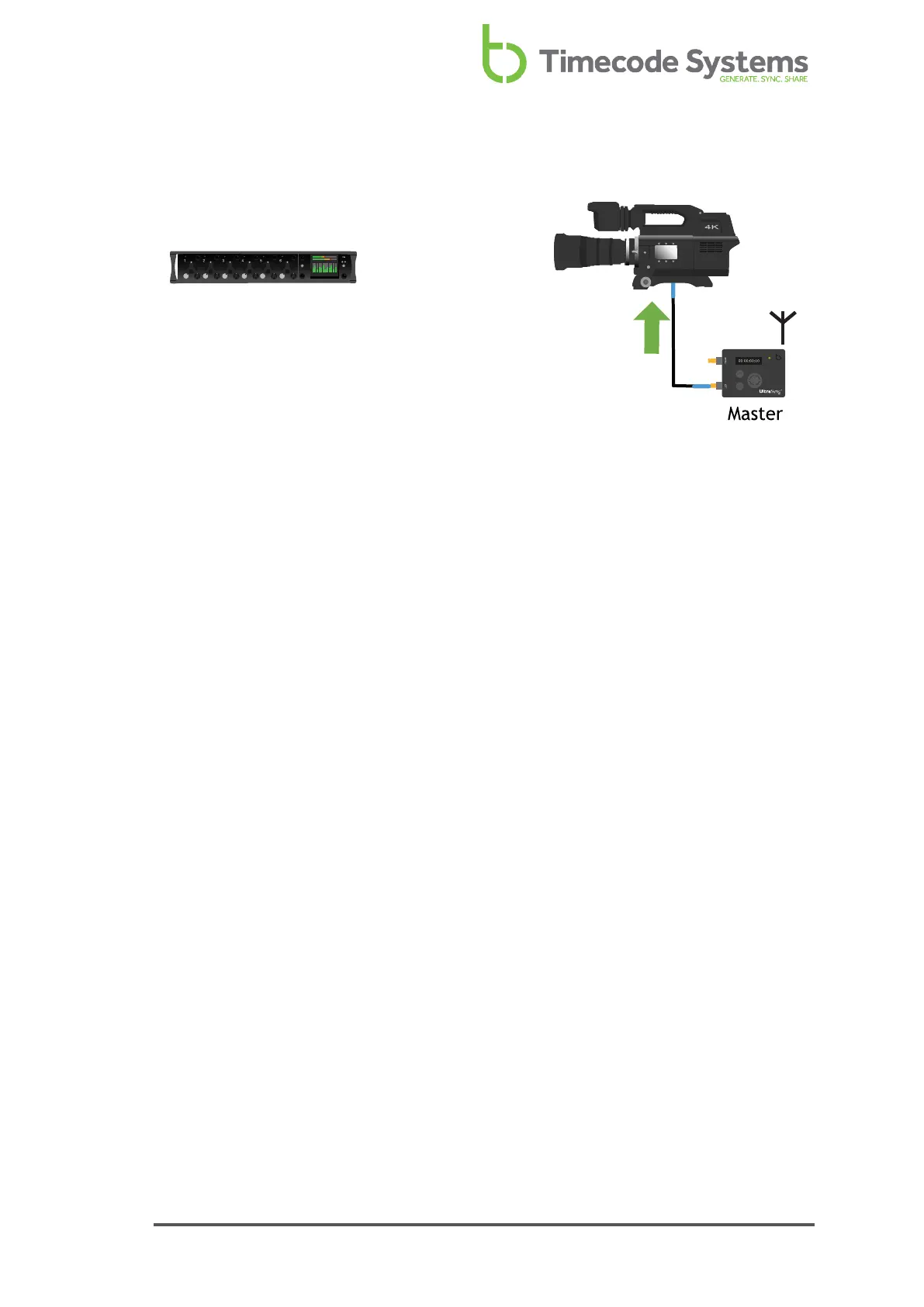
You can then use your UltraSync ONE to output the timecode to another device.
To output the timecode that originally came from the external device, you need to:
1. Connect the UltraSync ONE to the device that will receive the timecode from
your UltraSync ONE.
2. Set your UltraSync ONE to run as a Master TX. It can then output the
timecode via its LTC port or via its SYNC port (SYNC output has to be set to
LTC for this).
For more details, see Master TX UltraSync ONE - Set Up on page 1.
To learn about using the SYNC port to output timecode, word clock, or genlock, see
Set the SYNC Output on page 76.
UltraSync ONE User Guide 41



 To Next Page