5. Use the Up and Down buttons to choose from:
l Use Locally Set U/B - your UltraSync ONE will use its own user bits
settings. It will ignore the user bits settings from the master/external
source.
l Use EXT Source U/B - your UltraSync ONE will use the user bits settings
it receives from the master or external source. It will not use its own
user bits settings.
6. Press the Select button to confirm.
7. Press the Select button.
8. Use the Up and Down buttons to scroll to the TC Generator option.
9. Press the Select button.
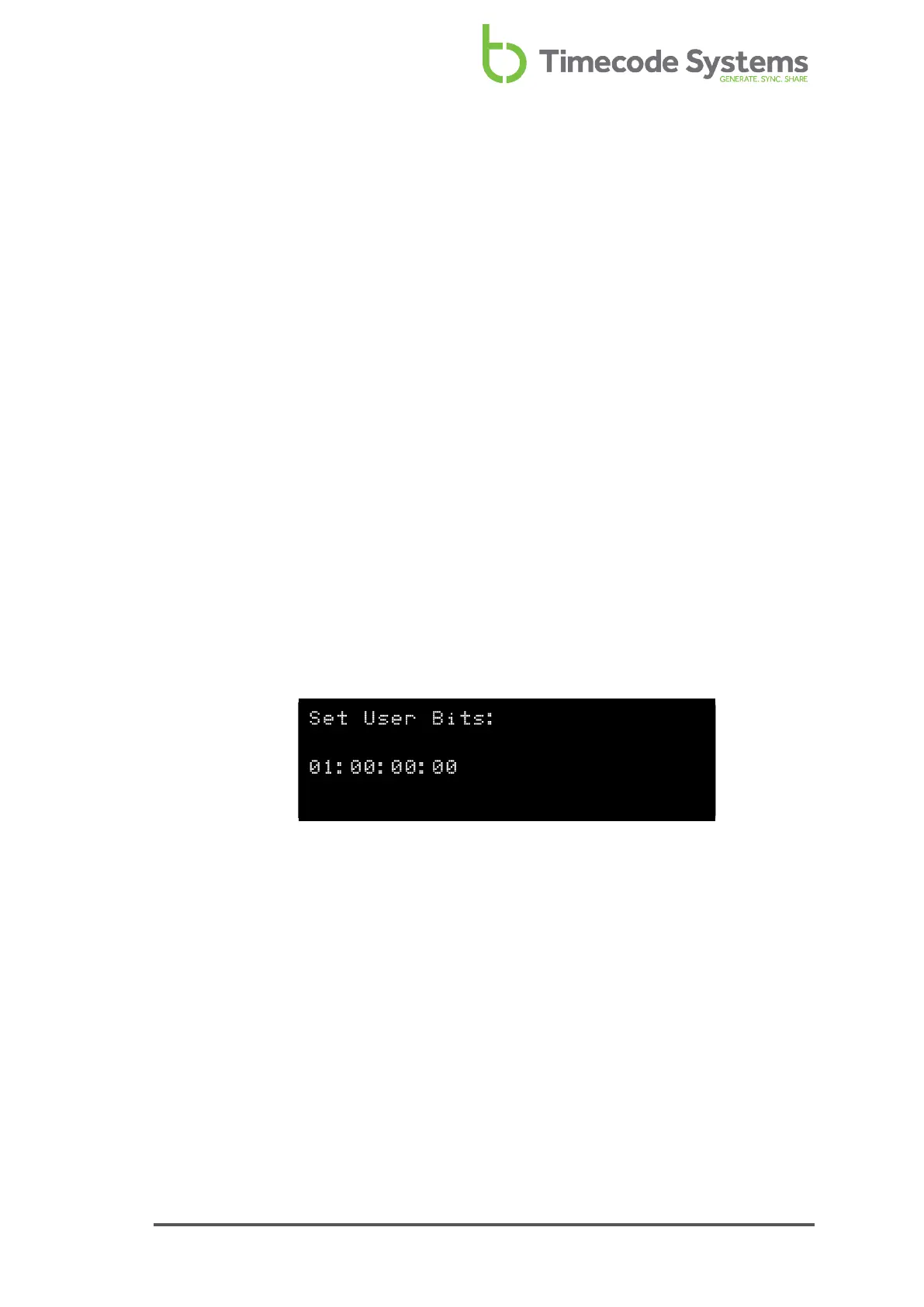
10. Use the Up and Down buttons to scroll to the Set User Bits option.
11. Press the Select button.
12. Set the metadata. You can change the pairs of characters in turn, starting
from the left. Use the Up and Down buttons to change the characters, and
press select to confirm. The next pair of characters is selected automatically,
and you can change those in the same way.
13. Press the Select button.
UltraSync ONE User Guide 75



 To Next Page