■
3-156
d) Measurement range
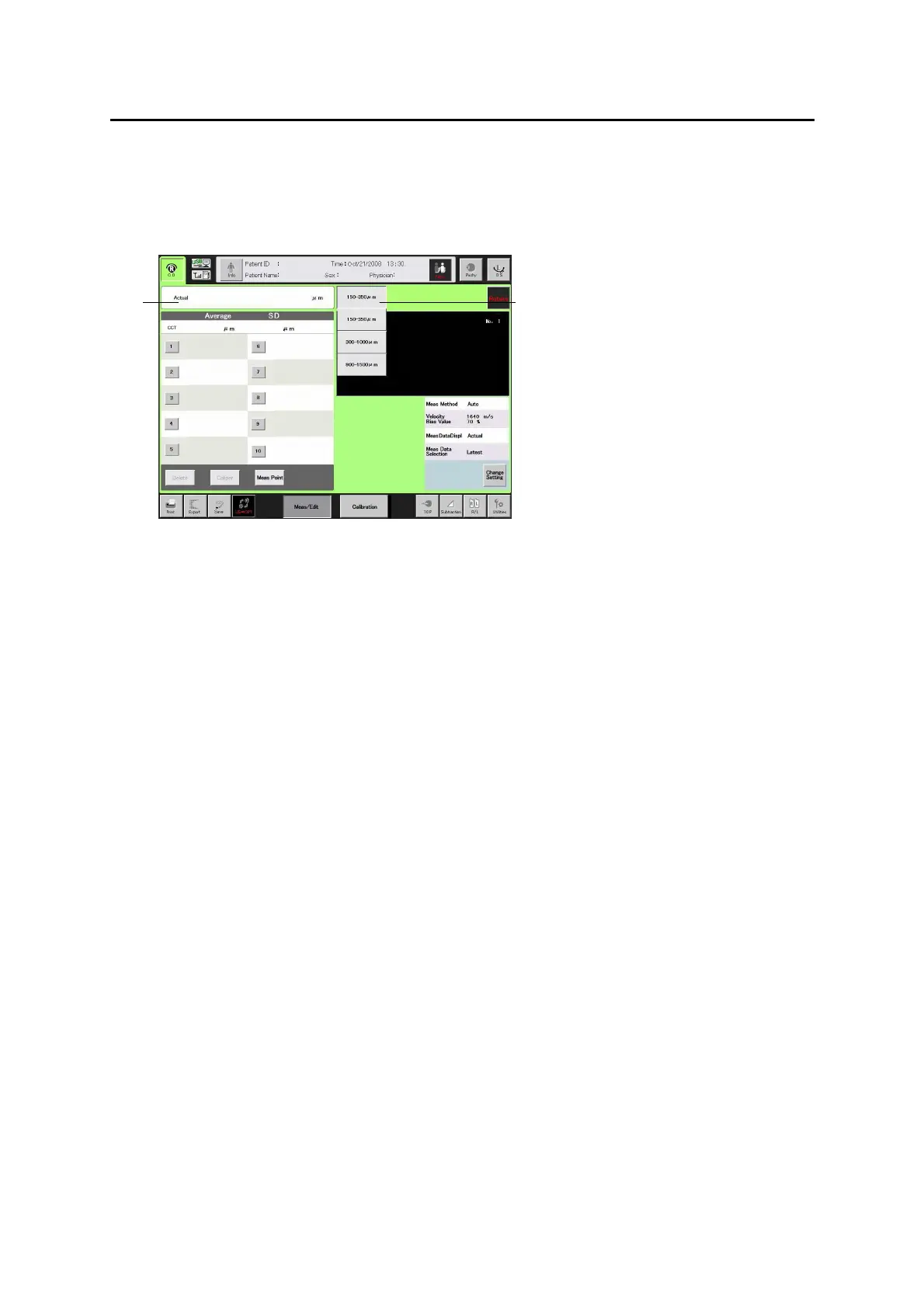
Set the measurement range according to the object to be measured.
Touch the measurement range selection (1) to display the pull-down menu.
Select the desired measurement range.
■ 150 – 350 μm
■ 300 – 1000 μm
■ 900 – 1500 μm
When a reflective echo out of the measurement range already set is
detected during measurement, it displays “Out of range” (2). In this case,
touch the measurement range selection (1) to change the measurement
range, and perform measurement again.
(Fig. 1)
(1)
(2)
3-113


 To Next Page
 Loading...







