20
<MeasDispaly>
SPEED: SLOW
OPEN: ON
SHORT: OFF
Cp-D
RANGE: AUTO
LEV: 1.000V
FRQ: 1.0kHz
FUN: Cp-D
Cs-Rs
Cp:206.335nF
D :0.00012
Cp-Rp
s
Cs-D
File
NEXT
Tools
Figure 4-2. Softkey Selection Example
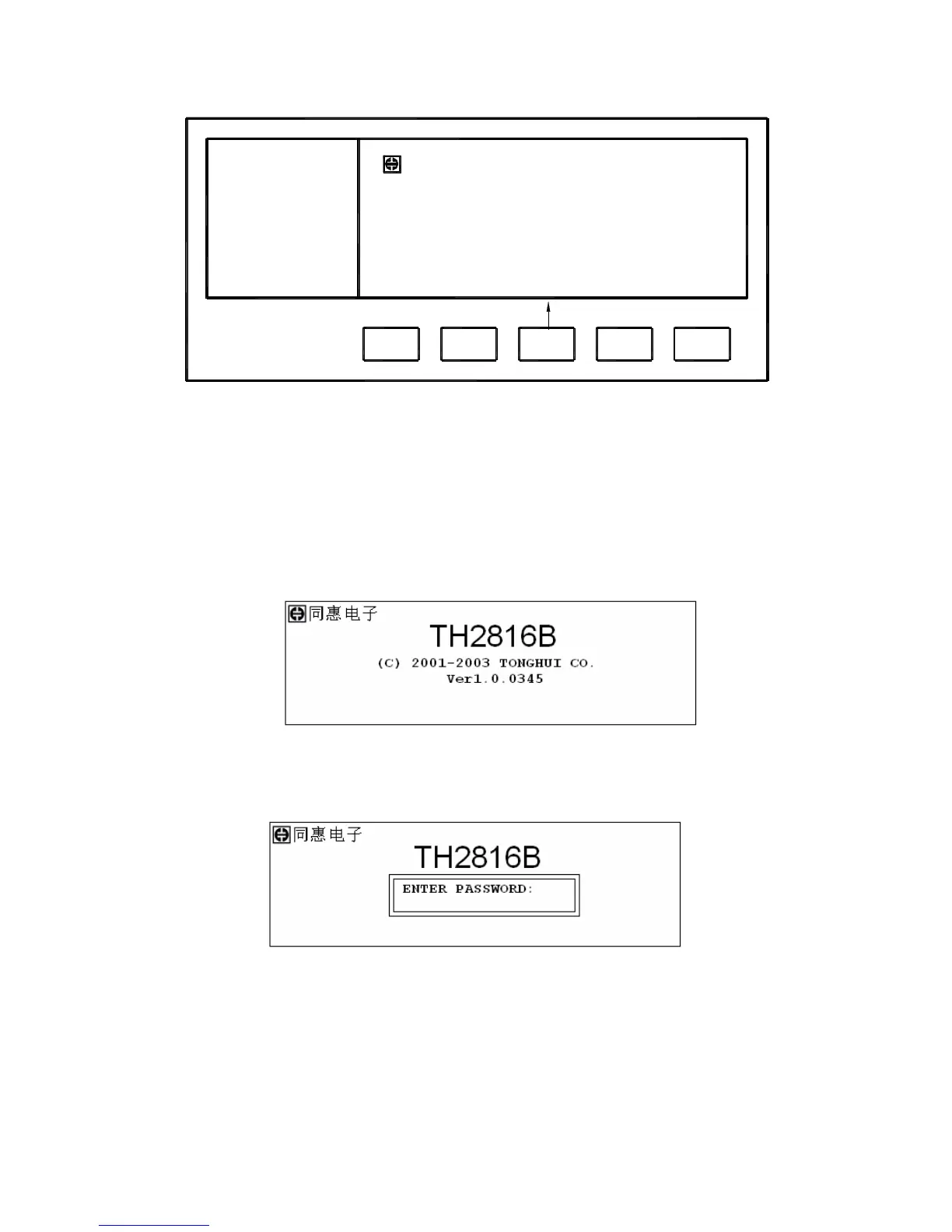
4.2 Welcome Page
Press the power switch to turn on TH2816B, the welcome page will display as shown
in Figure 4-3. The name of the instrument with its version will also be displayed. If
password function is ON, you must input the correct password to start the instrument.
If you input a wrong password for three times, the instrument will be locked. You must
turn off the power and then turn on the power again in order to try another password.
(Refer to Figure 4-4)
Figure 4-3. Welcome Page
Figure 4-4. Input the Password
Note: TH2816B’s factory default password is “2816”.



 To Next Page