46
5.1.2 Communication with a Computer
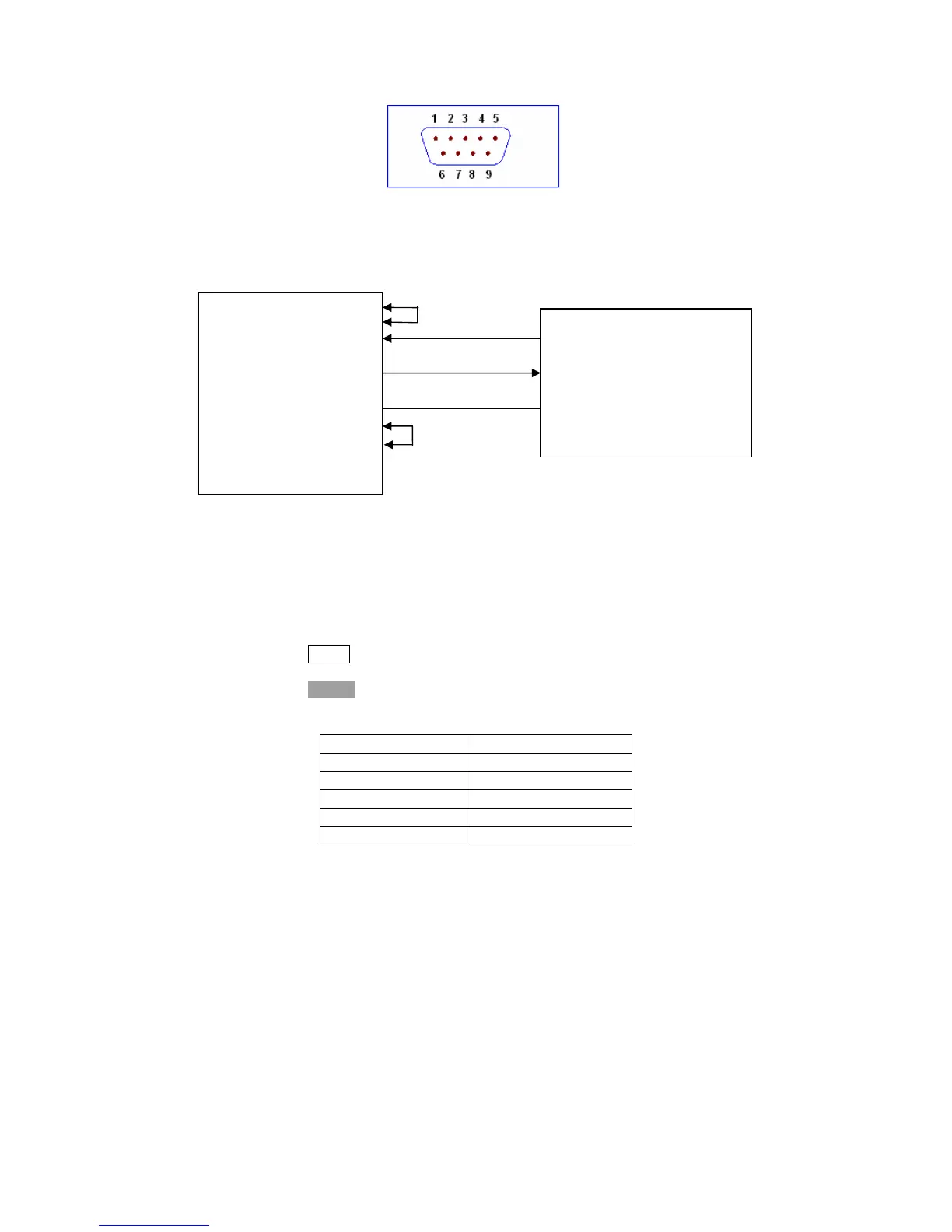
Diagram of connection to a controller.
DTR (4)
DSR (6)
RXD (2) (3) TXD
Computer
(Controller) TXD (3) (2) RXD TH2816B
GND (5) (5) GND
RTS (7)
CTS (8)
There may be some difference between TH2816B RS232 interface and a
standard RS232C interface. You can make the connection cable by yourself
according the diagram or order one from our company.
Note: Pin 4 and 6, pin 7 and 8 are shorted respectively at the end of controller.
When the RS232C interface is used to communicate with a controller, RS232
bus mode should be selected as follows.
1) Press NEXT menu key, until the System Config page be displayed.
2) Move the cursor to the BusMode field.
3) Press RS232 to select the bus mode to RS232 bus mode.
Serial Interface Specifications
Baud Rate 9600 bps
Date Bits 8 Bits
Stop Bits 1 Bit
Parity Bit None
End of Sequence NL (ASCII Code 10)
Connector DB9
Software Protocol
1) For command configuration and format, refer to chapter 6 Command
Reference.
2) The controller sends the command using the ASCII code with NL as the end
character. TH2816B executes the command after the end character NL is
received.
3) The character received by TH2816B will be sent back to the controller again.
The controller will not send the next character until the last return character
is received correctively from TH2816B. If the controller cannot receive the
character sent back by TH2816B, the reasons may be as follows.
A. The serial interface is not connected correctly.
B. Check if the RS232 function is turned on and TALK ONLY function is
turned off.
C. When TH2816B is executing a bus command, TH2816B will not accept
any character through the serial interface at the same time and the



 To Next Page