42
: Field
Left Colum
Select Item From
TEST
<System Config>
CONTRAST
INFO BEEP
CMP ALARM
PASSWORD
GPIB ADDR
TALK ONLY
BUS MODE
DEBUG FILE CFG
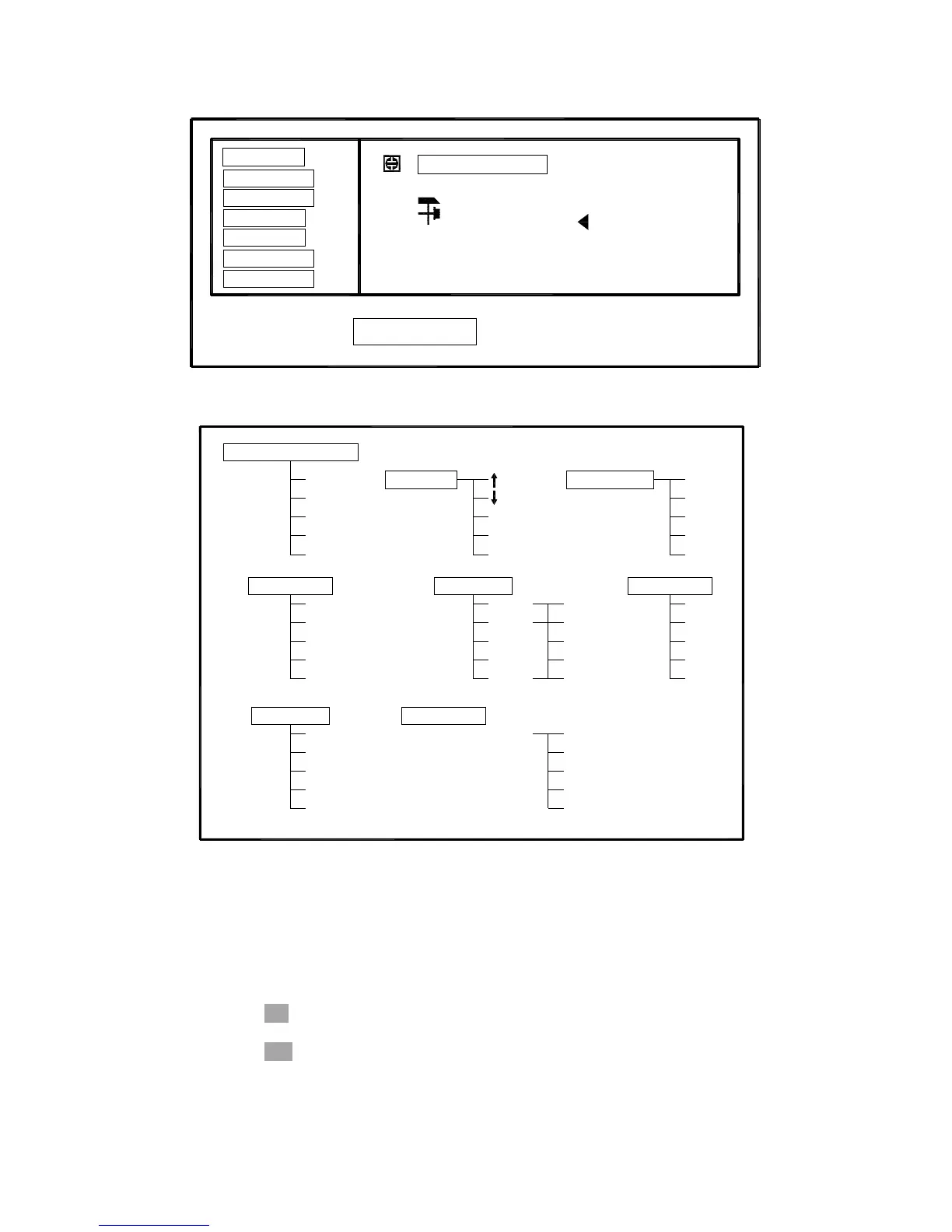
Figure 4-16. Available Fields on the SYSTEM CONFIG Page
[NUMERIC ENTRY]
GPIB ADDR
CONTRAST
BUS MODE
iBIAS
RS232
GPIB
FREQ3
FREQ2
FREQ1
CMP ALARM
<System Config>
DEBUG
CFG
FILE
TEST
INPO BEEP
NEW
ESC
ESC
OFF
UNLK
ALWAY
(-)
(+)
PASSWORD
TALK ONLY
OFF
ON
OFF
ON
Figure 4-17. Available Softkeys on the SYSTEM CONFIG Page
4.3.5.1 LCD Contrast Function
TH2816B’s Contrast Function allows you to adjust the LCD contrast in order to get a
clear display. You can adjust the LCD contrast from 0 to 31.
Perform the following steps to adjust the LCD contrast.
1) Move the cursor to the CONTRAST field, the following softkeys will be displayed.
↓(-)
This softkey is used to decrease LCD contrast in 1 step.
↑(+)
This softkey is used to increase LCD contrast in 1 step.
2) Use the softkeys to adjust the LCD Contrast as required.



 To Next Page