17
3) NEXT MENU key
This MENU key can switch to the next page sequentially.
3.5 Summary of Pages
MeasDisplay
This display page provides the measurement result information, and some
control settings are entered from this page. TH2816B measures the DUT from
this page, and displays the measurement results in large or normal size
characters. This display page is the default display page when TH2816B is
turned on.
BinNo. Disp
This display page provides the bin sorting result information, the measurement
results, and comparator function on/off settings. The TH2816B measures the
DUT from this page. The bin number is displayed in large characters, and the
measurement results are displayed in normal size characters.
Meas Setup
This display page provides all of the measurement control settings. TH2816B
can not perform a measurement from this page, and the measurement result can
not be displayed on this page. When you want to measure the DUT using the
control settings on this page, use one of the display pages from DISPLAY menu
key.
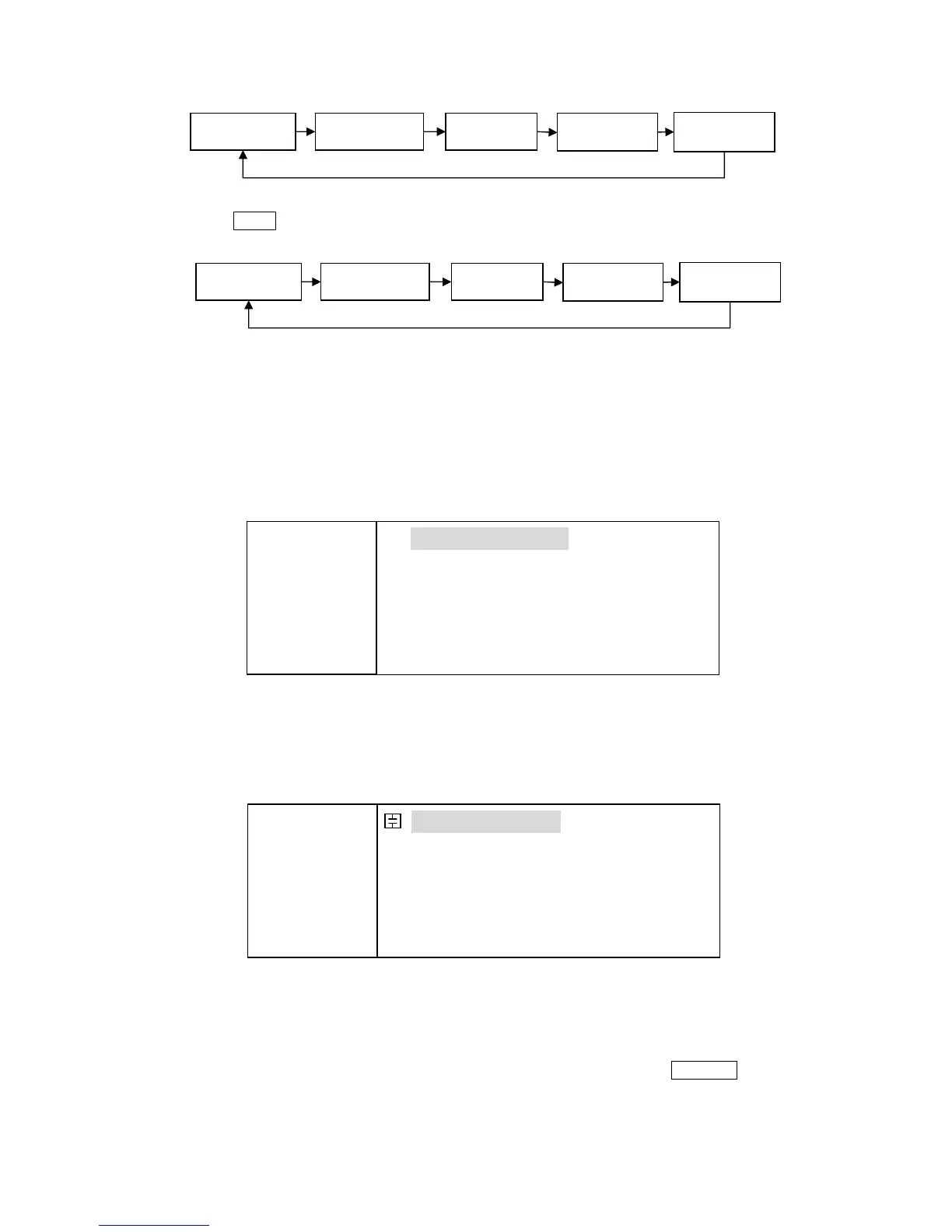
MeasDisplay
SystemConfig LimitTable MeasSetup
BinNo.Disp
MeasDisplay
BinNo.Disp
MeasSetup LimitTable
SystemConfig
FUN: Cp-D
F: 1.00000k
LEV:1.000V
RANGE: AUTO
SPEED: LOW
SHORT: OFF
OPEN : ON
< MeasDisplay> File Tools
Cp :217.324nF
D :0.00012
SYST LIMIT SETUP BinNo LCR
FUN: Cp-D
F: 1.00000k
LEV:1.000V
RANGE: AU TO
SPEED: LOW
SHORT: OFF
OPEN : ON
< BinNo. Disp> File Tools
COMP: ON AUX: ON
BIN : AUX
Cp : 217.324nF D : 0.00012
SYST LIMIT SETUP BinNo LCR



 To Next Page