71
Where,
1 (decimal 49) When the function is ON
0 (decimal 48) When the function is OFF
Example
WrtCmd(“CORR:SHOR:STAT ON”)
Query Syntax
CORRection:SHORt:STATe?
Query Response
Returned format is :
<NR1><NL^END>
6.5.10 COMParator Subsystem
The COMParator subsystem command group sets the comparator function, including
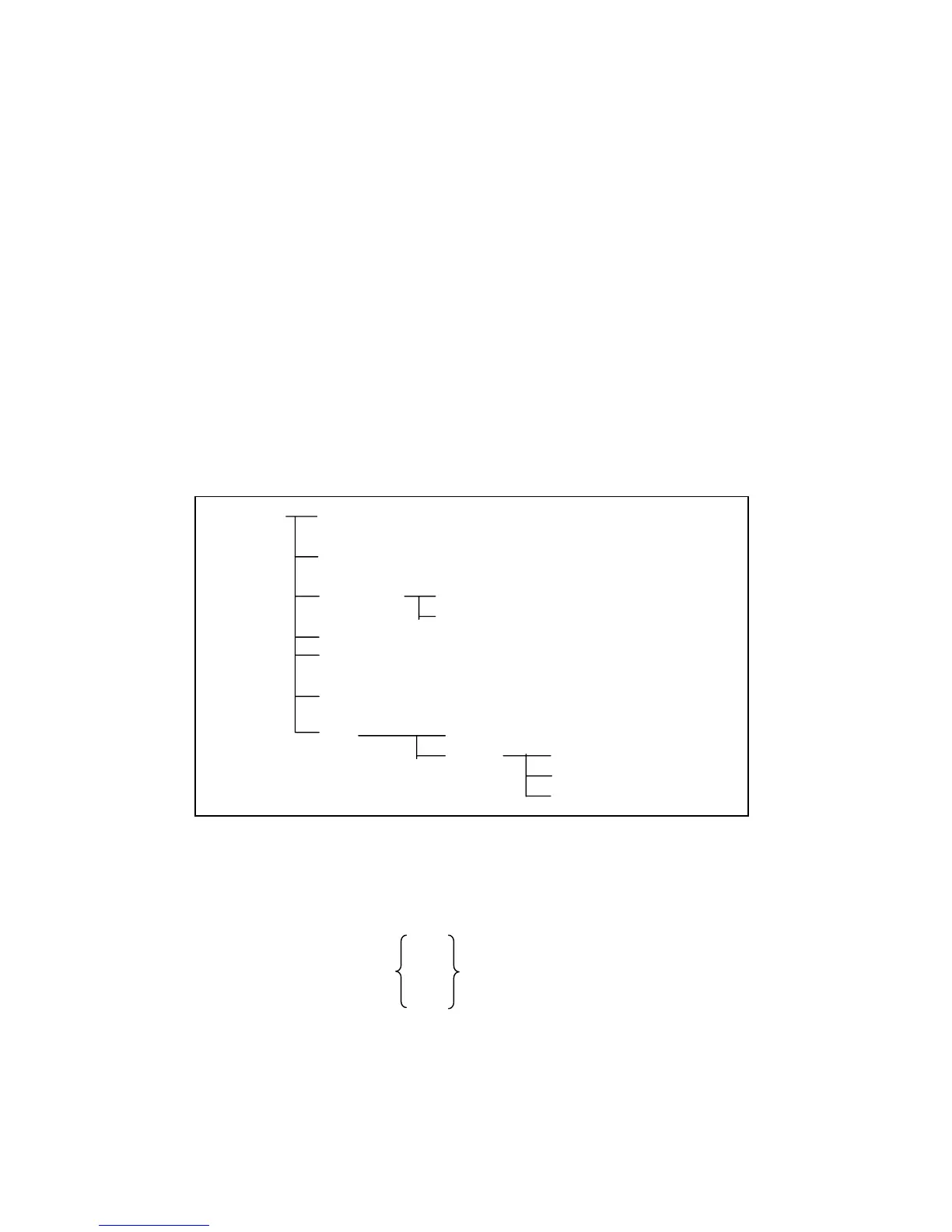
its ON/OFF setting, limit mode, and limit values. Figure 6-8 shows the command tree
of the COMParator subsystem command group.
COMParator [:STATe] ON (1)
OFF (0)
:MODE Absolute TOLerance
Percent TOLerance
:TOLerance :NOMinal <value>
:BIN<n> <low limit>,<high limit>
:Secondary LIMit <low limit>,<high limit>
:Auxiliary BIN ON (1)
OFF (0)
:SWAP ON (1)
OFF (0)
:BIN :CLEar
:COUNt [:STATe]
:DATA?
:CLEar
Figure 6-8. COMParator Subsystem Command Tree
[:STATe]
The [:STATe] command sets the comparator function to ON or OFF. The [:STATe]?
query responds the current ON/OFF condition of comparator function.
Command Syntax
ON
COMParator[:STATe] OFF
1
0
Where,
1 (decimal 49) When the function is ON
0 (decimal 48) When the function is OFF
Example
WrtCmd(“COMP ON”)



 To Next Page