30
4.3.2 Bin Number Display Page
When you press PREVorNEXT, or BinNo softkey, the BinNo. Disp page will be
displayed. The bin sorting results are displayed in large characters and the
measurement results are displayed in normal characters on the BinNo. Disp page,
and the following measurement controls can be set from the BinNo. Disp page. (The
field in parenthesis is used when this control is set.)
Comparator Function ON/OFF (COMP)
Auxiliary Bin ON/OFF (AUX)
File Management (File)
Useful Tools (Tools)
There are five fields on this page: <BinNo. Disp>, COMP, AUX, File, and Tools
fields.
Each control is described in the following paragraphs.
This page also provides the following information in the monitor areas (each monitor
area looks like a field, but is not). These conditions can be set from the Meas Setup
page, and most conditions can be set from the MeasDisplay page.
Measurement Function (FUN)
Test Frequency (FRQ)
Oscillator Level (LEV)
Measurement Range (RANGE)
Measurement Speed (SPEED)
Open Correction (OPEN)
Short Correction (SHORT)
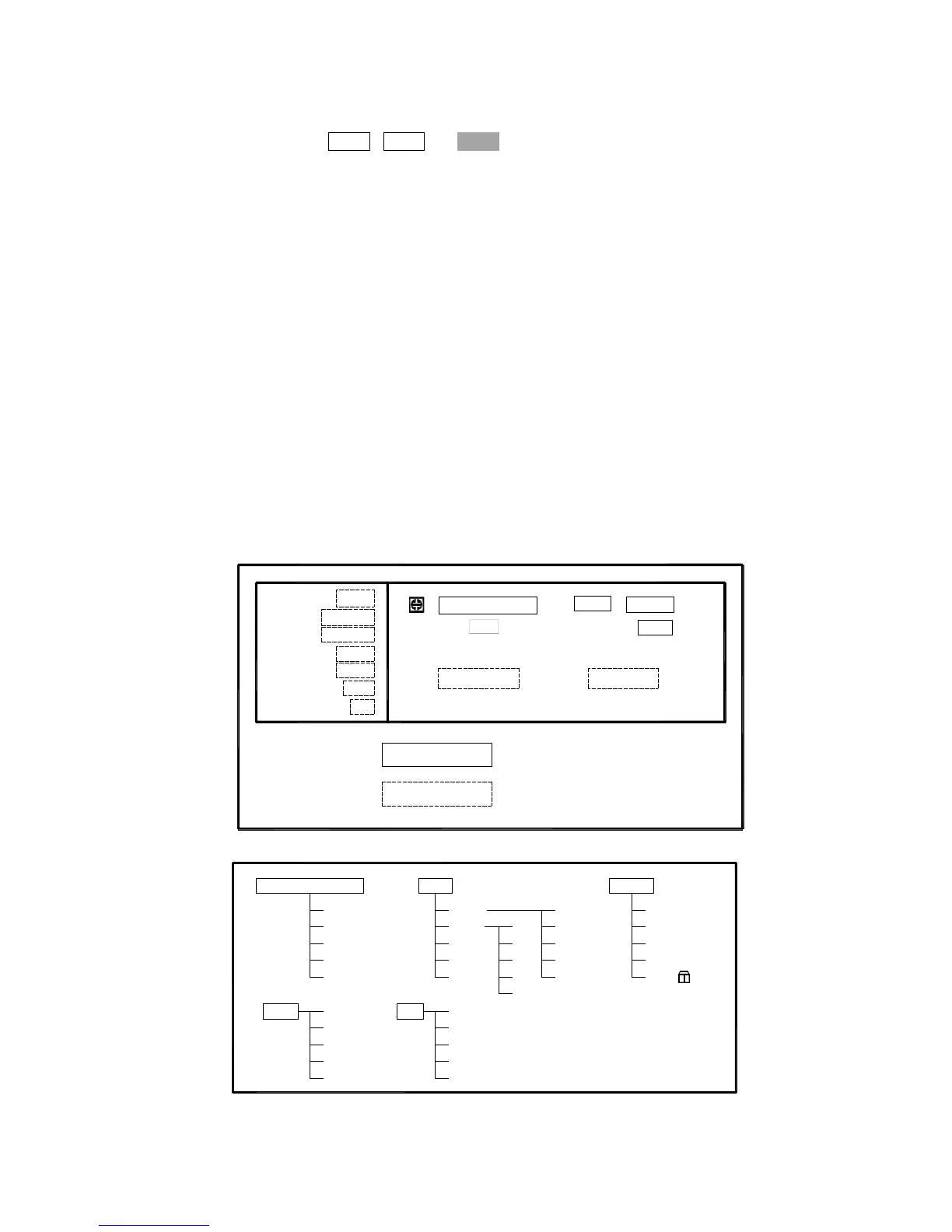
The available fields and the softkeys which correspond to each field on this page are
shown in Figure 4-10 and Figure 4-11.
: Field
: Monitor
Cp:206.335nF D :0.00012
COUNT
FUN: Cp-D
FRQ: 1.0kHz
LEV: 1.000V
SHORT: OFF
OPEN: ON
SPEED: SLOW
RANGE: AUTO
SWEEP
COMP : OFF
<BinNo. Disp>
BIN:
LCRBinNo
Tools
AUX : OFF
File
Figure 4-10 Available Fields on the BinNo. Disp Page
File
ON
OFF
LCR
BinNo.
COUNT
SWEEP
<BinNo. Disp>
COMP
AUX
Tools
OK
ESC
LOAD
SAVE
OFF
ON
ESC KEY
Figure 4-11 Available Softkeys on the BinNo. Disp Page



 To Next Page