32
AUX
BINS
AUX
BINS
BIN
Sorting
Higher
Limit
Lower
Limit
Secondary
Parameter
OUT
OF
BINS
Lower
Limit
Higher
Limit
OUT
OF
BINS
Primary
Parameter
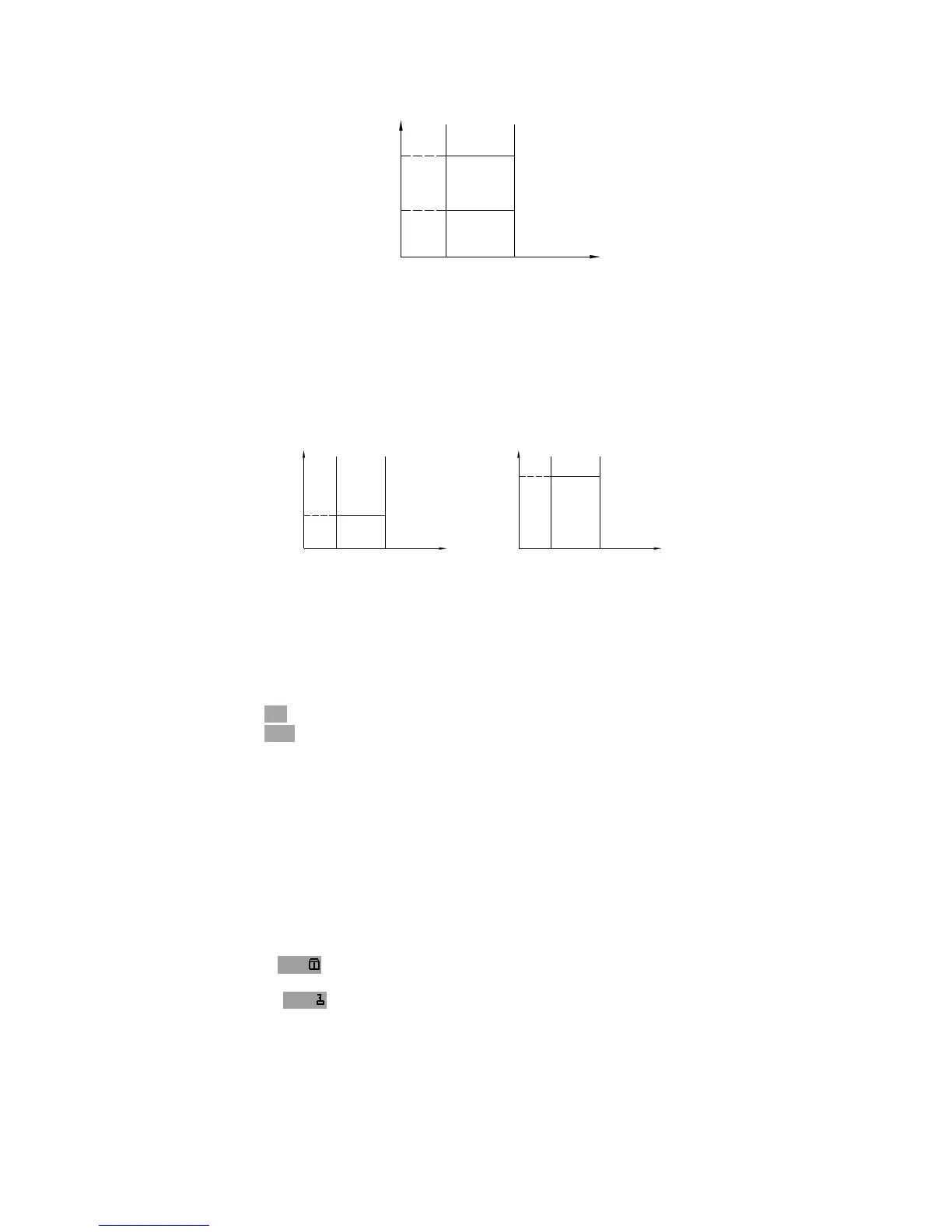
When only the lower limit of the secondary parameter is set and the AUX BIN are
set to ON, the devices whose primary parameter is within limits, but whose
secondary parameter is equal to or below the lower limit are sorted into the AUX
BIN. Also when only the higher limit of the secondary parameter is set and the
AUX BIN are set to ON, the devices whose primary parameter is within limits, but
whose secondary parameter is equal or above the higher limit are sorted into the
AUX BIN. (See below.)
Lower
Limit
Secondary
Parameter
Lower
Limit
OUT
OF
BINS
OUT
OF
BINS
AUX
BINS
BIN
Sorting
Higher
Limit
Primary
Parameter
Higher
Limit
Lower
Limit
OUT
OF
BINS
Higher
Limit
Secondary
Parameter
AUX
BINS
BIN
Sorting
Primary
Parameter
OUT
OF
BINS
The AUX field allows you to set the AUX BIN to ON or OFF.
Front Panel Operation for Setting the AUX BIN to ON or OFF
Perform the following steps to set the AUX BIN to ON or OFF.
1) Move the cursor to the AUX field. The following softkeys will be displayed.
ON
OFF
2) Select and press a softkey to set AUX BIN to ON or OFF.
4.3.2.3 File Management
This function is the same as the function on the MeasDisplay page (Refer to 4.3.1.8
File Management.)
4.3.2.4 Useful Tools
The key lock function is used to disable all front panel operation.
Perform the following steps from the BinNo. Disp page to disable or enable all front
panel operation.
1) Move the cursor to the Tools field.
2) Press KEY to lock the keyboard and “KeyLocked !” message will be displayed
in the message window.
3) Press KEY to unlock the keyboard and “KeyUnlock !” message will be
displayed in the message window.



 To Next Page