19
Chapter 4 Operation
4.1 Basic operation
TH2816B's basic operation is described in the following paragraphs.
Display the desired display page using the MENU keys and the softkeys. (Refer
to Figure 3-1.)
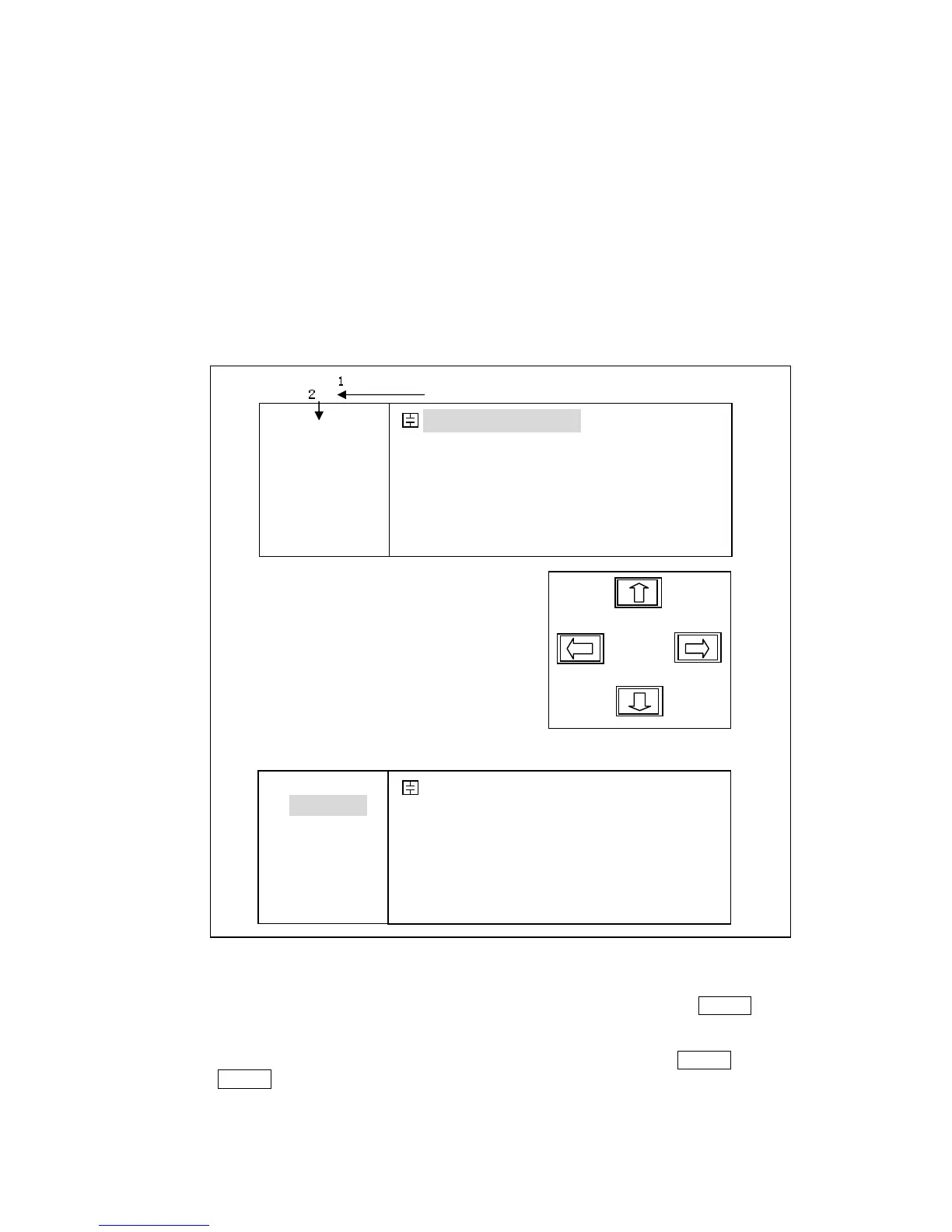
Move the CURSOR to the field to be used using the CURSOR keys. The cursor
will be an inverse video marker, and the field is an area at which you can set the
CURSOR. (Refer to Figure 4-1.)
Figure 4-1. CURSOR Keys and Field Operation Example
The softkeys corresponding to the field pointed to by the CURSOR will be
displayed. Select and press a softkey. The numeric entry keys and ENTER are
used to enter numeric data. (Refer to Figure 4-2.)
When one of the numeric entry keys is pressed, the softkeys will change to the
available unit softkeys. You can use these unit softkeys instead of ENTER. When
ENTER is used, the numeric data is entered with Hz, V, or A as the default unit
depending on the cursor field selected, for example, the test frequency's unit will be
Hz, etc.
FUN: Cp-D
F: 1.00000k
LEV:1.000V
RANGE: AUTO
SPEED: LOW
SHORT: OFF
OPEN : ON
< MeasDisplay> File Tools
Cp :217.324nF
D :0.00012
SYST LIMIT SETUP BinNo LCR
FUN: Cp-D
F: 1.00000k
LEV:1.000V
RANGE: AUTO
SPEED: LOW
SHORT: OFF
OPEN : ON
< MeasDisplay> File Tools
Cp :217.324nF
D :0.00012
ª(--) (-) (+) ©(++)
1
2



 To Next Page