27
4.3.1.7 Open Correction
TH2816B's OPEN correction capability corrects errors due to the stray admittance (G,
B) in parallel with the device under test.
Front Panel Operation for the Open Correction
There are two procedures: OPEN correction at all frequency points, and OPEN
correction at the current test frequency point.
Perform the following steps to execute OPEN correction.
1) Move the cursor to the OPEN field. The following softkeys will be displayed.
OpSWP
OpCLR
OFF
ON
2) Connect the test fixture to the UNKNOWN Terminals without connecting the
device under test.
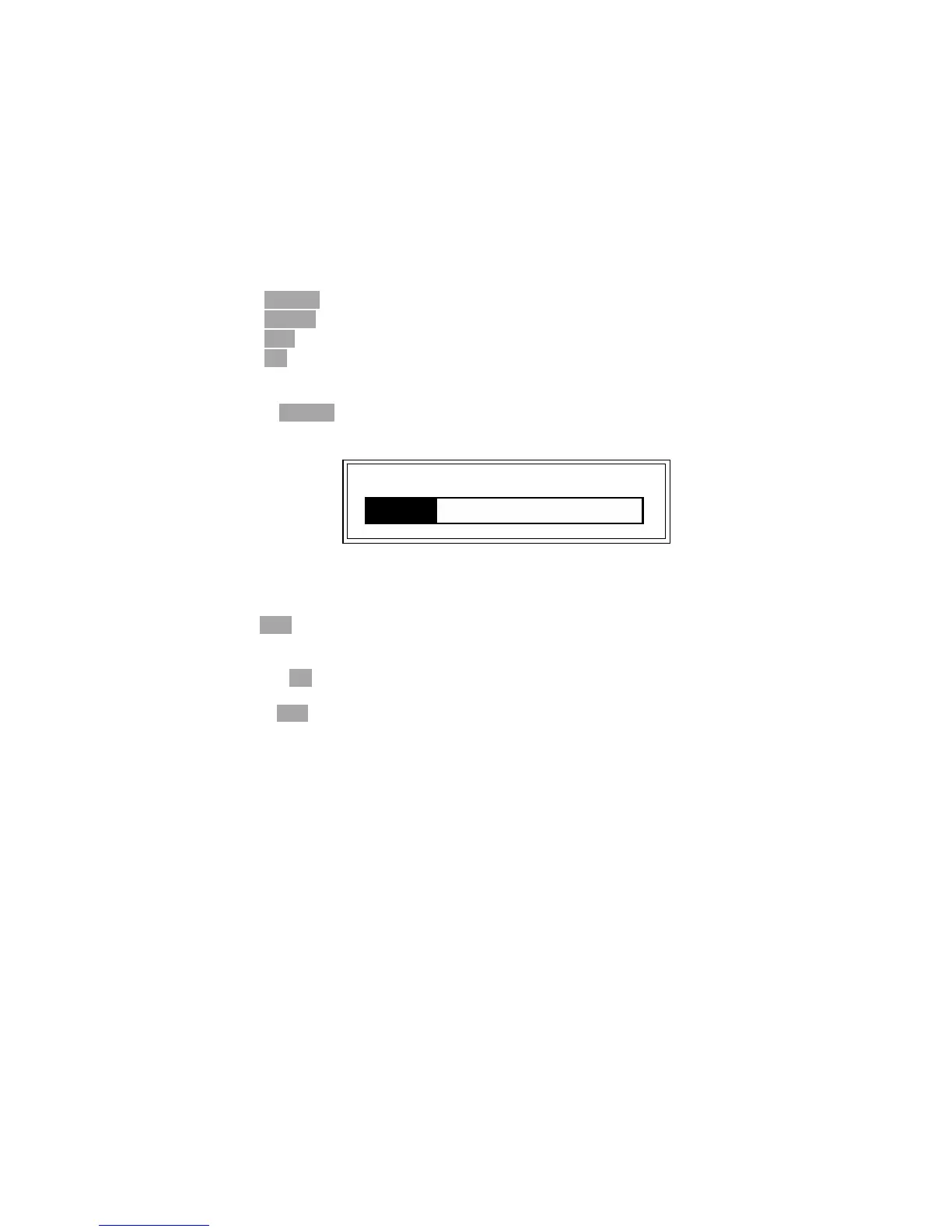
3) Press OpSWP. TH2816B will measure the open admittance (capacitance, and
inductance) at all frequency points. Figure 4-8 shows the open correction
information.
Figure 4-8. Open Correction Information
During the OPEN correction measurement cycle, the following softkey is
available.
ESC
This softkey is used to stop the OPEN correction data measurement. The
previous OPEN correction data is still stored.
4) Press ON to perform OPEN correction calculations on subsequent
measurements.
5) Press OFF to halt OPEN correction calculations on subsequent measurements.
4.3.1.8 File Management
TH2816B uses the internal non-volatile memory for storing and retrieving a maximum
of 12 sets of instrument control settings. The following data will be stored in
non-volatile memory as one file.
Control settings on the Meas Setup page.
Measurement Function
Test Frequency
Oscillator Level
Measurement Range
Measurement Speed
Trigger Mode
Output Impedance
Delay Time
Averaging Rate
Deviation Measurement A/B(ΔABS/Δ%/off)
Deviation Measurement AB Reference Value
Control settings on the Limit Table page.
Nominal Value
Measurement Function (Swap Parameter)
Limit Mode for the Primary Parameter
Comparator Function on/off
Opening 1kHz



 To Next Page