35
[NUMERIC ENTRY]
[NUMERIC ENTRY]
[NUMERIC ENTRY]
-
REF B
AVG
REF A
-
MEAS
TRIG
DELAY
EXT
INT
MAN
ESC
M
m
NEXT
Vm/Im
ESC
NEXT
ESC
ESC
p
μ
n
k
sec
msec
100
Ω
30Ω
-
INT R
DEV B
DEV A
-
-
Δ %
OFF
Δ ABS
OFF
ON
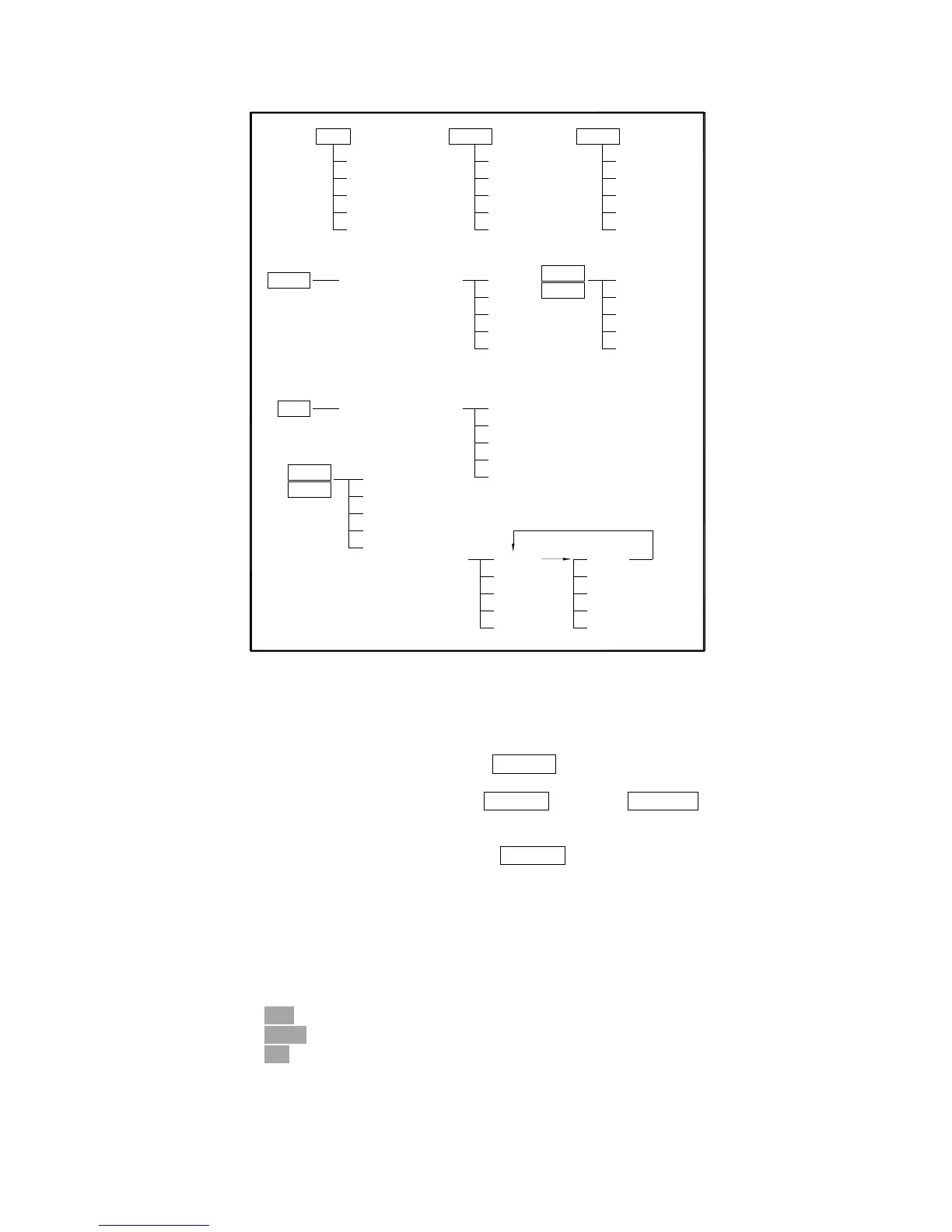
Figure 4-13. Available Softkeys on the MEAS SETUP Page (2/2)
4.3.3.1 Trigger Mode
TH2816B has four trigger modes: INTernal, EXTernal, MANual, and BUS.
When the trigger mode is set to INT trigger mode, TH2816B continuously repeats
measurements on any display page under DISPLAY.
When the trigger mode is set to MAN trigger mode, TH2816B performs a single
measurement on any display page under DISPLAY every time TRIGGER on the front
panel is pressed.
When the trigger mode is set to EXT trigger mode, TH2816B performs a single
measurement on any display page under DISPLAY every time a rising edge of a
pulse is applied to the EXT Trigger pin in the Handler Interface.
When the trigger mode is set to BUS trigger mode, TH2816B performs a single
measurement every time the TRIGGER command is sent to TH2816B via GPIB or
RS232C. Then the BUS trigger mode cannot be set on the front panel.
Front Panel Operation for Setting the Trigger Mode
Perform the following steps to set the trigger mode except for in the BUS TRIG mode.
1) Move the cursor to the TRIG field. The following softkeys will be displayed.
EXT
MAN
INT
2) Set the trigger mode using the softkeys.



 To Next Page