33
4.3.3 Meas Setup Page
When you press PREVorNEXT, or SETUP softkey,the Meas Setup page can be
displayed. On this Meas Setup page, all of the following measurement control
functions can be set. (Each field in parenthesis is used when each control is set.)
Measurement Function (FUN)
Test Frequency (FRQ)
Oscillator Level (LEV)
Measurement Range (RANGE)
Measurement Speed (SPEED)
Short Correction (SHORT)
Open Correction (OPEN)
Trigger Mode (TRIG)
Output Signal impedance (INT_R)
Delay Time (DELAY)
Averaging Rate (AVG)
Signal Level Monitor ON/OFF (Vm/Im)
Deviation Measurement A Mode (DEV_A)
Deviation Measurement B Mode (DEV_B)
Reference Value for the Deviation Measurement A (REF_A)
Reference Value for the Deviation Measurement B (REF_B)
File Management (File)
Useful Tools (Tools)
Following fields on the Meas Setup page are the same as the fields on the
MeasDisplay page as follows. So, these fields are not described in this Chapter, and
the other functions on the Meas Setup page are described in the following
paragraphs.
Measurement Function (FUN)
Test Frequency (FRQ)
Oscillator Level (LEV)
Measurement Range (RANGE)
Measurement Speed (SPEED)
Short Correction (SHORT)
Open Correction (OPEN)
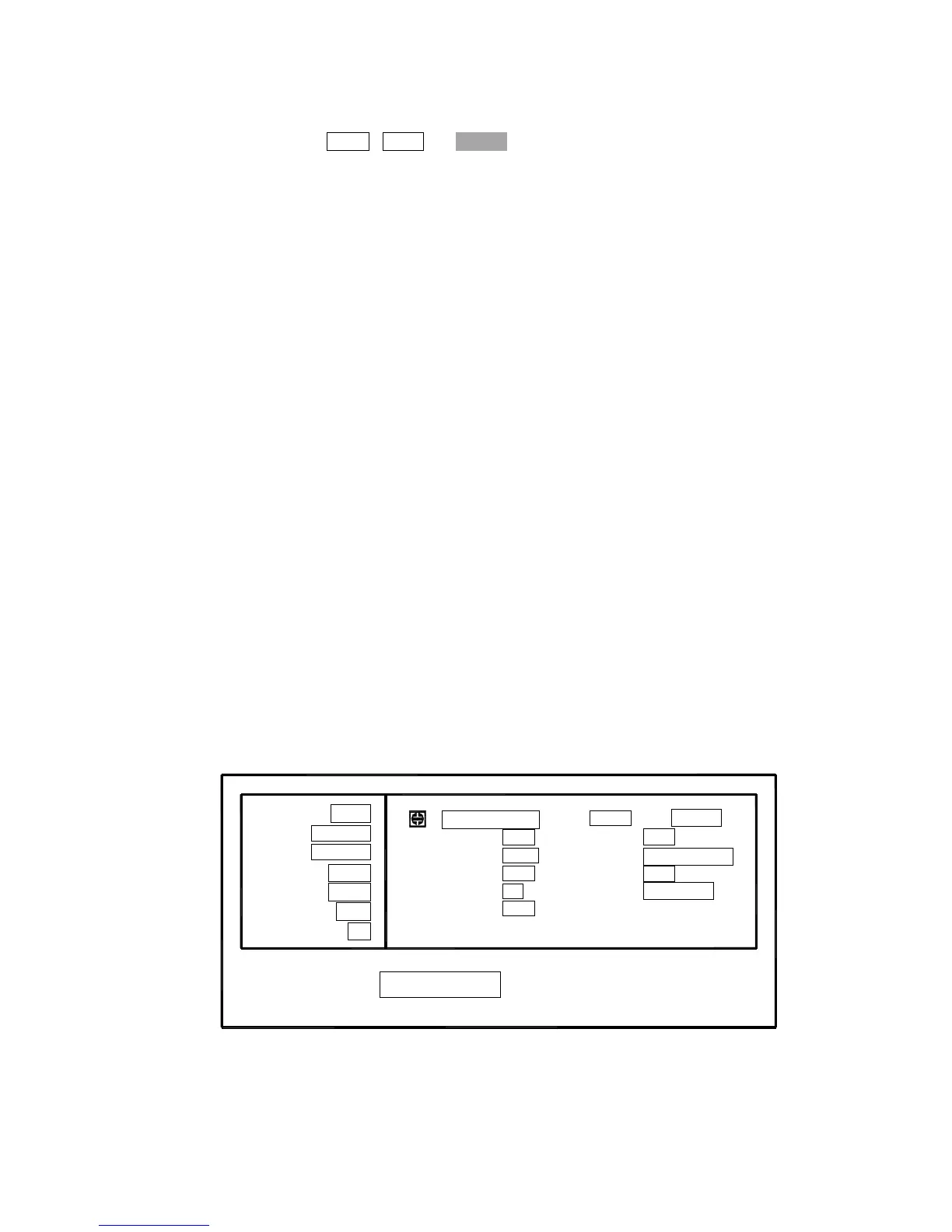
The available fields and the softkeys which corresponded to each field on this page
are shown in Figure 4-12 and Figure 4-13.
: Field
LIMIT
FUN: Cp-D
FRQ: 1.0kHz
LEV: 1.000V
RANGE: AUTO
SHORT: OFF
OPEN: ON
SPEED: SLOW
Vm/Im:
AVG :
DELAY :
INT R :
TRIG :
<Meas Setup>
OFF
1
0ms
30
Ω
INT
LIST
REF B:0.00000
DEV B:OFF
REF A:0.00000pF
DEV A:OFF
Tools
-
-
-
-
CORR
File
SETUP
Figure 4-12. Available Fields on the MEAS SETUP Page



 To Next Page