49
{
union REGS r;
r.x.dx = port; /* serial port */
r.h.ah = 1; /* int14 function1:send character */
r.h.al = c; /* character to be sent */
int86( 0x14,&r,&r );
if( r.h.ah & 128 ) /* check ah.7,if set by int86( 0x14,&r,&r ),mean trans error */
{ printf( "\nE00:Serial port send error!" );
exit(1);
}
}
/* read a character from serial port */
char read_port( int port )
{ union REGS r;
r.x.dx = port; /* serial port */
r.h.ah = 2; /* int14 function2:read character */
int86( 0x14,&r,&r );
if( r.h.ah & 128 ) /* if ah.7 be set,mean trans error */
{ printf( "\nE01:Serial port read error!" );
exit(1);
}
return r.h.al;
}
/* check the status of serial port */
int check_stat( int port )
{ union REGS r;
r.x.dx = port; /* serial port */
r.h.ah = 3; /* int14 function3:read status */
int86( 0x14,&r,&r );
return r.x.ax; /* ax.7 show serial operation, ax.8 show serial recive ready
*/
}
/* initialize the serial port */
void port_init( int port,unsigned char code )
{ union REGS r;
r.x.dx = port; /* serial port */
r.h.ah = 0; /* int14 function0:initial serial port */
r.h.al = code; /* initialization code */
int86( 0x14,&r,&r );
}
5.1.3 Communication with a DC Bias Current Source
When you want to perform a DC bias current list sweep measurement, the RS232C
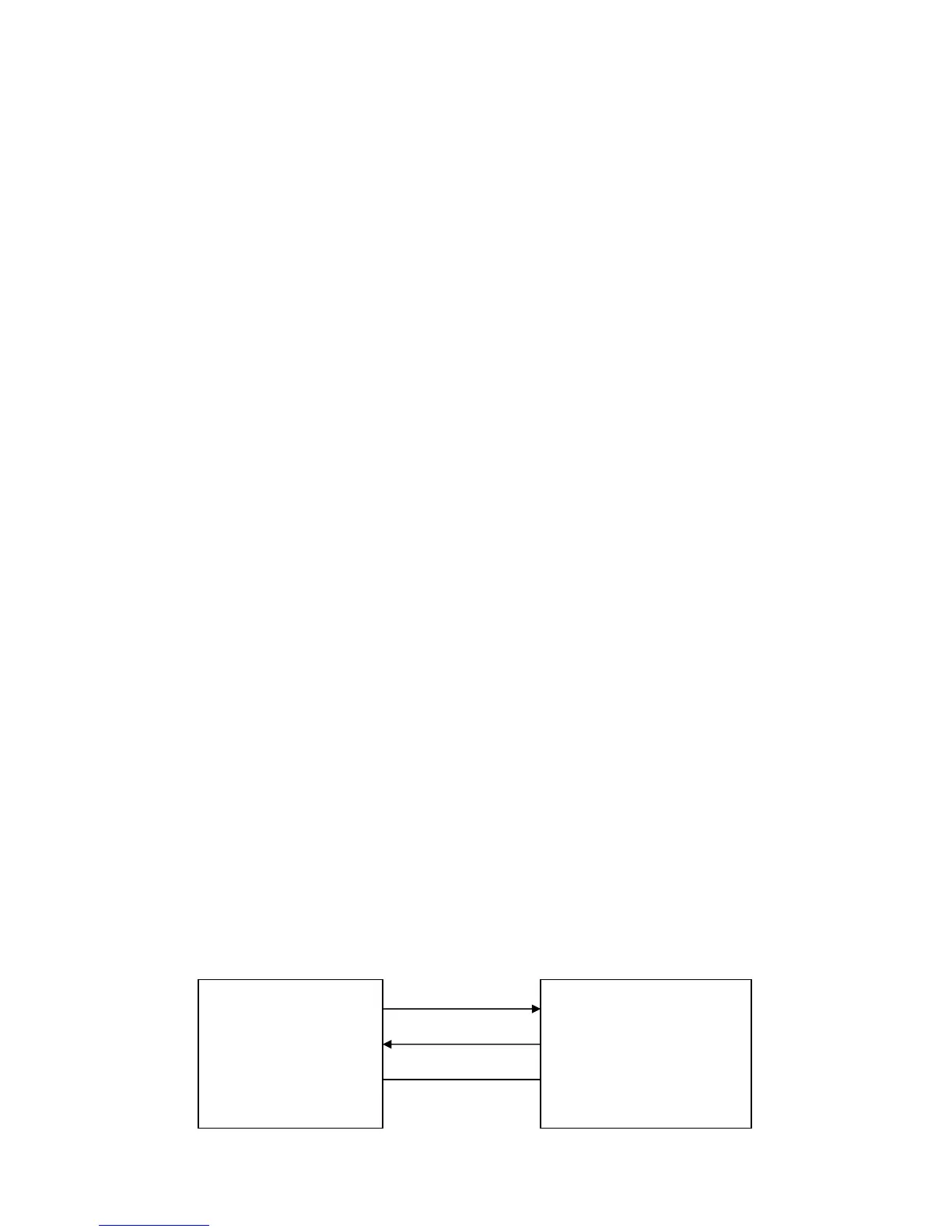
can be used to control a DC Bias Current Source. The following diagram shows how
TH2816B and TH1773 are connected via the RS232C interface.
TXD(2) (3) RXD
TH2816B TH1773
LCR Meter RXD(3) (2) TXD DC Bias Current
Source
GND(5) (5) GND



 To Next Page