26
impedance range is displayed in the RANGE field.
AUTO
This softkey is used to set the measurement range to AUTO.
2) Use the softkeys to set the measurement range.
4.3.1.5 Measurement Speed
TH2816B's measurement speed is determined by the following conditions.
Integration Time (A/D conversion)
Averaging Rate (number of measurement averaged)
Delay Time (time delay between the trigger and the start of the
measurement)
Measurement result's display time.
Generally, a slow measurement speed will result in more stable and accurate
measurement results. SLOW, MED, and FAST measurement speed can be set.
Front Panel Operation for Setting the Measurement Speed
Perform the following steps to set the measurement speed.
1) Move the cursor to the SPEED field. The following softkeys will be displayed.
FAST
MED
SLOW
2) Use the preceding softkeys to select and set the measurement speed.
4.3.1.6 Short Correction
TH2816B's SHORT correction capability corrects for the residual impedance (R, X) in
serial with the device under test.
Front Panel Operation for the Short Correction
There are two procedures: SHORT correction at all frequency points, and SHORT
correction at the current test frequency point.
Perform the following steps to execute SHORT correction.
1) Move the cursor to the SHORT field. The following softkeys will be displayed.
ShSWP
ShCLR
OFF
ON
2) Connect the test fixture to the UNKNOWN Terminals, and short the measurement
contacts together.
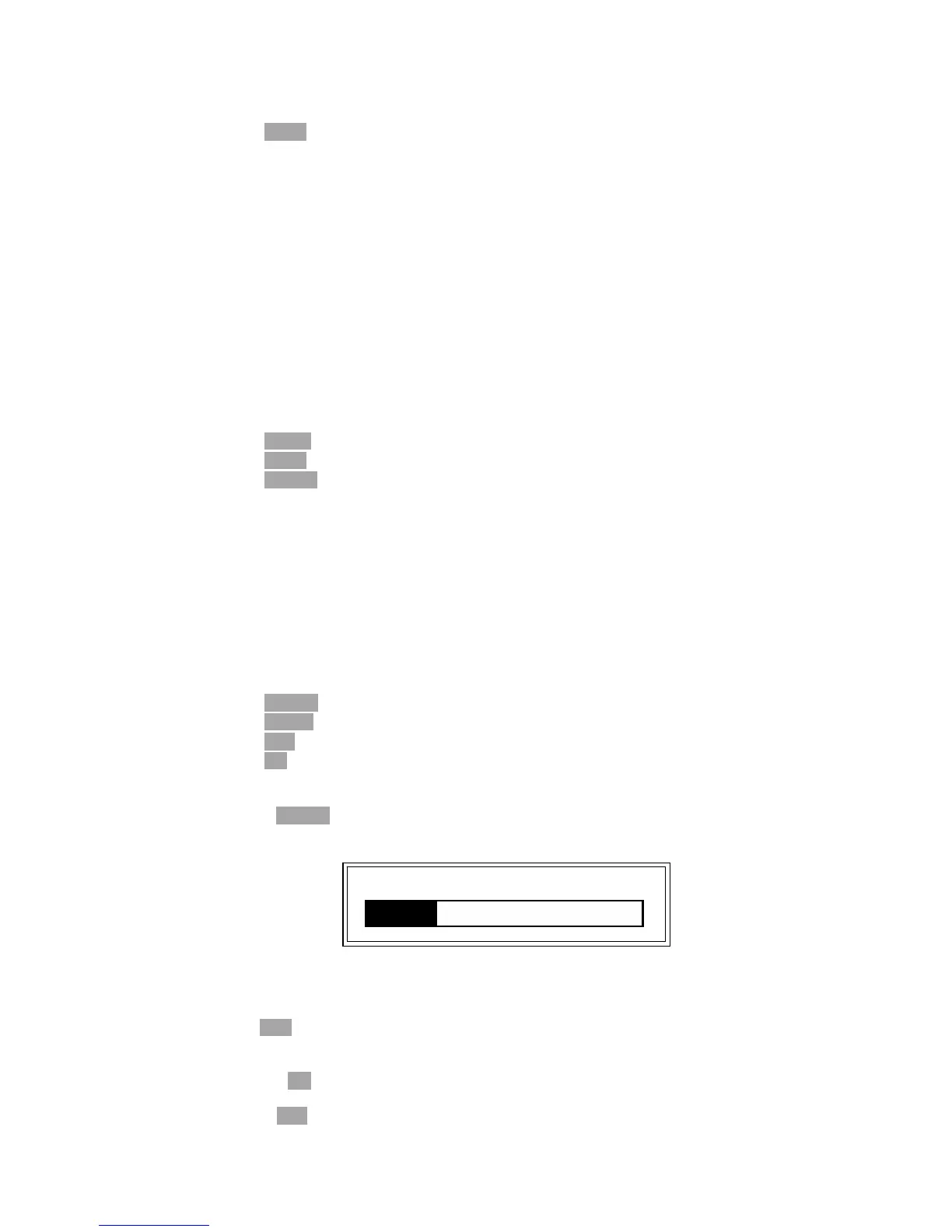
3) Press ShSWP. TH2816B will measure the short impedance (inductance and
resistance) at all frequency points. Figure 4-7 shows the short correction
information.
Figure 4-7. Short Correction Information
During the SHORT correction measurement cycle, the following softkey is
available.
ESC
This softkey is used to stop the short correction data measurement. The
previous SHORT correction data is still stored.
4) Press ON to perform SHORT correction calculations on subsequent
measurements.
5) Press OFF to halt SHORT correction calculations on subsequent measurements.
Shorting 1kHz



 To Next Page