Pre-survey Preparation
GR-5 Operator’s Manual
2-26
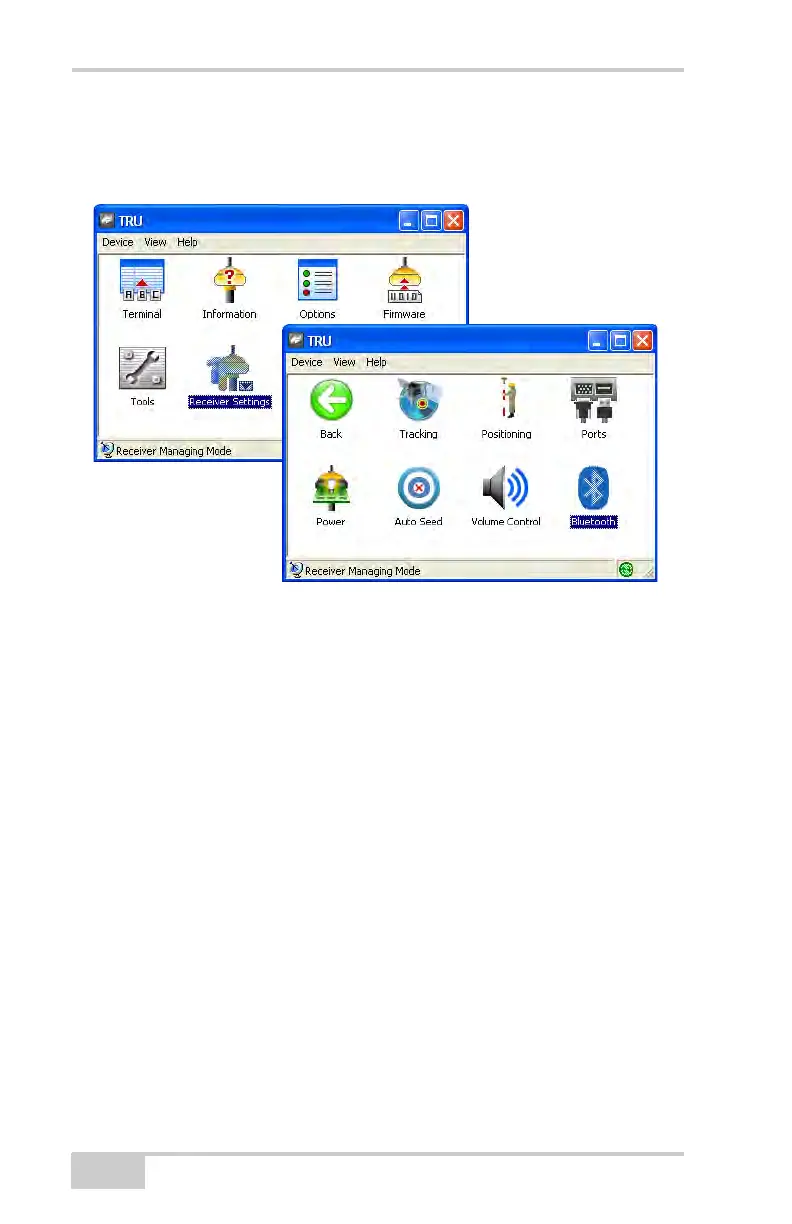
4. On the TRU Main Screen, click on the Receiver Settings icon
Connect and then on the Bluetooth icon to connect to Bluetooth
module (Figure 2-20).
Figure 2-20. Select Communication Port and Click Connect
Once connected, the Bluetooth window (Figure 2-21) displays
the following information:
• Name – enter up to 14 characters to set a unique name for the
Bluetooth module.
• PIN – enter up to 16 characters to specify a personal
identification number for the Bluetooth module.
• Encryption – enable to have the Bluetooth module encrypt
wirelessly sent data. To read encrypted data, the user must
have the same PIN used in the device that sent the data.
• Authentication – enable to require a PIN before two
Bluetooth enabled devices (such as, the receiver and a
computer) can establish a communication link. The two
devices must use the same PIN.
• Bluetooth name – the name of the Bluetooth module.



 To Next Page