Receiver and File Maintenance
GR-3 Operator’s Manual
5-10
Using PC-CDU to Clear the NVRAM
1. Connect your receiver and computer. See “Connecting the
Receiver and a Computer” on page 2-14 for this procedure.
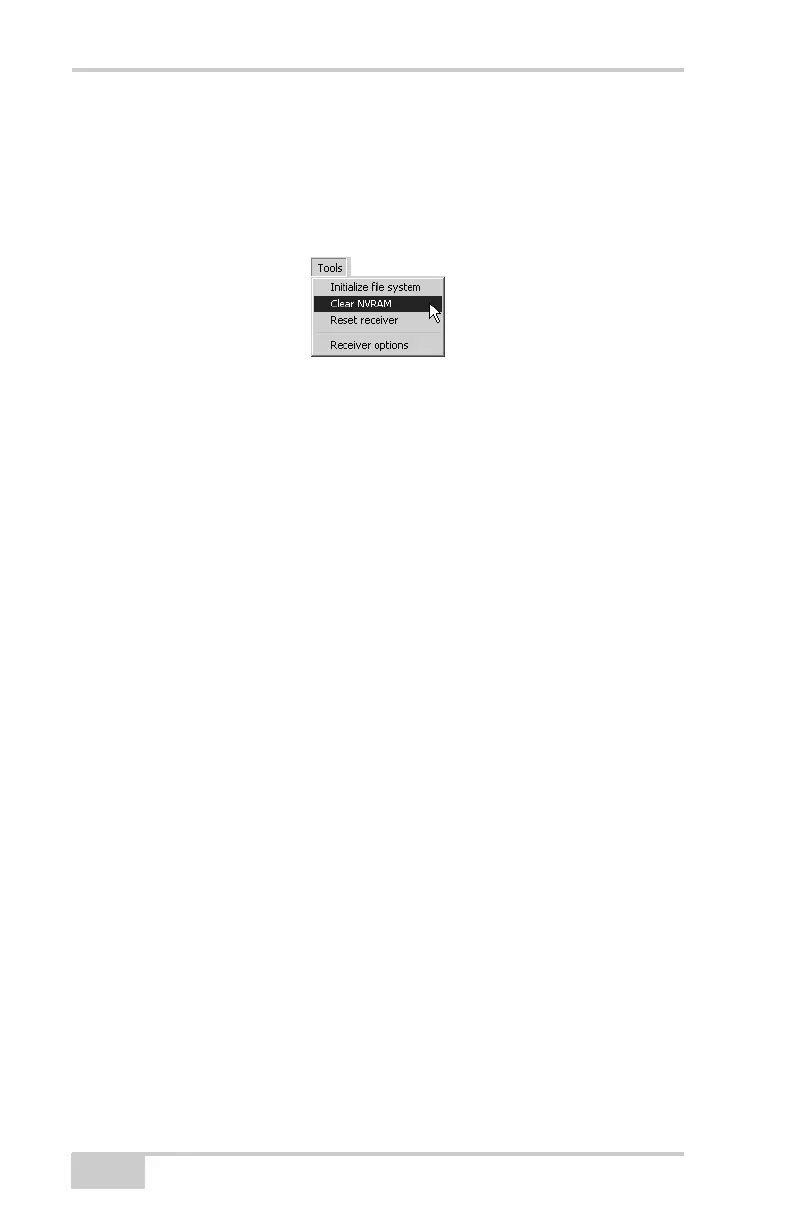
2. Click ToolsClear NVRAM (Figure 5-9).
Figure 5-9. Clear NVRAM with PC-CDU
While the NVRAM clears, the REC LED flashes green and red; the
STAT LED flashes red. The receiver automatically disconnects when
finished.
Changing Receiver Modes
The receiver has the following information and power modes:
• Normal Mode – the standard surveying mode.
• Sleep Mode – used to stop recording data, but keeps the receiver
powered on in “standby”.
• Zero Power Mode – used to prevent battery discharge.
• Extended Information Mode – used for testing purposes during
normal operation.
Entering Sleep Mode
In sleep mode, the power board and optional Bluetooth module will
continue to draw power from the batteries, causing the batteries to
drain over time. Put the receiver in Zero Power Mode to prevent
draining the batteries.
1. Turn on your receiver.
2. Press the receiver’s power key for more than four seconds and
less than eight seconds. The STAT LED will be orange. The
receiver enters Sleep Mode.



 To Next Page