Configuring the Radio Modem
P/N 7010-0526
3-11
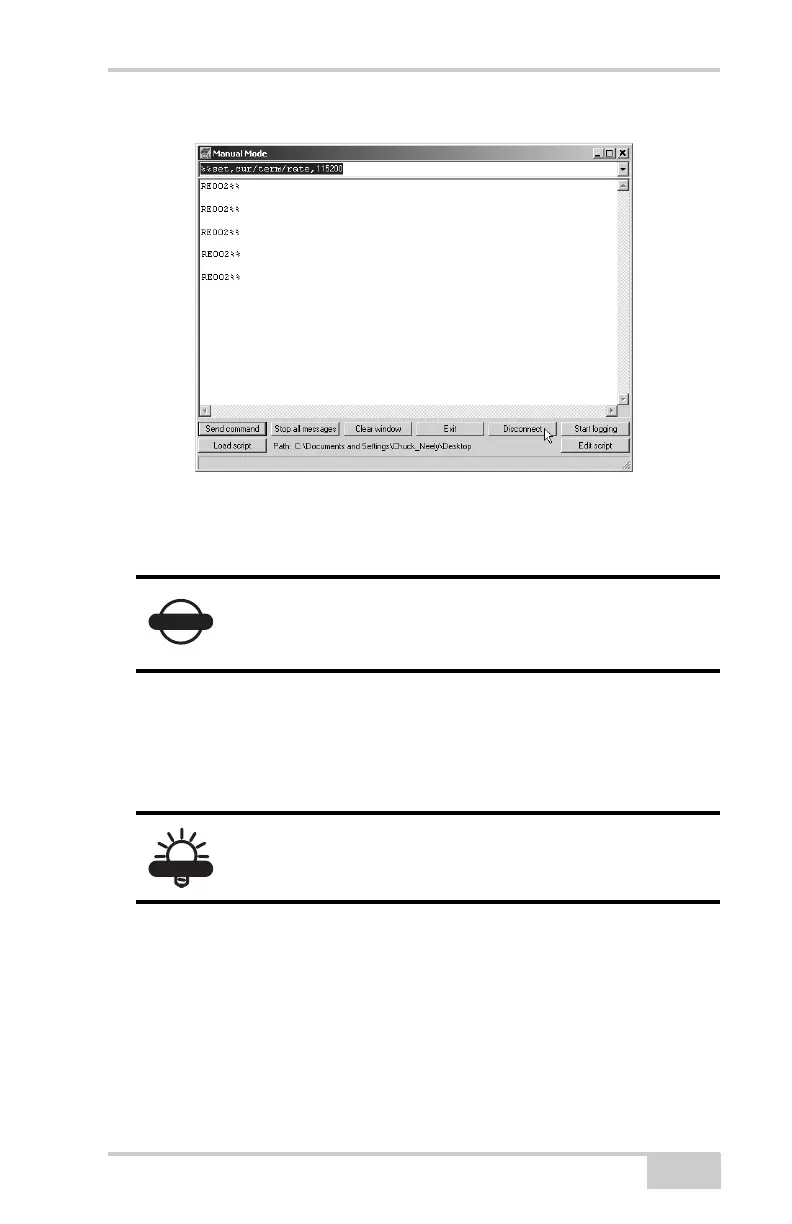
Figure 3-10. Manual Mode Command Responses
Configuring a GSM Radio Modem
To access your GSM radio modem, you will need to use an external
controller with Topcon’s TopSURV™ software. Refer to the
TopSURV Reference Manual or the TopSURV User’s Manual for
more detailed configuration information.
Unlike the UHF radio modems and PDLCONF, TopSURV
automatically connects the receiver and modem boards for
configuration purposes. When you configure radios, you configure
the Base and Rover radios separately.
1. Using the RS232 cable, connect your external controller to the
receiver’s serial port A.
NOTICE
To comply with RF exposure requirements,
maintain at least 25cm between the user and the
radio modem.
TIP
Configuration parameters are similar regardless of
the software used for configuring a GSM modem.



 To Next Page