HiPer+ Configuration
HiPer+ Operator’s Manual
3-14
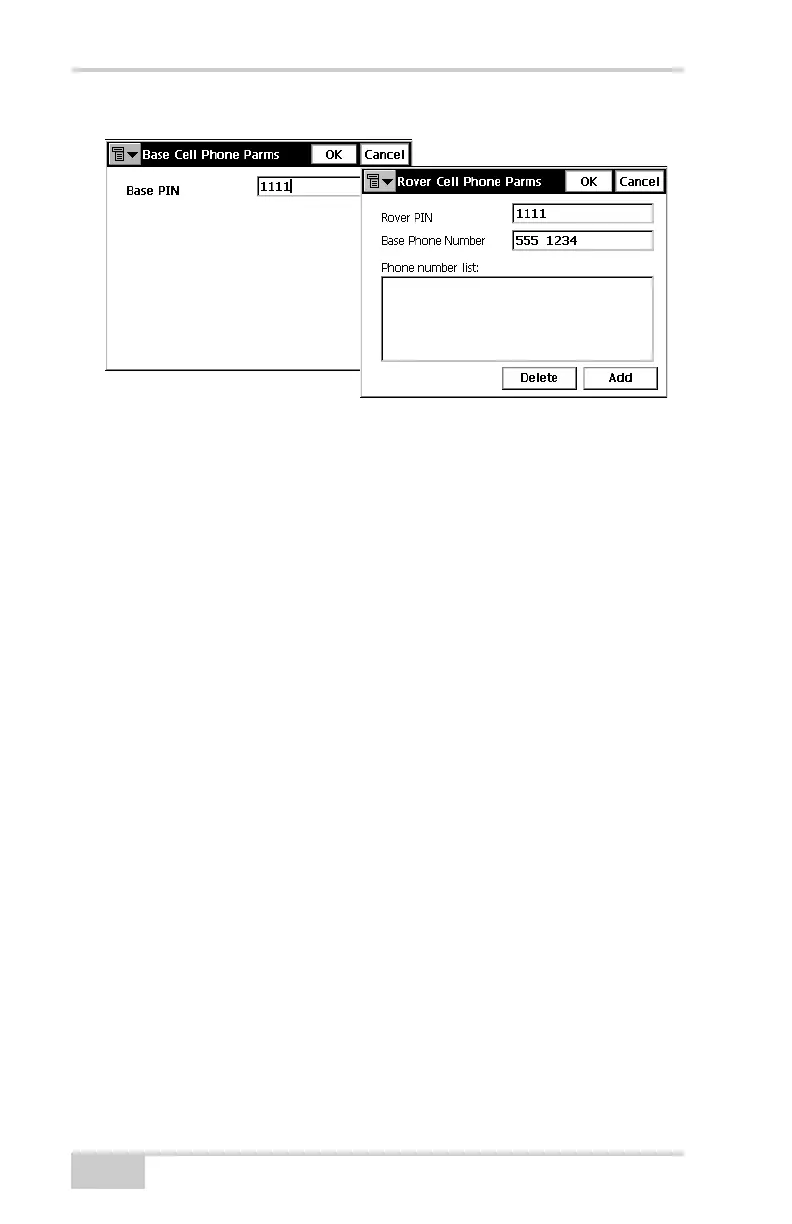
Figure 3-13. Set Base or Rover Cell Phone Parameters
Configuring the Receiver
The HiPer+ receiver can be configured in several ways for collecting
data for RTK or post-processing.
• A static Base station collects measurement information and saves
this data to its internal memory.
• An RTK Base station collects measurement information,
determines differential corrections, and transmits them to the
RTK Rover(s).
• A static Rover collects observation data from the same satellites
during the same time interval as the static Base station.
• An RTK Rover collects measurement information and accepts
corrections from the RTK Base station to compute its relative
position.
To configure, manage files, or maintain the receiver, connect the
receiver and a computer using one of the following methods, and start
PC-CDU:
• use an RS232 cable
• use a USB cable and a computer with the TPS USB driver
installed (available on the TPS website)
• use a receiver with a Bluetooth module and a Bluetooth-enabled
external device (computer)



 To Next Page