Configuring the Radio Modem
P/N 7010-0526
3-13
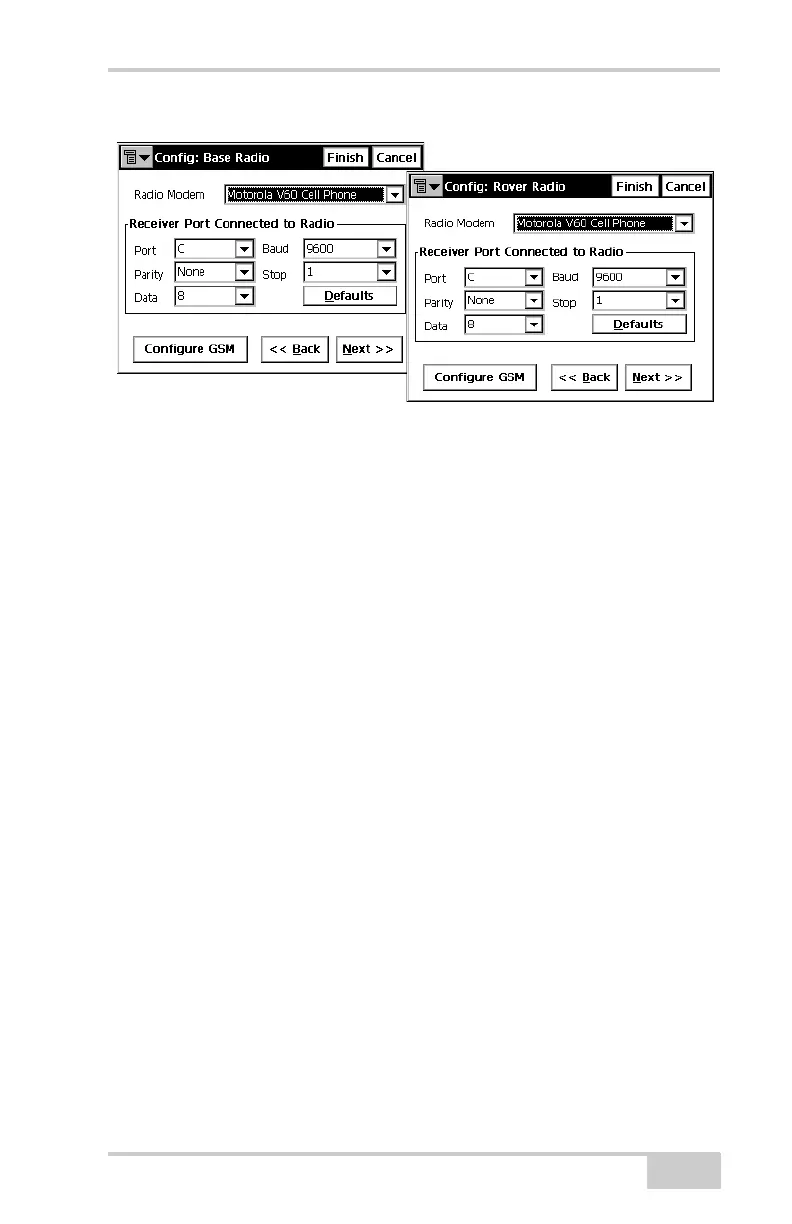
Figure 3-12. Base or Rover Radio Configuration
7. Press Configure GSM to display the appropriate Cell Phone
parameters screen, and enter the following parameters for either
the Base or Rover (Figure 3-13 on page 3-14).
• For the Base radio – if the GSM modem does not require a
PIN, leave this field blank.
The Base radio is the Slave, only receiving calls from Rover
stations, so no phone number to call is required.
• For the Rover radio – if the GSM modem does not require a
PIN, leave this field blank.
The Rover radio is the Master, sending calls to the Base
station. The Base station’s phone number is required, so have
it available to input at this time, or select the correct number
from the Phone number list (if available).
Then press Add to save the phone number to the list, or press
Delete to remove unwanted phone numbers from the list.
8. Press OK to return to the radio configuration screen. Continue
with other configuration or operation functions as needed.



 To Next Page