Receiver and File Maintenance
GR-3 Operator’s Manual
5-14
3. Start FLoader.
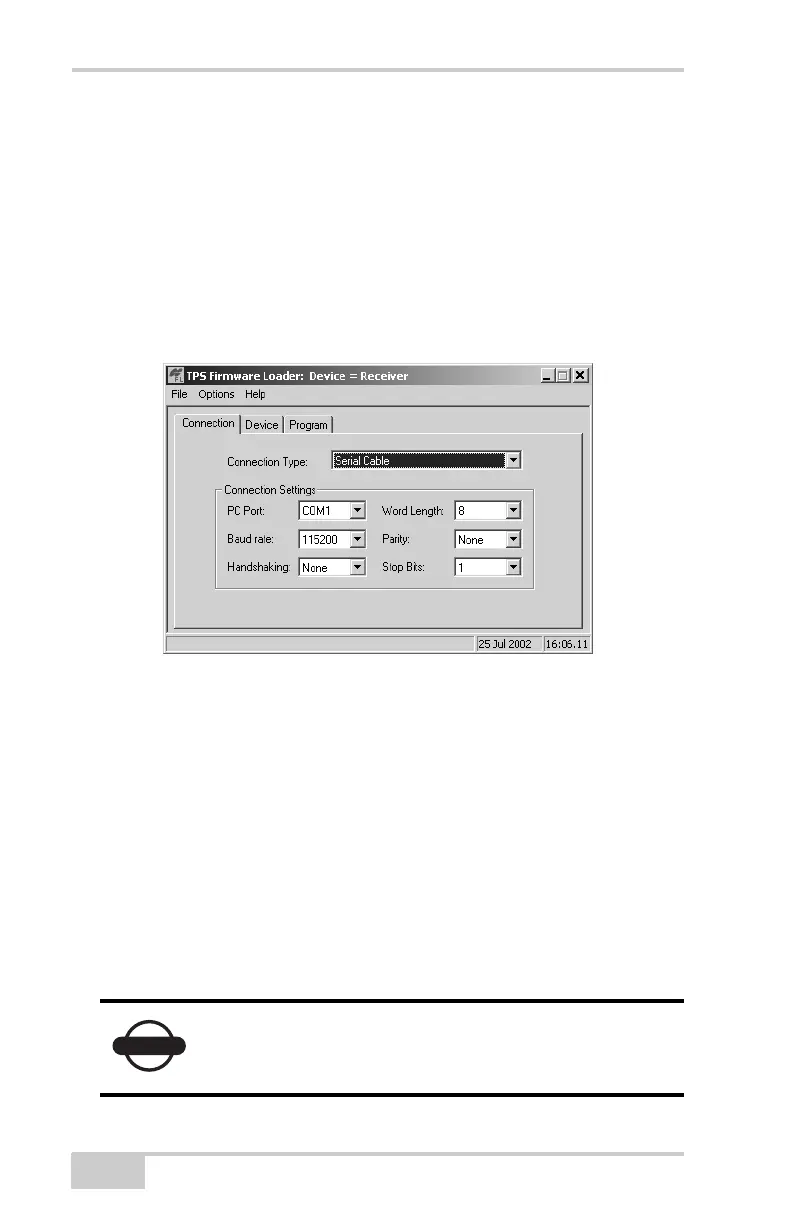
4. On the Connection tab, select the COM port on your computer
that connects with your receiver and select its speed (usually
115200) (Figure 5-10 on page 5-14).
5. See the following sections to load the appropriate firmware:
• “Loading Receiver and Power Board Firmware” on
page 5-14
• “Loading Bluetooth Module Firmware” on page 5-17
Figure 5-10. FLoader Main Screen
Loading Receiver and Power Board
Firmware
Receiver and power board firmware is released as a compressed file
that you download and decompress. This file contains the following
three files:
• ramimage.ldr – the Receiver board RAM file
• main.ldp – the Receiver board Flash file
• powbrd.ldr – the Power board RAM file
NOTICE
You must load all three files when loading new
firmware. These files must come from the same
firmware package.



 To Next Page