Installing Software
P/N 7010-0526
2-3
Computer requirements for PC-CDU are: Windows® 98 or newer and
an RS-232C or USB port, or Bluetooth capable. Use PC-CDU version
2.1.14p1 or newer to correctly configure the receiver.
1. Create a PC-CDU folder on your hard drive and place the
compressed PC-CDU zip file (retrieved from either the website or
the GPS+ CD) in this folder.
2. Navigate to the PC-CDU folder and double-click the PC-CDU
zip file.
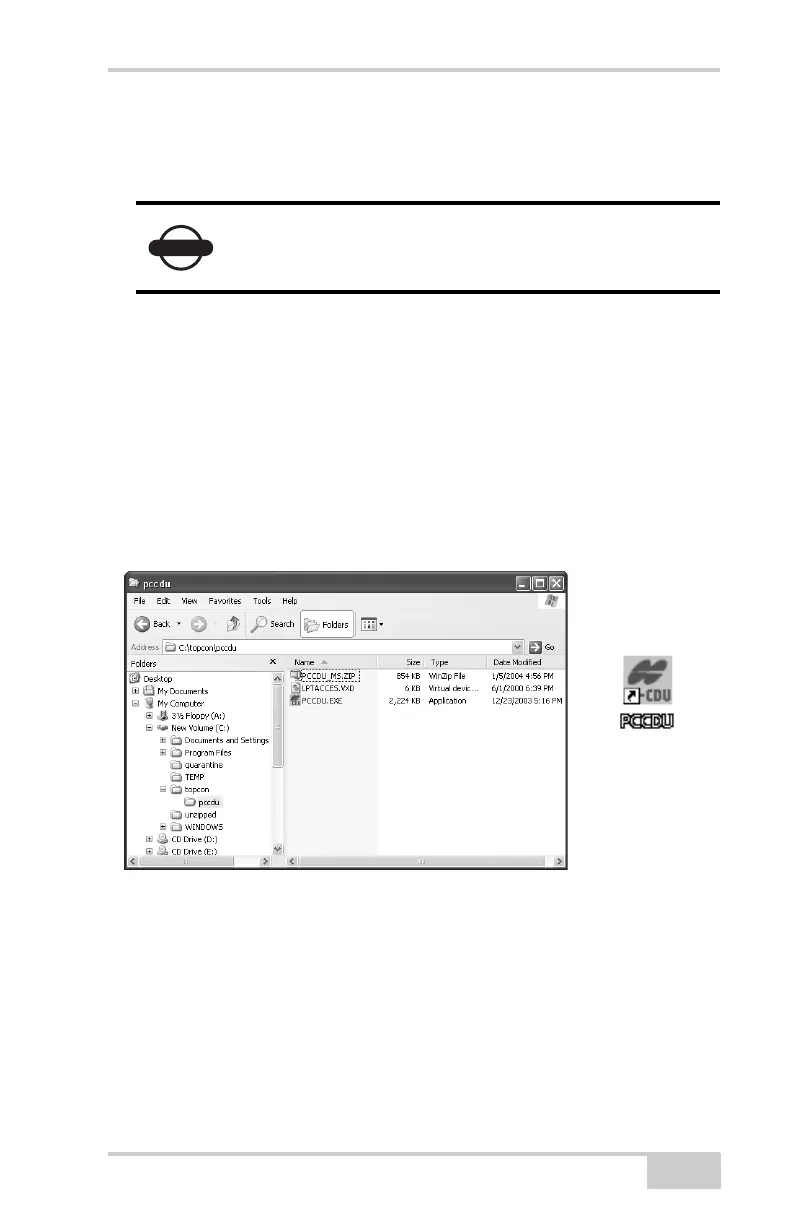
3. Extract the PCCDU.EXE and associated *.dll file to the PC-CDU
folder (Figure 2-1).
4. Create a shortcut on the computer’s desktop for quick access to
PC-CDU (Figure 2-1).
Figure 2-1. Extract Program and Create Shortcut
To uninstall PC-CDU, navigate to the location of the *.exe file. Select
the file and press Delete.
NOTICE
Refer to the PC-CDU Reference Manual for full
details on installing and using PC-CDU.



 To Next Page