Pre-survey Preparation
HiPer+ Operator’s Manual
2-8
The speed of the charge depends on the Power and Charger settings
configured using PC-CDU, and whether the receiver is turned off or
on. See “Power Management” on page 2-9 for more information. For
maximum battery charging speed, use one of the following
conditions:
• The receiver is turned off. Power Mode and Charger Mode are set
to Auto.
• The receiver is turned on. Power Mode is set to External and
Charger Mode is set to Auto.
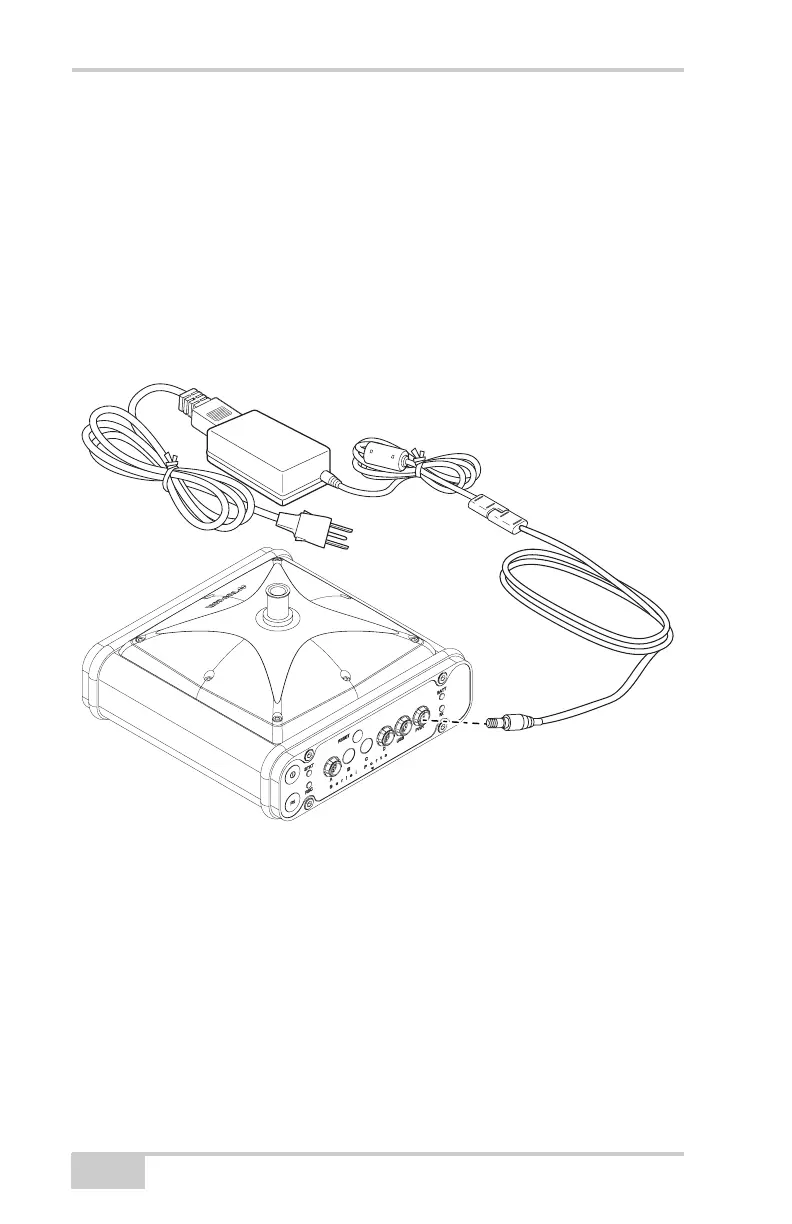
Figure 2-5. Insert Batteries in Charger and Connect to Outlet
The Li-Ion batteries used in the HiPer+ should run at no less than
80% capacity after 500 charging cycles. These batteries do not need
to be drained before recharging.
To grounded
outlet



 To Next Page