Control Box Symptoms
P/N 7010-0341 www.topconpositioning.com
9-3
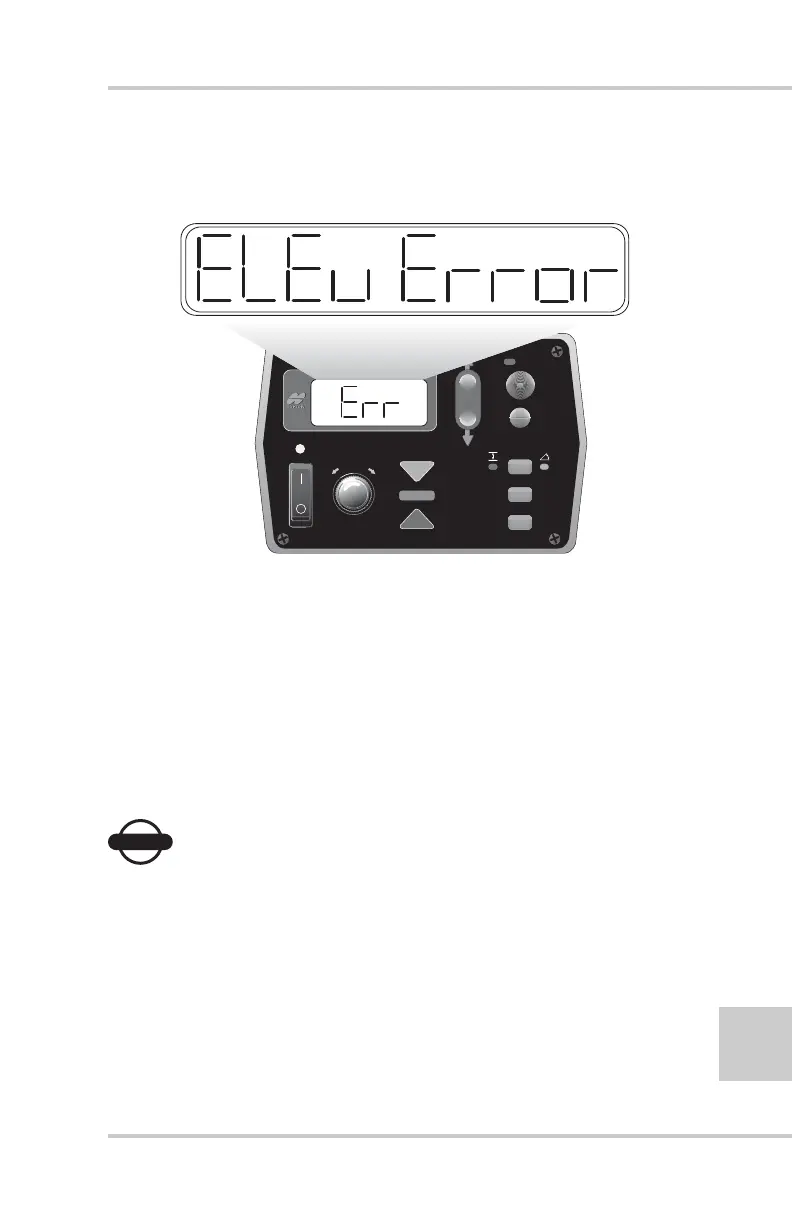
Control Box Symptom 2
“Control Box LCD shows Error” (Figure 9-1).
Figure 9-1. Error Display
Probable Cause
No communication with the sensor selected.
1. Check that all cables are properly connected to System
Five™ Control Box and sensors.
2. Disconnect cables and inspect them for damage or
contamination. Clean all connections with an electrical
contact cleaner.
NOTICE
NOTICE
Do not use electrical contact cleaner to clean the
Tracker's Transducer.
3. If elevation has been selected, one at a time, swap the
Sonic Tracker II™ and cables from the opposite side to
locate the error.
4. Refer to Tracker Symptom #1.
FiveSystem
AU
TO
S
UR
VEY
SET
(M
E
NU
)


 To Next Page