Operation & Menu Settings
Topcon Paver System Five Operator’s Manual
4-18
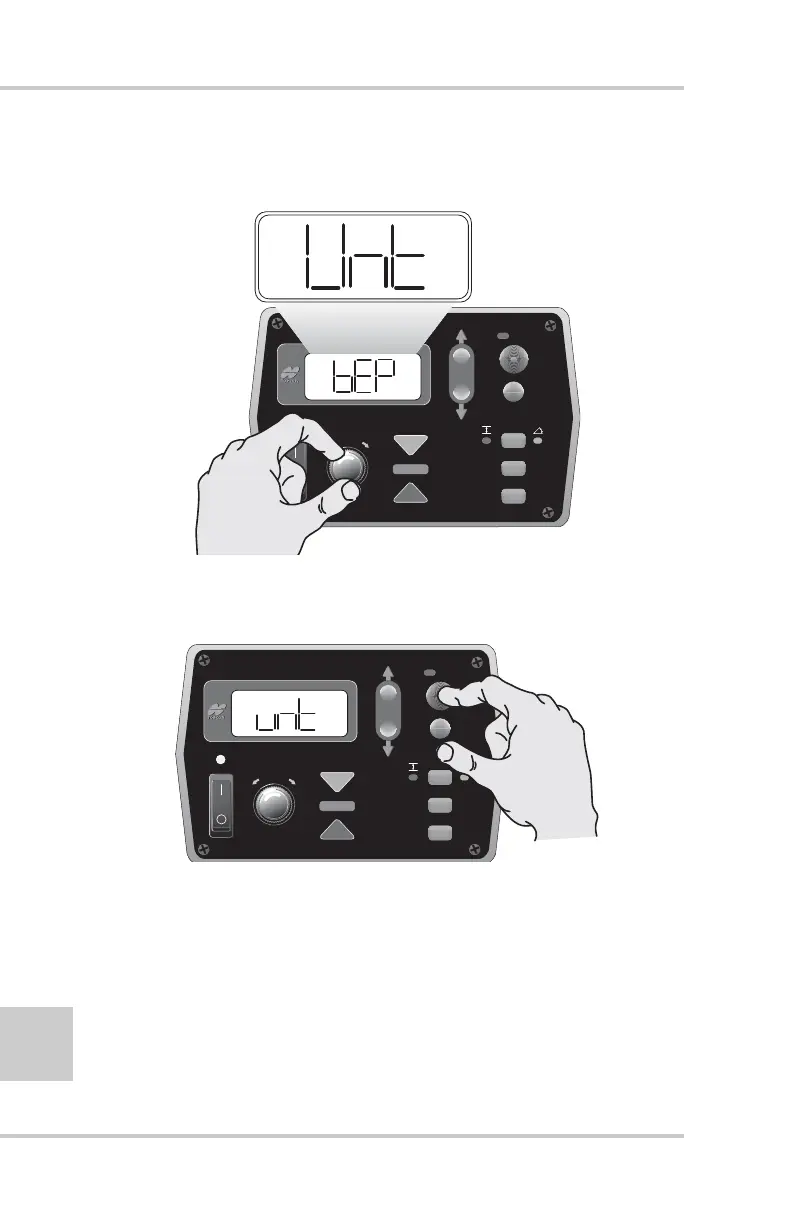
2. Rotate the Grade Adjustment Knob to scroll through the menu
selections located on the LCD (Figure 4-21).
Figure 4-21. Scrolling through the Performance Menu
3. Press the Auto button to select a menu item (Figure 4-22).
Figure 4-22. Selecting Performance Menu Items
FiveSystem
AU
TO
S
UR
VEY
SET
(M
E
NU
)
FiveSystem
AU
TO
S
UR
VEY
SET
(M
E
NU
)



 To Next Page