46
The S-4 Sculpting Sampler - Ofcial Manual
47
The S-4 Sculpting Sampler - Ofcial Manual
Audio Engine
3
Audio Engine
3
NOTES
NOTES
Tape has a number of parameter settings available across the two pages.
Press the [MATERIAL] button to switch between the available pages. The
selected page is indicated in top right display with the pages symbol.
Some parameters tagged
offer a number of ‘Mode Select’ options from a
pop-up list. This can be accessed for some parameters by pressing the
knob. Press and turn to select an item from the presented list.
** Tempo will be set automatically if a sample is loaded with the text ‘XXXBPM’ or ‘XXXbpm’
contained in the lename. The XXX number stated will be applied to the tempo parameter.
For example ‘CONTRA_Em_95BPM.wav’ sample will set the tempo to 95 BPM automatically
when loaded.
* SOS, Sound On Sound is applied to both overdubbed and new recordings and will apply an
amount of existing audio to the recording / overdub based on its %.
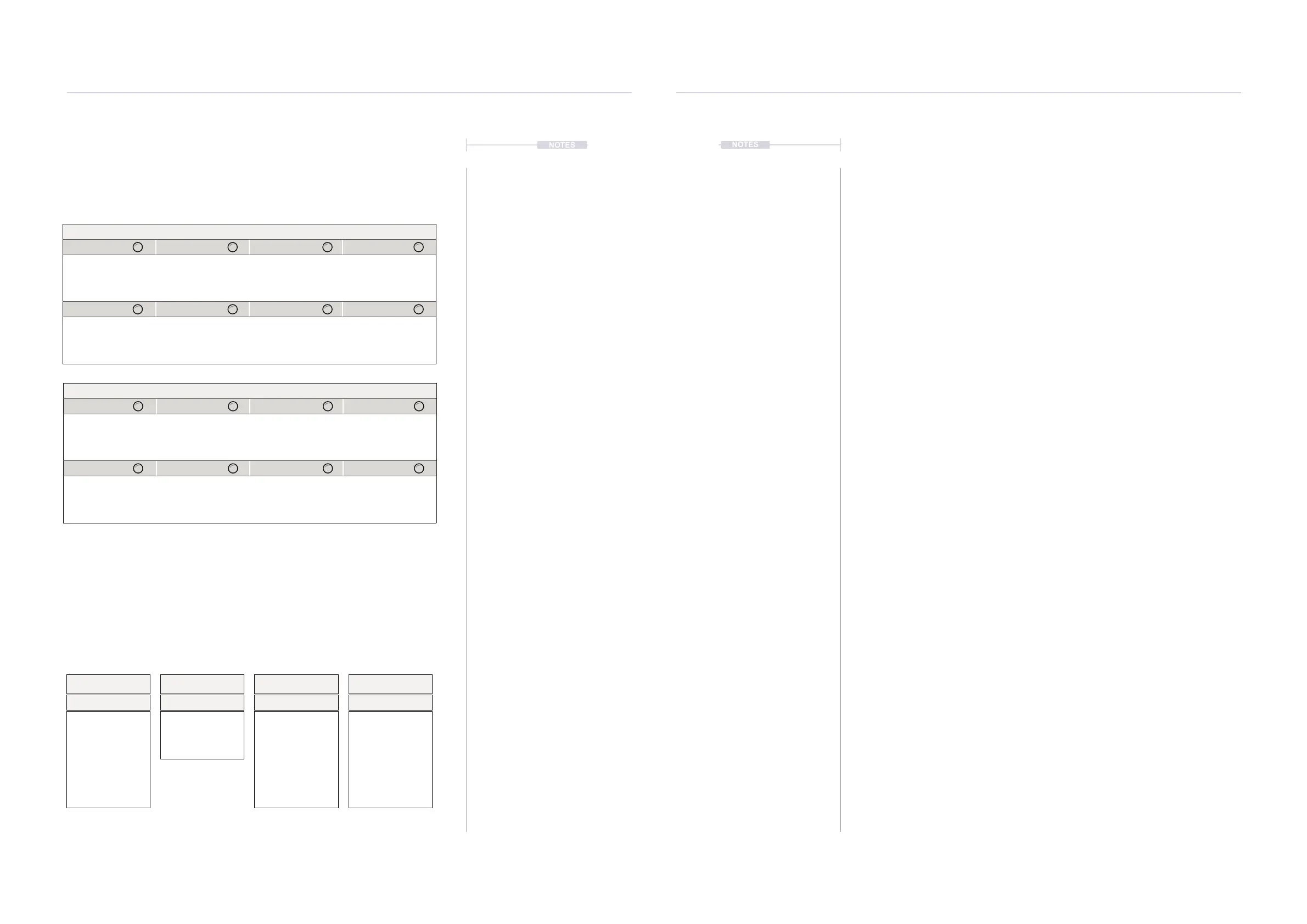
Parameter Knobs Page 1
Speed Tempo Start Length
Speed of the audio
playback on the tape.
Adjust the sample
tempo BPM **.
Synchronised to the
master tempo.
Start position of the
tape ‘reel’.
Length of the tape
‘reel’.
Rotate XFade
Shift the audio sample
tape position.
Applies a cross fade
at the loop end/start
crossover point.
Parameter Knobs Page 2
Glide Level SOS
Glide applied between
the tape speed
changes.
Gain level of the
existing tape audio.
Sound on Sound *.
Amount of audio
overdubbed from the
old to the new tape.
▌ LOADING A SAMPLE TO THE TAPE DEVICE
1. Select a track to edit. Press [TRACK], then select a track using the
action buttons located under the screen display.
2. Select the audio device slot, Press [MATERIAL] .
3. If not already set, select the ‘TAPE’ device for the active material slot,
Hold [CTRL] + Tap [MATERIAL] .
4. Press [LOAD], action button to open the sample browser.
5. The sample browser will open and prompt for navigating and selecting a
sample to load.
• Navigate by Turning (SELECT) or Press [UP] or [DOWN] action
buttons to highlight a le or folder.
• Press [BACK], action button to back up a level in the browser
folder structure. The current le structure position is shown at the
bottom of the page.
• To navigate into folders, Press [OPEN], action button or Press
(SELECT) to open the folder and drill down to the folder sub level.
• Press [SELECT], action button to load an highlighted sample.
Speed
Quantize to Scale
Start
Quantize Resolution
Tempo
Tempo Mode
Chromatic, Major,
Minor, Dorian, Lydian,
Mixolydian, Super
Locrian, Hex Aeolian,
Hex Dorian, Blues,
Pentatonic, Hirajoshi,
Kumoi, Iwato, Whole
Tone, Pelog, Tetratonic,
Fifths, Octaves, Free
8/1
4/1
2/1
1/1
1/2
1/4
1/8
1/16
Free
BPM
Free
BPM applies 1 BPM
adjustments only.
Free will allow changes to Tape Tempo, Start and Length without quantization.
8/1
4/1
2/1
1/1
1/2
1/4
1/8
1/16
Free
Length
Quantize Resolution



 To Next Page