E6582233
G-6
7
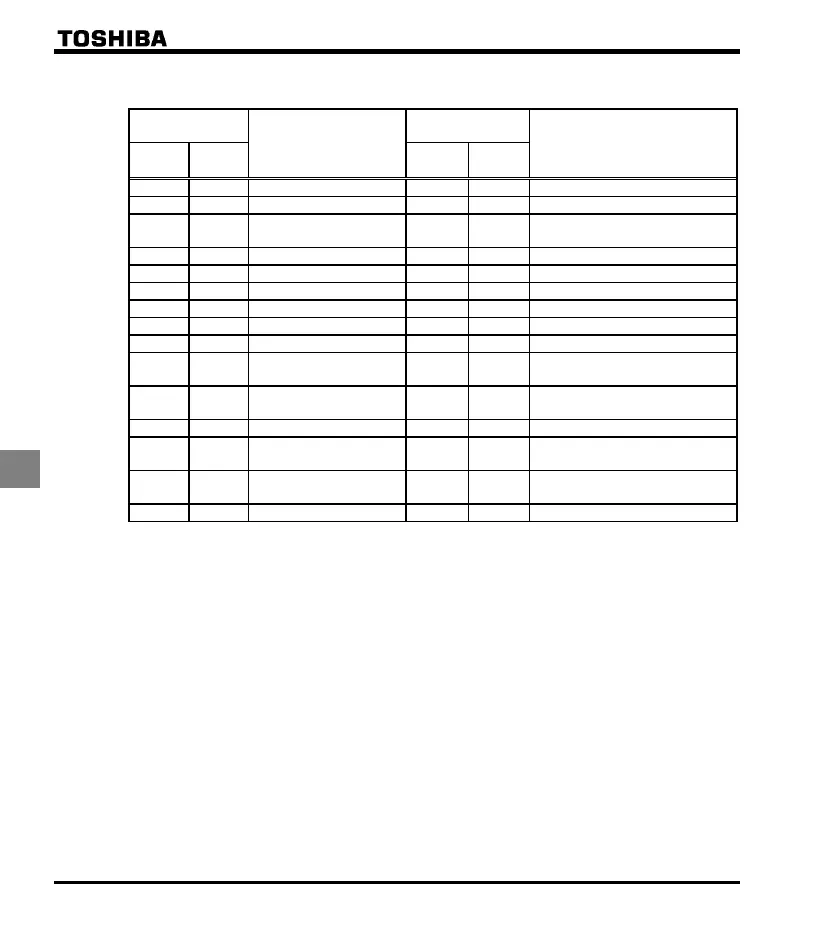
List of logic input terminal function settings
Parameter
programmed value
Function
Parameter
programmed value
Function
Positive
logic
Negative
logic
Positive
logic
Negative
logic
No function PID control prohibition
Forward run command Forced local from communication
Reverse run command Operation hold (hold of 3-wire
operation)
Standby PID integral/differential clear
Reset command PID characteristics switching
Preset-speed command 1 Frequency UP *1
Preset-speed command 2 Frequency DOWN *1
Preset-speed command 3 Clear frequency UP/DOWN *1
Preset-speed command 4 Coast stop command
Jog run mode Frequency setting mode terminal
board VI
Emergency stop by
external signal
Command mode terminal board
DC braking command Parameter editing permission
2nd
acceleration/deceleration
Forced deceleration command
2nd V/F control mode
switching
Parameter editing prohibition
2nd stall prevention level
*1: Active when (frequency setting mode selection) = (UP/DOWN from external logic input) is set.
The frequency setup range is from to (upper limit frequency). The acceleration/deceleration time
relative to the set frequency is / while the acceleration/deceleration speed is not switched.
☆ Refer to section 10.5 for details about the input terminal function.



 To Next Page
 Loading...







