E6582233
C-4
3
(3) Coast stop
The standard default is slowdown stop. To make a
coast stop, assign "6 (ST)" to an idle terminal.
Change to
=
.
For coast stop, open the ST-CC when stopping the
motor in the state described at left.The monitor on the
inverter at this time will display
.
coast stop can also be made by assigning "
(FRR)" to an idle terminal.
When doing this, a coast stop is done by FRR and CC
both turning on.
Motor
speed
ON
OFF
ON
OFF
F-CC
ST-CC
Coast stop
3.1.2 How to set the frequency
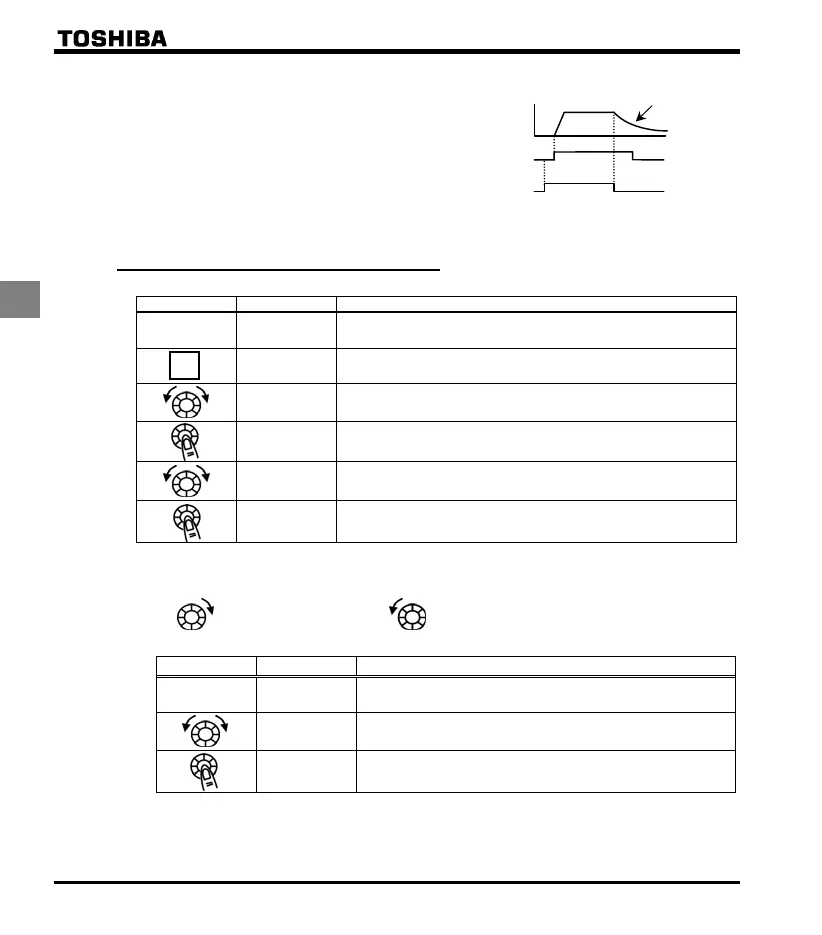
[Example of setting procedure]: Setting the frequency setting destination to the terminal block
Panel operation LED displa
Operation
Displays the operation frequency (operation stopped).
(When standard monitor display selection = [Operation frequency])
Displays the first basic parameter [History ()].
Turn the setting dial, and select "".
Press the center of the setting dial to read the parameter value.
(Standard default: ).
Turn the setting dial to change the parameter value to (terminal block
VI).
The parameter value is written. and the parameter value are
displayed alternately several times.
* Pressing the MODE key twice returns the display to standard monitor mode (displaying operation frequency).
(1) Setting using the keypad (= or )
: Moves the frequency up : Moves the frequency down
Example of operating from the panel (=: press in center to save)
Panel operation LED displa
Operation
Displays the operation frequency.
(When standard monitor display selection = [Operation frequency])
Set the operation frequency. (The frequency will not be saved if the
power is turned off in this state.)
Save the operation frequency. and the frequency are displayed
alternately.
MODE



 To Next Page
 Loading...







