19
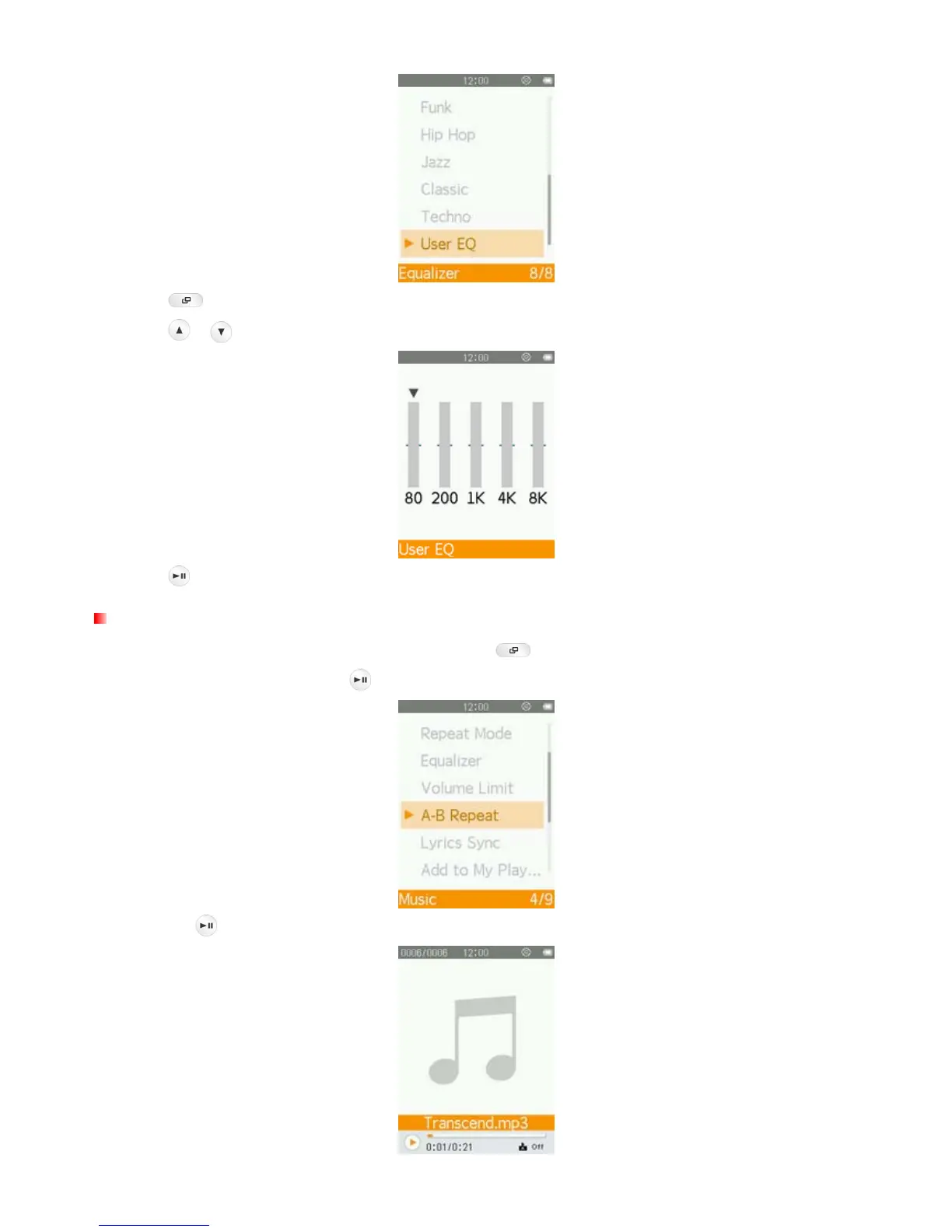
4. Press to switch between five bands: 80Hz, 200Hz, 1KHz, 4KHz, and 8KHz.
5. Press
/ to increase or decrease levels of each frequency range.
6. Press to confirm and return to the “Equalizer” menu.
A-B Repeat
1. While playing a song in the MUSIC mode, press the button to open the Options menu.
2. Select “A-B Repeat” and press
to enable this function.
3. Press the button to mark the beginning of the section you want to repeat.



 To Next Page