56
2. Use the
button to start/stop the stopwatch. Use the
button to clear the stopwatch.
3. The records of five stopwatch times can be saved. Use the
/ buttons to select the record
number you want to save to.
4. To exit the Stopwatch, press the
button.
Text Reader
To read E-Books on your MP710, you must first transfer “.txt ” files to the player
Reading E-Books and Text Files
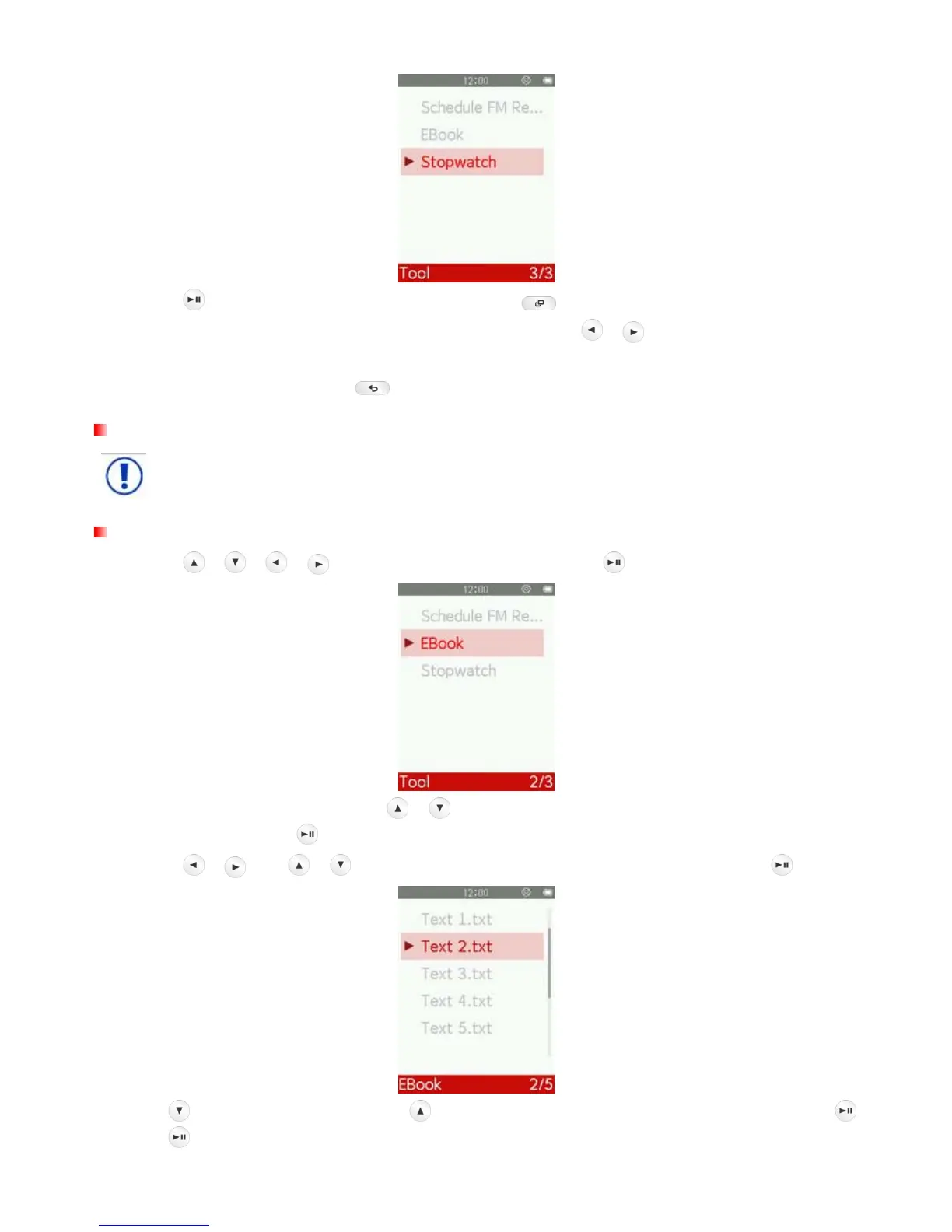
1. Use the
/ / / buttons to select “EBook” and press .
2. The File Browser will open. Use the
/ buttons to select the source location of the TXT file you
want to read and press d
. (Alternatively, you can find all files in the FILE BROWSER mode)
3. Use the
/ and / buttons to navigate to the file you want to read and press .
4. Press
to go to the next page. Press to go back one page. To enable Auto Page Turn press .
Press
again to turn pages manually.



 To Next Page