39
between your saved stations.
Adjusting the Volume
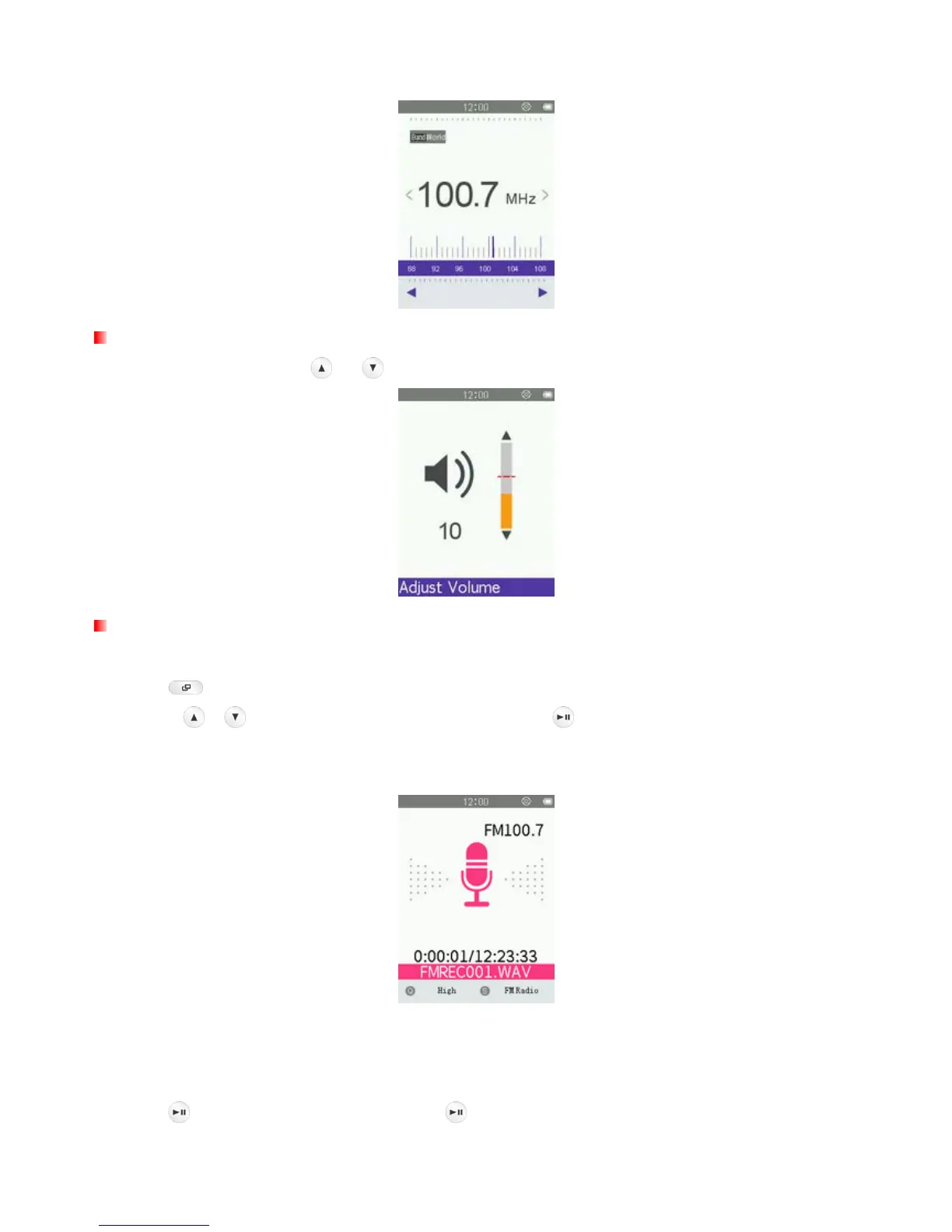
Press once or press and hold or until you reach the desired volume level.
Recording the Radio
1. Select a radio station that you want to record.
2. Press
to open the Options menu.
3. Use the
/ buttons to select “FM Record” and press .
4. An automatically generated file name for your recording, along with the current record quality, FM frequency
will appear.
ο FM Recordings are named and numbered in this format: “FMREC###.WAV”
Ex: “ FMREC012.WAV “ would be the twelfth FM recording
ο FM recordings are saved in the Internal Memory/RECORD
5. Press
to pause the recording, and press again to resume.



 To Next Page