51
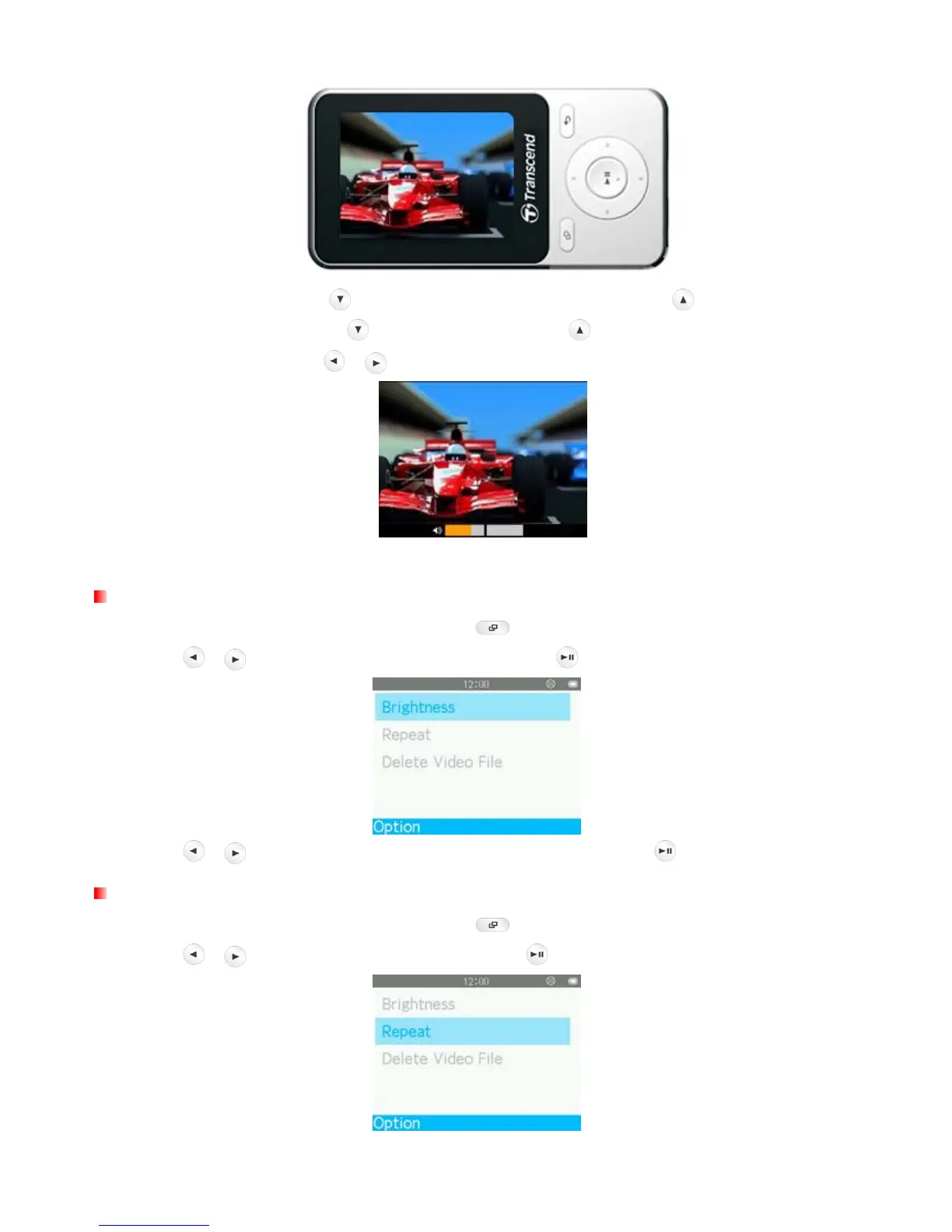
6. During video playback press
to go to the next available video, and press to go back.
7. To fast forward, press and hold
. To rewind, press and hold .
8. To adjust the volume, press
/ .
ο The MP710 only supports video files encoded in AMV /AVI video format.
Brightness
1. When viewing a file in the Video mode, press the button to open the Options menu.
2. Use the
/ buttons to select “Brightness” and press .
3. Use the
/ buttons to select the desired brightness level and press .
Repeat Mode
1. When viewing a file in the Video mode, press the button to open the Options menu.
2. Use the
/ buttons to select “Repeat” and press .



 To Next Page