47
ο Note: Large image files sometimes take a while to decode before they are displayed. If the decoding time
takes longer than the slideshow interval, the photo will be displayed immediately after it is decoded.
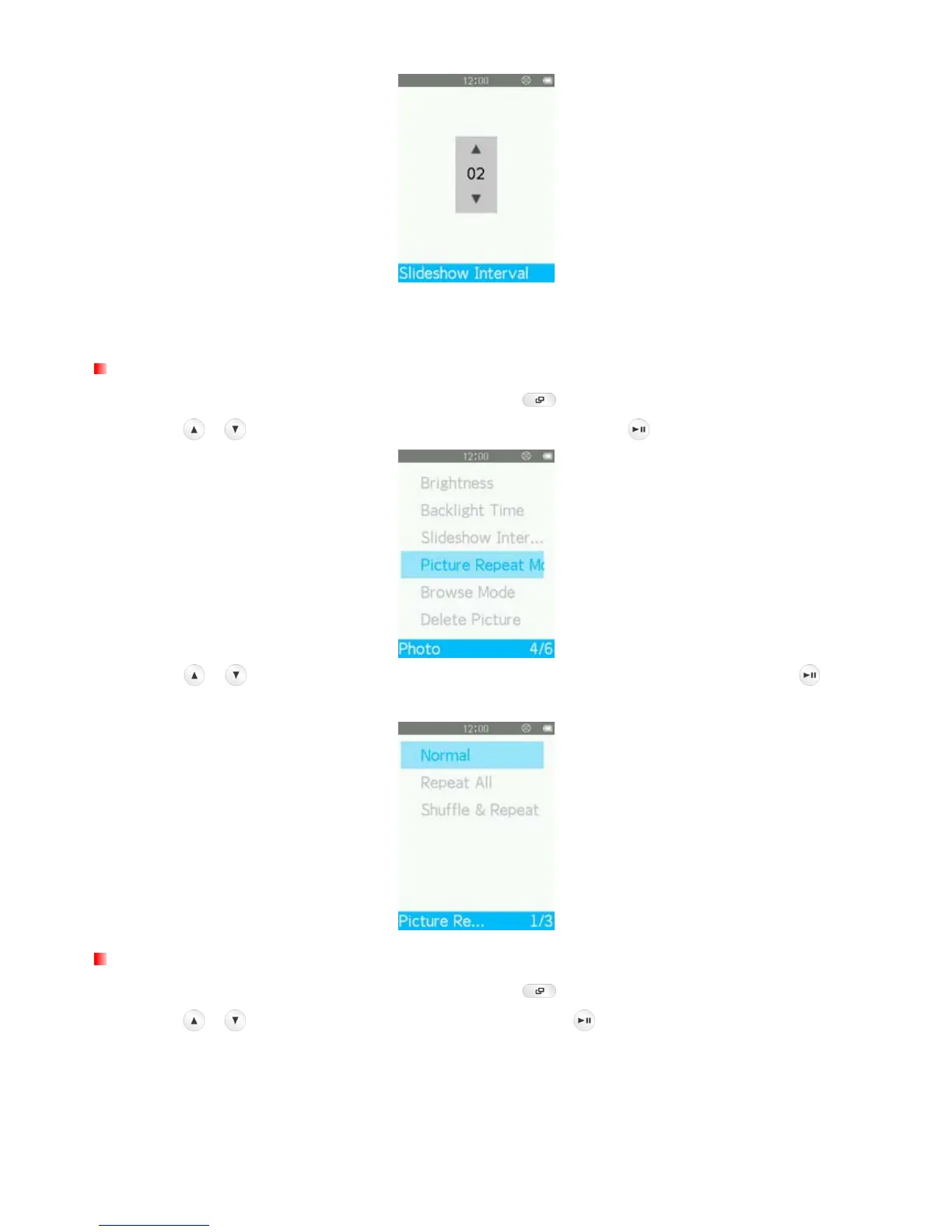
Picture Repeat Mode
1. While viewing an image in the PHOTO mode, press the button to open the Options menu.
2. Use the
/ buttons to select “Picture Repeat Mode” and press .
3. Use the
/ buttons to select “Normal”, “Repeat All” or “Shuffle & Repeat” and press , then
MP710 will start slideshow immediately.
Browse Mode
1. While viewing an image in the PHOTO mode, press the button to open the Options menu.
2. Use the
/ buttons to select “Browse Mode” and press .



 To Next Page