25
FITNESS Mode︱
Fitness Menu
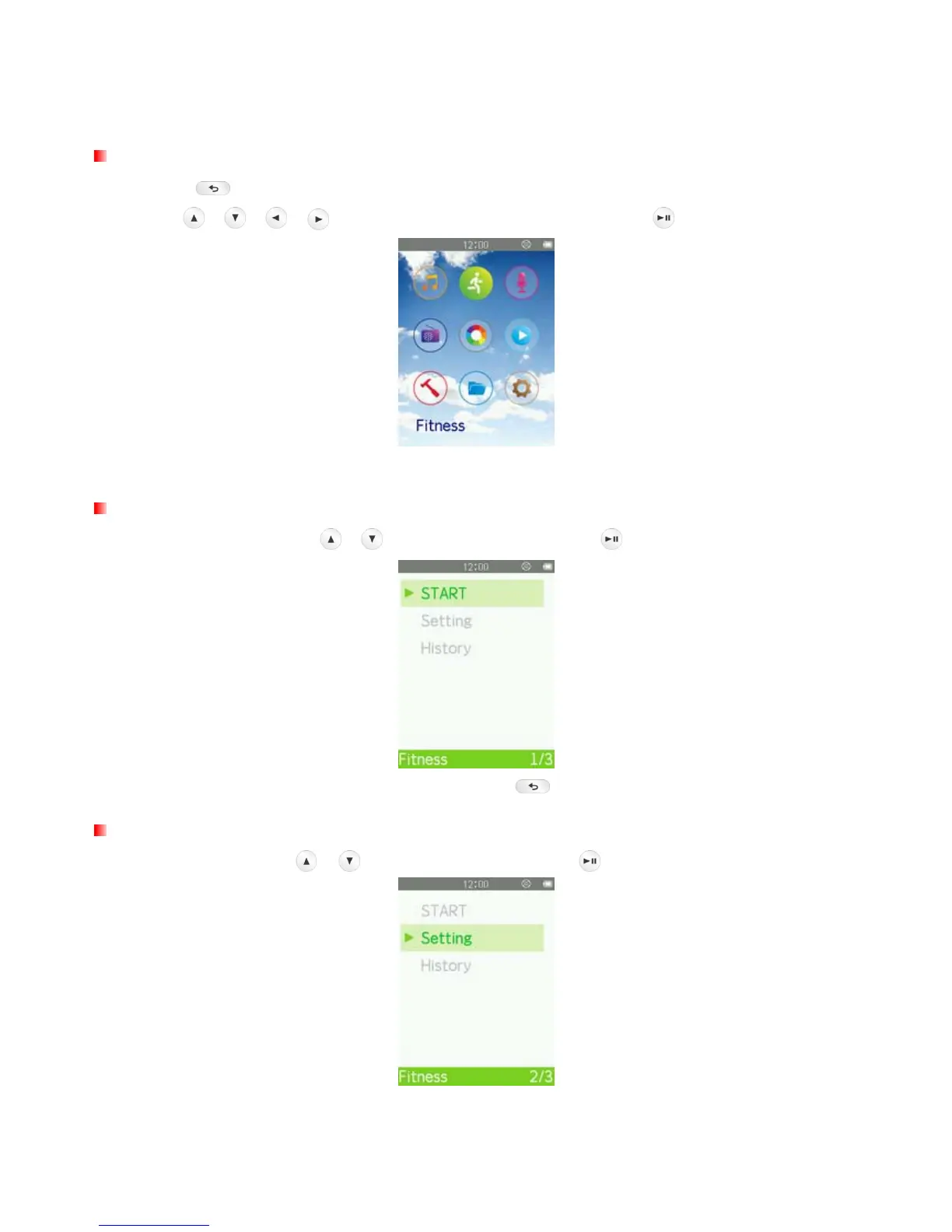
1. Press the
button to enter the Main Menu.
2. Use the
/ / / buttons to select “Fitness” mode and press .
3. The FITNESS menu will be displayed.
Enter Fitness Mode
1. In the FITNESS menu, use
/ to select “START” and press .
2. To exit Fitness Mode and save your fitness data, press .
Fitness Setting
In the FITNESS menu, use / to select “Setting” and press .



 To Next Page