35
Record Settings
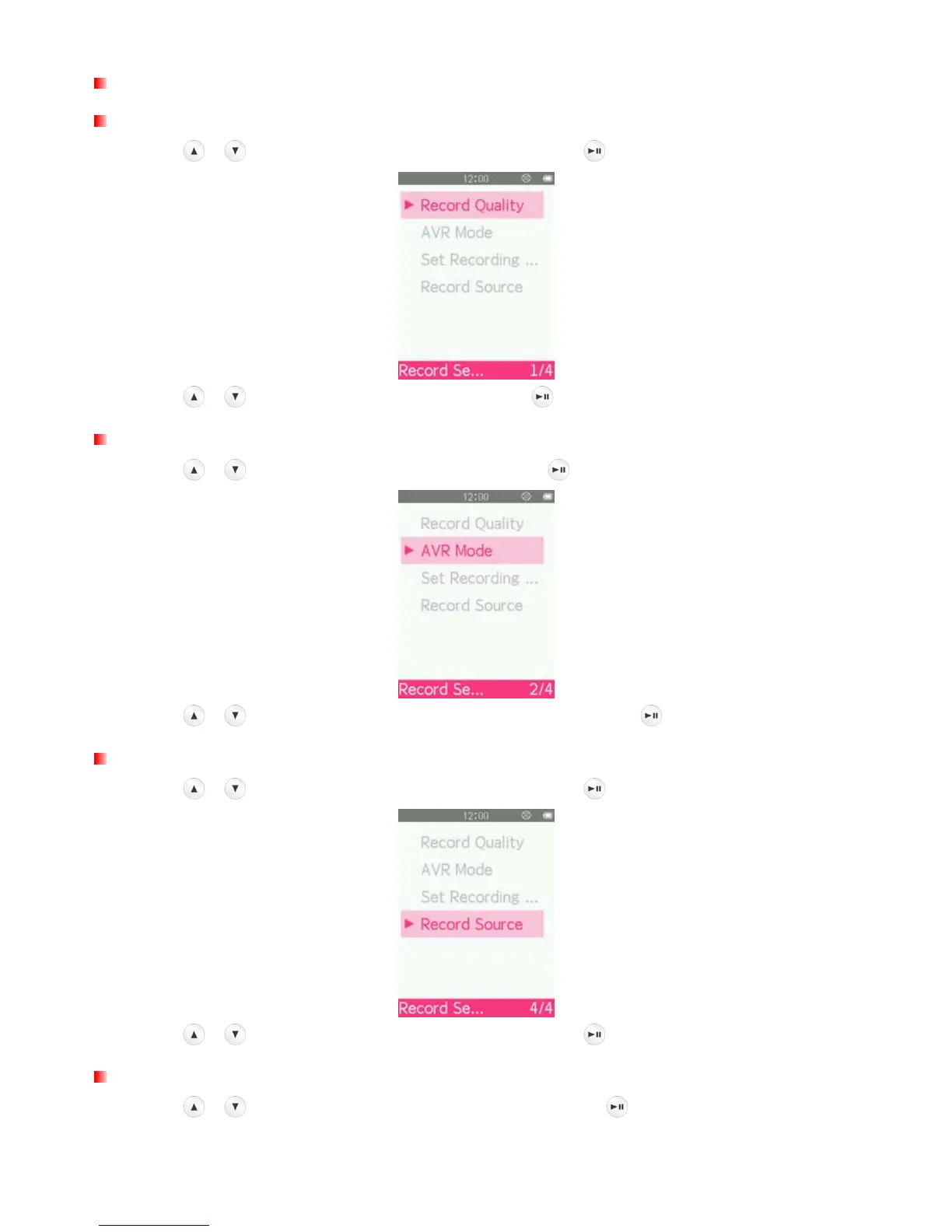
Set Record Quality
1. Use the / buttons to select “Record Quality” and press .
2. Use the
/ buttons to select the quality and press .
Track AVR (Automatic voice record) Mode
1. Use the / buttons to select “AVR Mode” and press .
2. Use the
/ buttons to select “Normal” or “AVR Mode” and press .
Set Record Source
1. Use the / buttons to select “Record Source” and press .
2. Use the
/ buttons to select the record source and press .
Set Record Scene
1. Use the / buttons to select “Set Record Scene” and press .



 To Next Page