27
2. Use /
to select each field. Adjust the values of each field with the
/
buttons and press
.
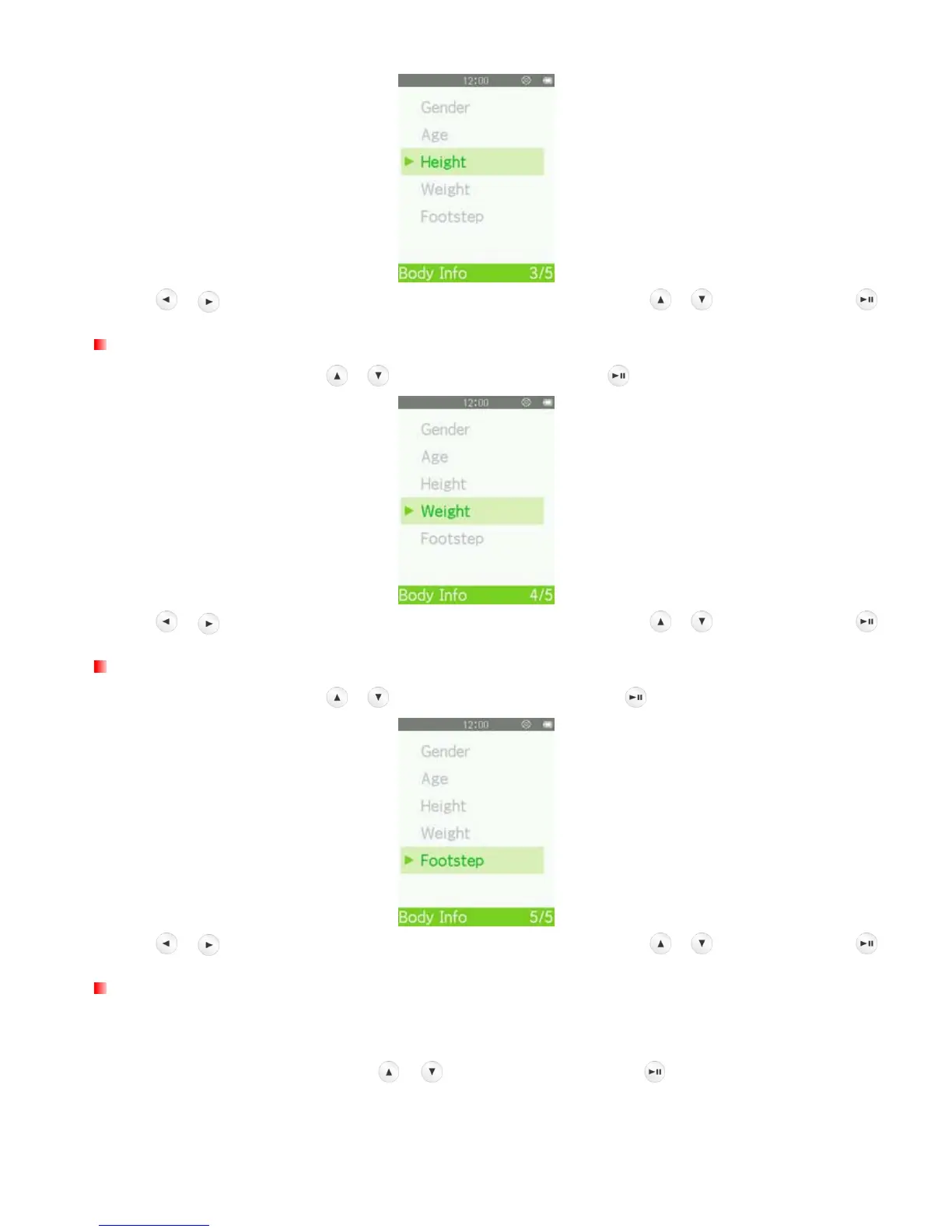
Enter Weight
1. In the Body Info menu, use
/ to select “Weight” and press .
2. Use /
to select each field. Adjust the values of each field with the
/
buttons and press
.
Enter Footstep
1. In the Body Info menu, use / to select “Footstep” and press .
2. Use /
to select each field. Adjust the values of each field with the
/
buttons and press
.
Sport Goal Setting
The MP710 can set five types of goals. (Normal, Step, Distance, Calorie, Timer).
In the FITNESS SETTING menu, use / to select “Goal” and press .



 To Next Page