46
3. Use the
/ buttons to select the desired brightness level and press .
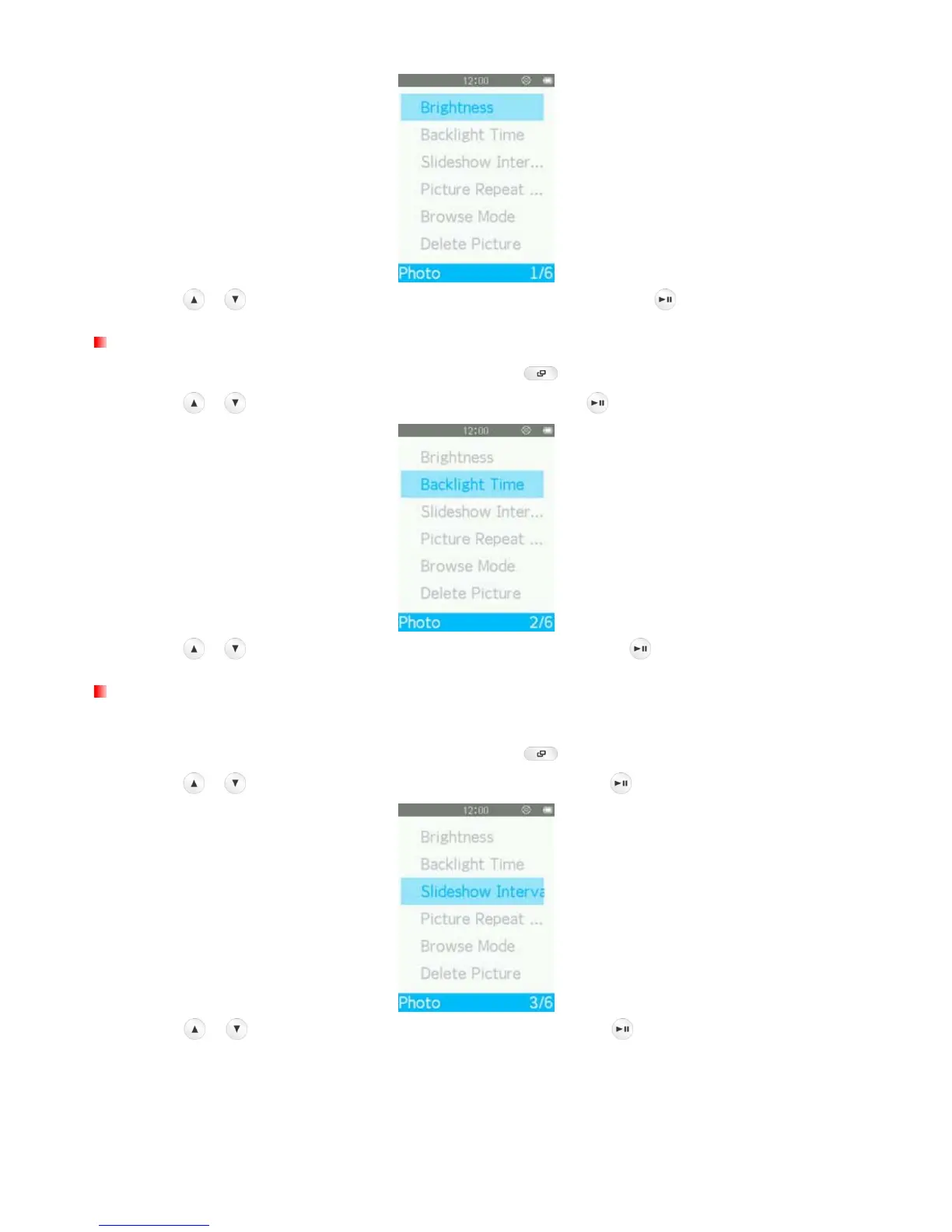
Backlight Timer
1. When viewing an image in the PHOTO mode, press the button to open the Options menu.
2. Use the
/ buttons to select “Backlight Time” and press .
3. Use the
/ buttons to select the desired interval time and press .
Slideshow Interval
This option adjusts the amount of time in between each picture displayed when viewing slideshows.
1. When viewing an image in the PHOTO mode, press the
button to open the Options menu.
2. Use the
/ buttons to select “Slideshow Interval” and press .
3. Use the
/ buttons to select the desired interval time, press to confirm. (Adjustment range:
2sec ~ 30sec).



 To Next Page