22
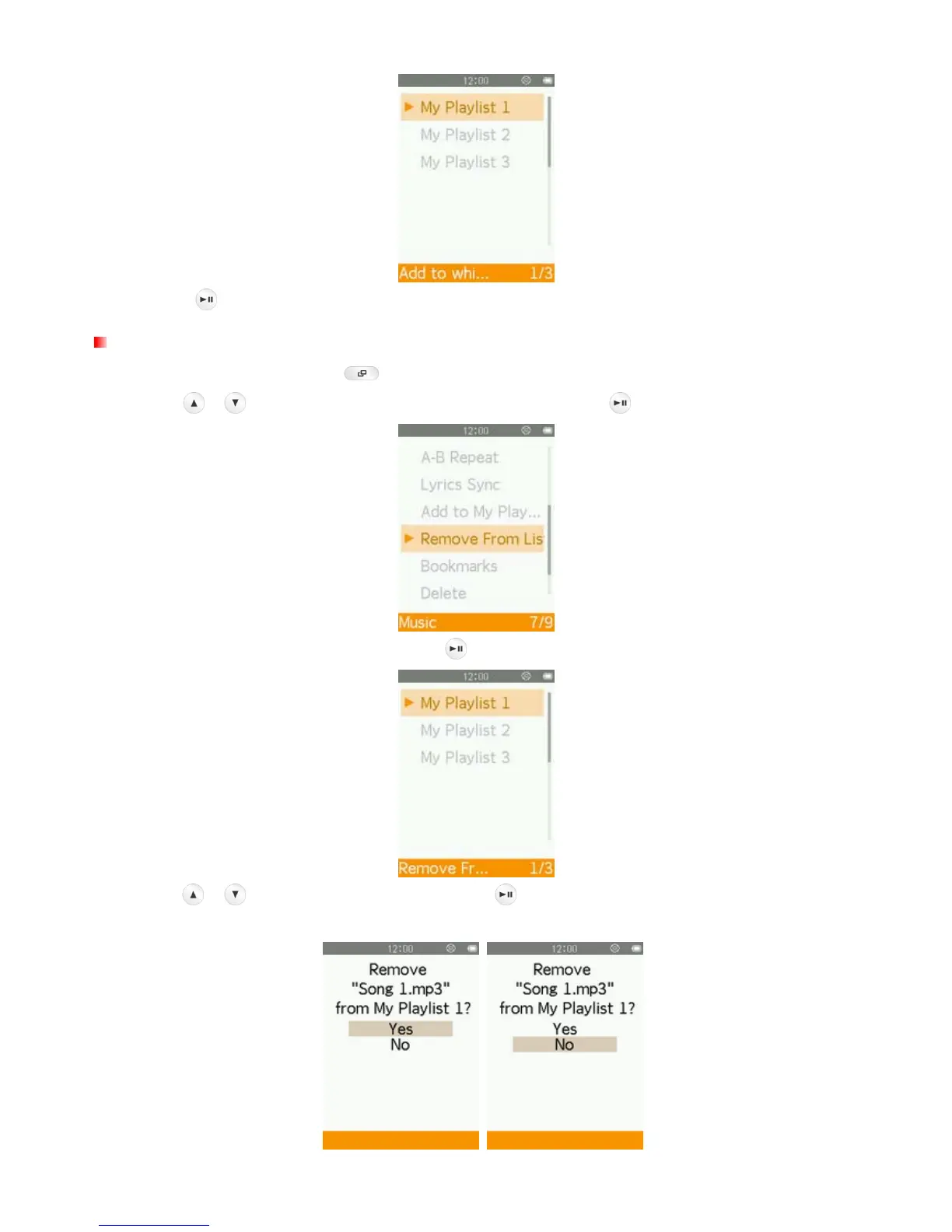
4. Press the button to add the currently playing song to the highlighted playlist.
Removing a Song from My Playlist
1. In the MUSIC mode, press the button to open the Options menu.
2. Use the
/ buttons to select “Remove From List” and press .
3. Select the playlist you want to edit and press .
4. Use the / buttons to select “Yes” and press to remove the song (note: this will only remove the
selected song from the current playlist, and will not actually delete the file from the internal memory).



 To Next Page