54
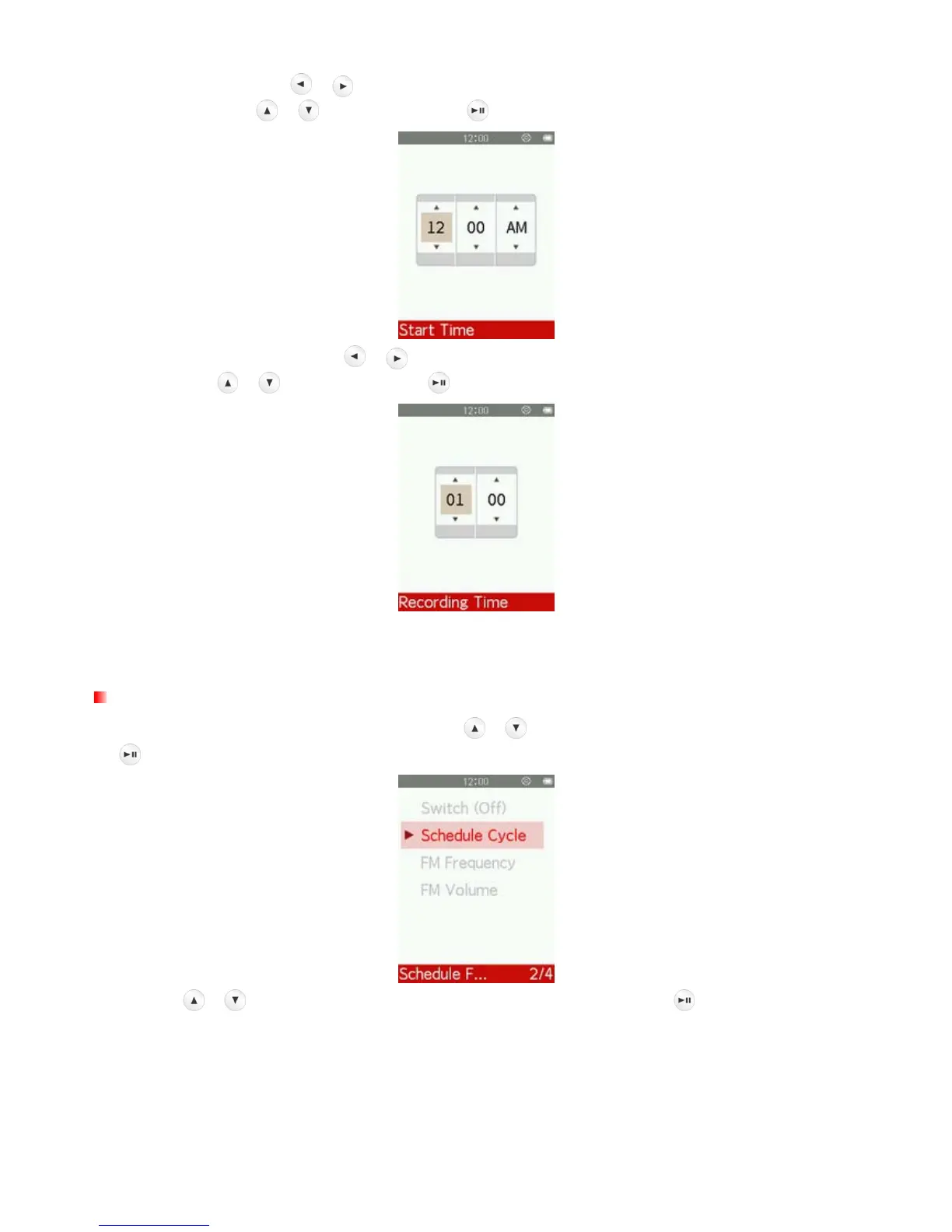
3. If you select “On”, use / to move between Hour, Minute and AM/PM, and adjust the values of
each field with the
/ buttons, and press to set “Start Time” of Schedule FM Recording.
4. After setting “Start Time”, use
/ to move between Hour, Minute, and adjust the values of each
field with the
/ buttons, and press to set “Recording Time” of Schedule FM Recording.
5. After setting “Recording Time”, Schedule FM Recording is turned on, and you will return to the menu
which displays the current setting status.
Schedule Cycle
1. In the Schedule FM Recording menu, use the
/ buttons to select “Schedule cycle” and press
.
2. Use the
/ buttons to select “Once”, “Daily” or “Work day” and press .
Once Only record once
Daily Record every day
Work day Monday to Friday



 To Next Page