63
Settings︱
Settings Menu
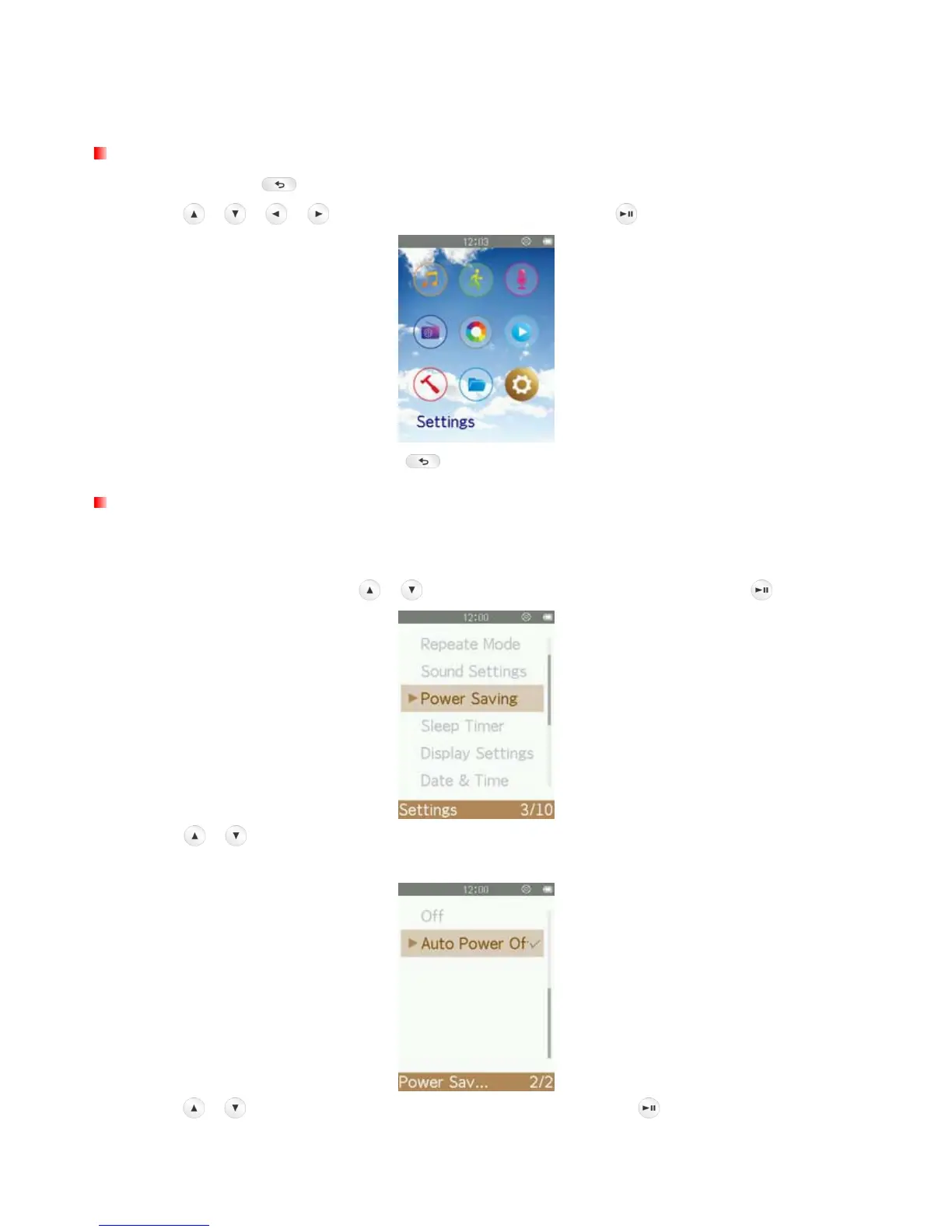
1. Press and hold the button to go to the Main Menu.
2. Use the
/ / / buttons to select “Settings” and press .
3. To exit the SETTINGS menu, press the button.
Power Saving
This function sets a time delay to automatically power OFF the MP710 when none of the functions is in use,
thus prevents the MP710 from running out of battery.
1. In the SETTINGS menu, use the
/ buttons to select “Power Saving” and press .
2. Use the / buttons to select “Auto Power off” to adjust auto power off timer or “Off” to turn off this
function.
3. Use the / buttons the select the preferred time delay and press to confirm. (Adjustment range:
1 Minute ~ 99 Minute)



 To Next Page